
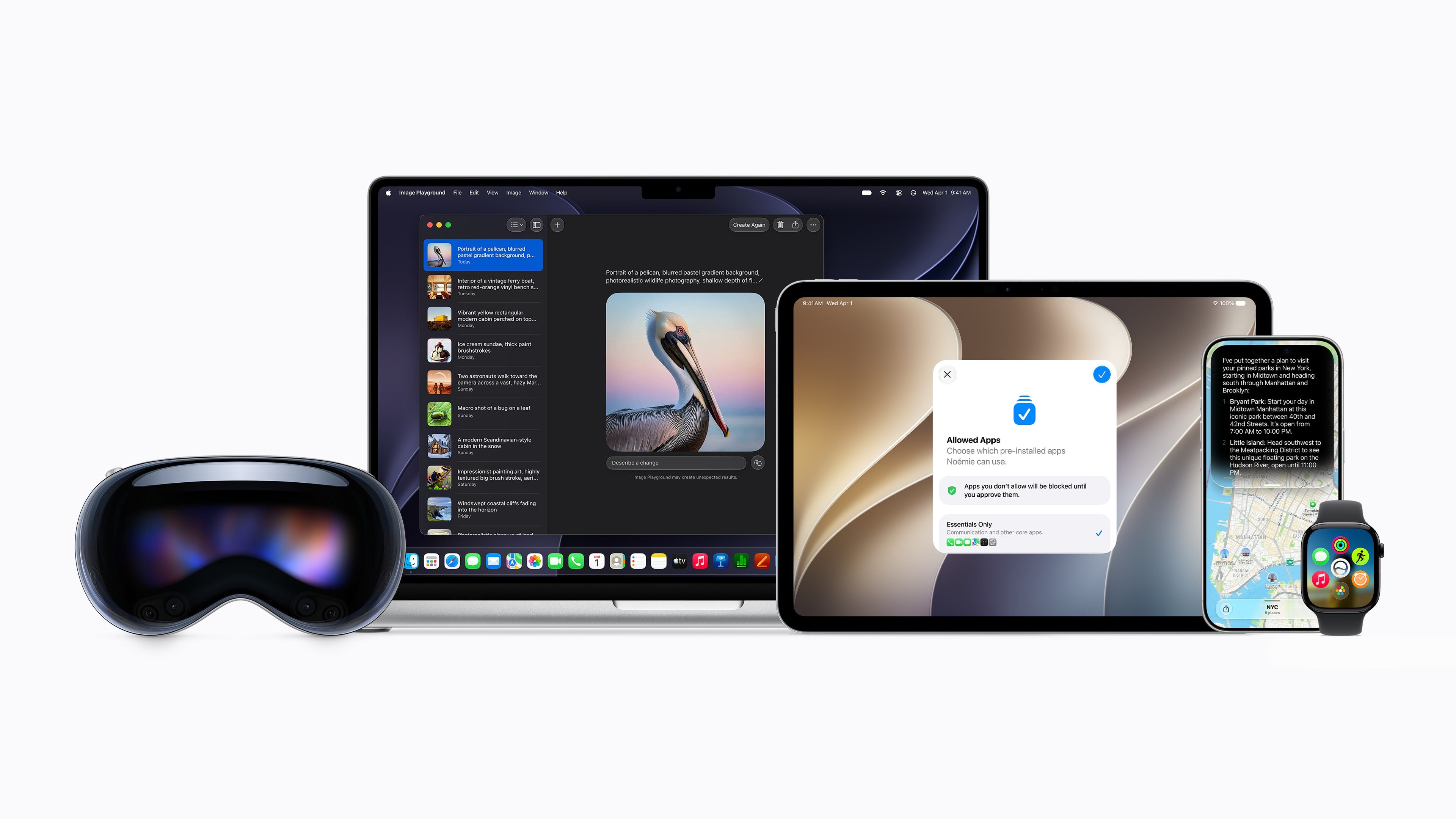
Apple has started rolling out the third betas of iOS 27, iPadOS 27, macOS Golden Gate 27, tvOS 27, and visionOS 27 to developers. These updates come two weeks after the release of the second beta software for these versions. The said updates include improvements to Liquid Glass, a new Siri AI, new Screen Time options, and more, announced at WWDC held last month. The first beta introduced beta testers to a series of changes, and the second beta refined the software further, and we can only expect the same from beta 3, as we near the release of the Public Beta.
Here are the build numbers for the new developer betas:
- iOS 27.0 and iPadOS 27.0 Beta 3: 24A5380h
- macOS Golden Gate 27.0 Beta 3: 26A5378j
- watchOS 27.0 Beta 3: 24R5315i
- visionOS 27.0 Beta 3: 24M5316k
- tvOS 27.0 Beta 3: 24J5315i
Unlike last time, Apple has released the third beta for watchOS 27 along with the other versions, and it might bring in the new Siri AI, which was missing from the previous beta versions.
Usually, as we progress through the beta cycle, the letter at the end of a build number is in descending order. The letters ‘h’, ‘i’, ‘j’, and ‘k’ towards the end of the build number indicate that we have several more beta versions before the Release Candidate, which is expected to be released in September before the new iPhones are announced.
We can expect the next betas for version 27.0 to be rolled out after 2 weeks, and public betas sometime this week. Users who are registered as a developer on www.developer.apple.com can opt in to receive beta updates by going into Settings>General>Software Update>Beta Updates and selecting Developer Beta.
Do note that these versions are not stable and are meant for testing purposes. They are not recommended to be downloaded on a primary device due to the nature of beta software.
What’s your favorite feature? Let us know in the comments or write to us on @appleosophy! Be sure to download the Appleosophy App from the App Store or visit our website to stay updated with the latest Apple news!
Comments
Comments will load as you approach this section.