
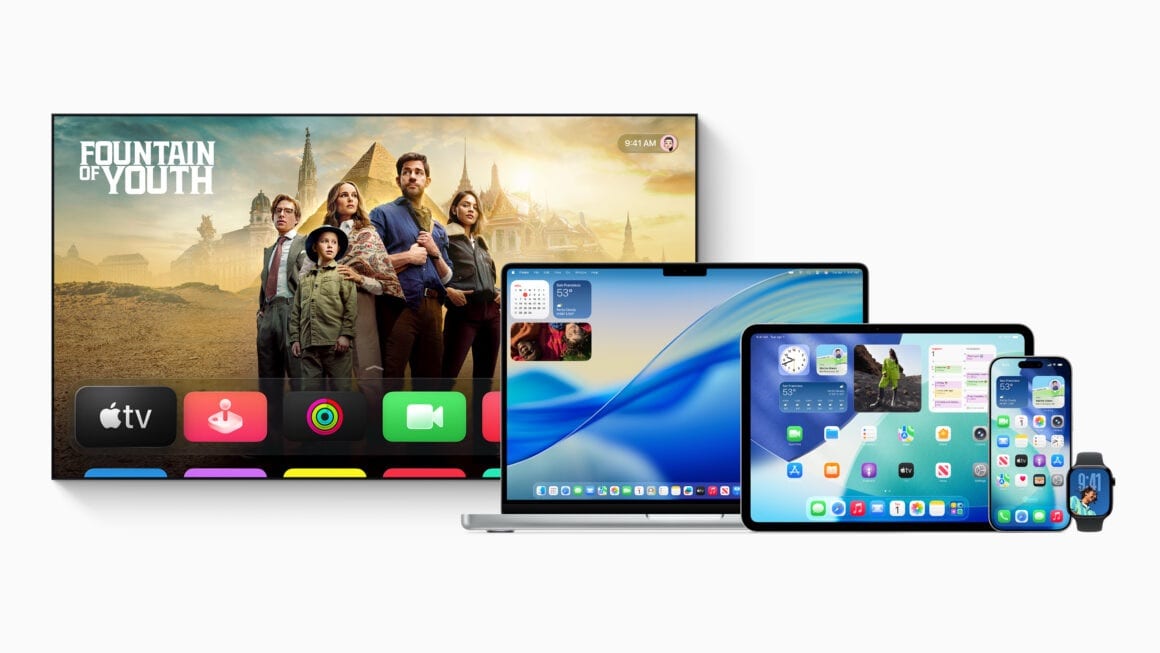
Apple has started rolling out the fifth betas of iOS 26.6, iPadOS 26.6, macOS Tahoe 26.6, watchOS 26.6, tvOS 26.6, and visionOS 26.6 to developers. These updates come one week after the release of the fourth betas for these versions. With the release of the first beta, iOS 26.6 introduced a new alert or warning when a user tries to exceed the limit of blocked contacts.
Here are the build numbers for the new developer betas:
- iOS 26.6 and iPadOS 26.6 Beta 5: 23G5065a
- macOS Tahoe 26.6 Beta 5: 25G5065a
- watchOS 26.6 Beta 5: 23U5062b
- visionOS 26.6 Beta 5: 23O5765a
- tvOS 26.6 Beta 5: 23L5766a
Usually, as we progress through the beta cycle, the letter at the end of a build number is in descending order. The letters ‘a’ and ‘b’ towards the end of the build number indicate that we might have 1-2 more beta versions before the Release Candidate. Since Apple has switched to a weekly release schedule for version 26.6, we can expect beta 6 or the Release Candidate to be rolled out next week, and the stable update to the public later this month, most likely after two weeks.
This update will be one of the last major updates to version 26, as Apple is currently focusing on version 27. Several Apple Watch models, iPad models, and Mac models will not be compatible with version 27. There are no new major AI features in version 26.6; however, Apple has introduced an even smarter Siri with Personal Context, new Photo Editing options, Agentic Password updating, improved Image Playground, and more in version 27 on devices that support Apple Intelligence.
Users who are registered as a developer on www.developer.apple.com can opt in to receive beta updates by going into Settings>General>Software Update>Beta Updates and selecting Developer Beta.
Do note that these versions are not stable and are meant for testing purposes. Did you find any more features in these updates? Let us know down in the comments or write to us on @appleosophy! Be sure to download the Appleosophy App from the App Store or visit our website to stay updated with the latest Apple news!
Comments
Comments will load as you approach this section.