
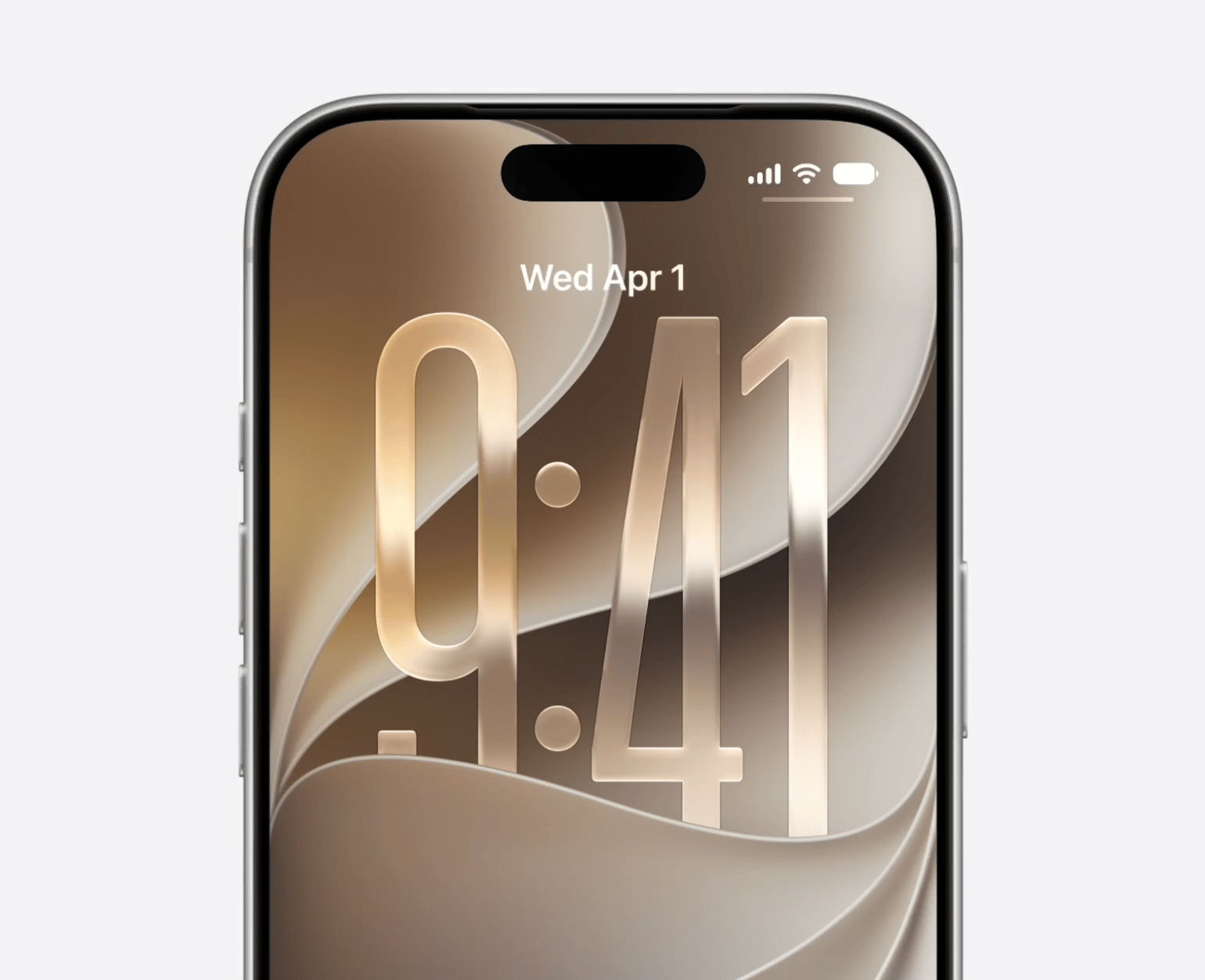
New App Icons:
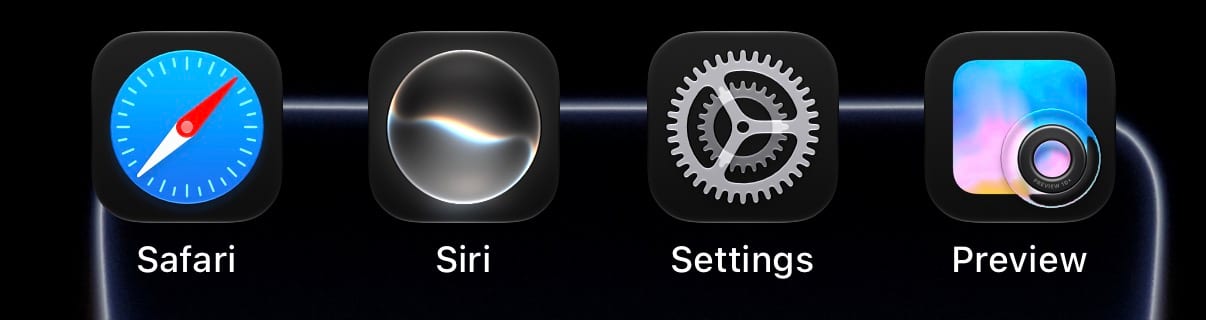
The first change one will notice after installing the update is the new app icons for Safari, Siri, Settings, TV Remote, and Preview.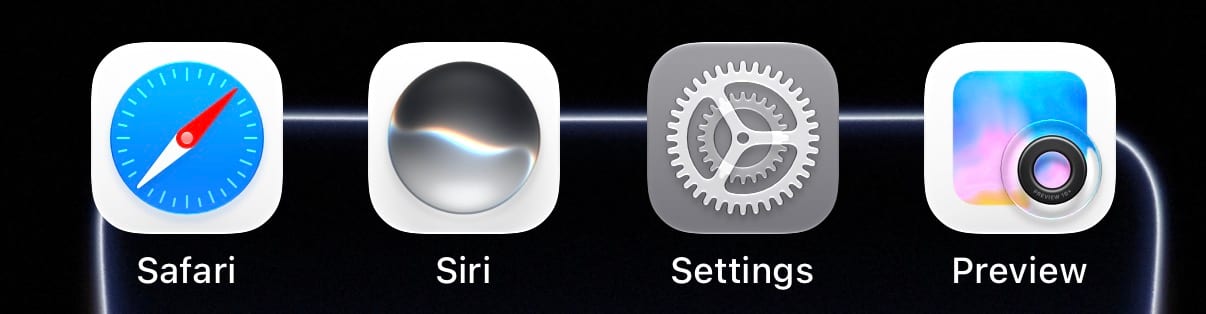
Updates to WiFi and Cellular:
iOS 27 beta 5 includes a slight change to the Control Center icons for WiFi and Cellular. The network bars are slightly taller, while the WiFi symbol is slightly wider. Another change introduced in the previous beta has been reverted, as the Control Center will no longer show 5G/4G next when you’re connected to WiFi. Beta 5 also comes with a modem update, so we can expect an overall improvement in stability as well.Siri:
Apple has added multiple new voice options for Siri under Expressive Voices Preview on the iPhone 17 Pro, iPhone 17 Pro Max, and iPhone Air, including voices in British English.Spotlight Search:
Going into Settings>Search, you’ll see a new section called ‘Before Searching’ which will allow users to customize how many apps are suggested (4 apps, 8 apps, or none), along with toggles to enable or disable ‘Suggest App Shortcuts’ and ‘Show Recent Searches’.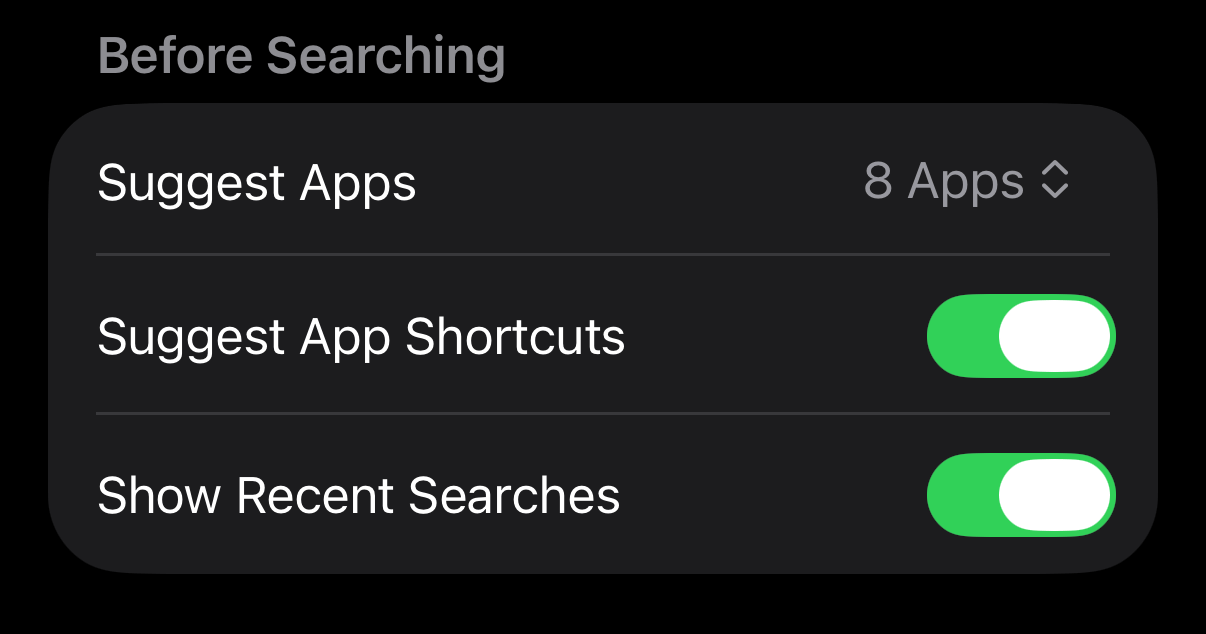
Software Update:
Going into Settings>General>Software Update>More Details will now show when the update was installed.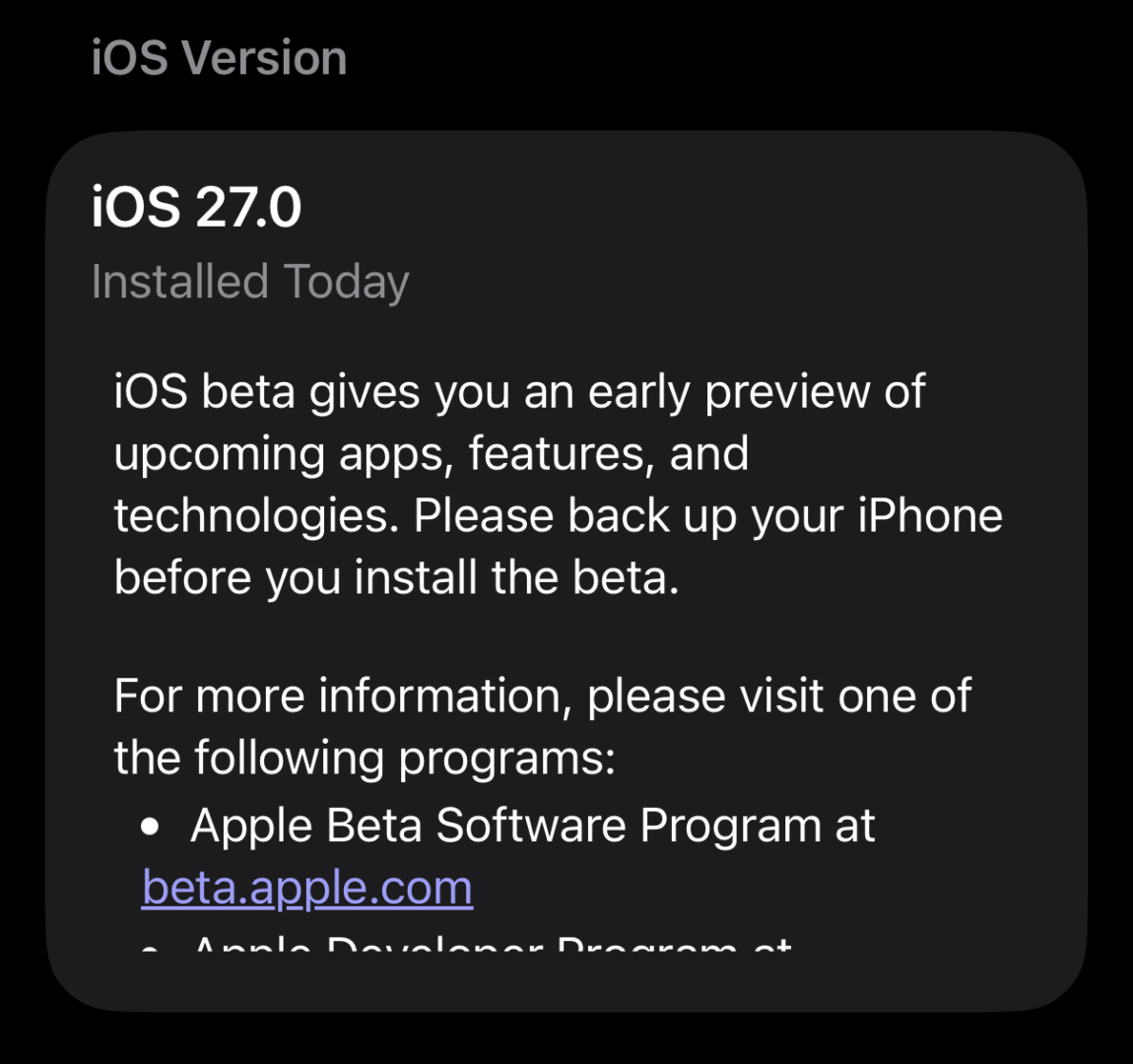
Clock App:
The clock app now features a bolder font under Alarms and Timers.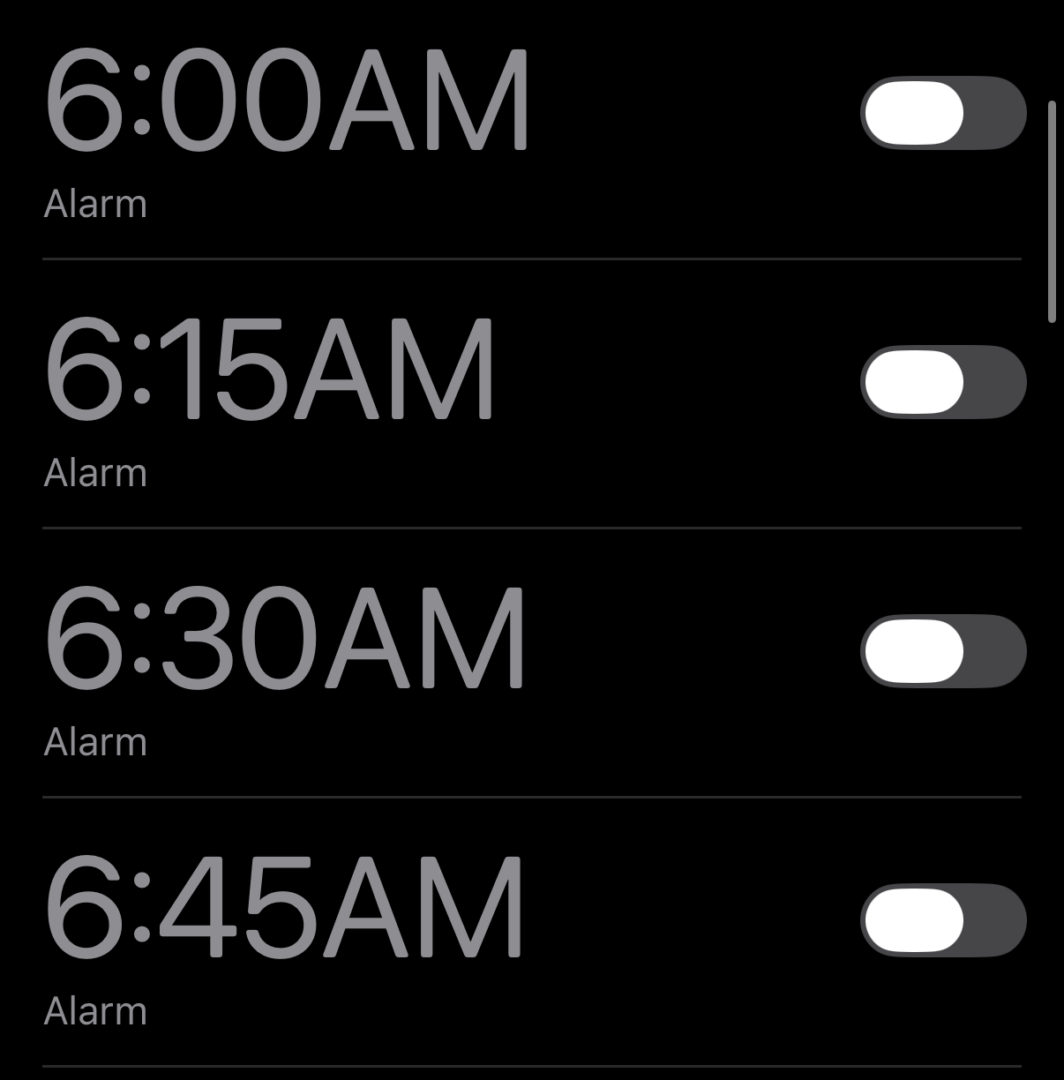
New Splash Screens:
Apple has added new Splash Screens upon opening these apps for the first time after the update- App Store
- Calendar
- Photos
- Music
- Voice Memos
- Apple TV
- Shortcuts
Do note that these versions are not stable and are meant for testing purposes. They are not recommended to be downloaded on a primary device due to the nature of beta software.
Did you find anything else on the new beta? Let us know in the comments or write to us on @appleosophy! Be sure to download the Appleosophy App from the App Store or visit our website to stay updated with the latest Apple news!
Comments
Comments will load as you approach this section.