
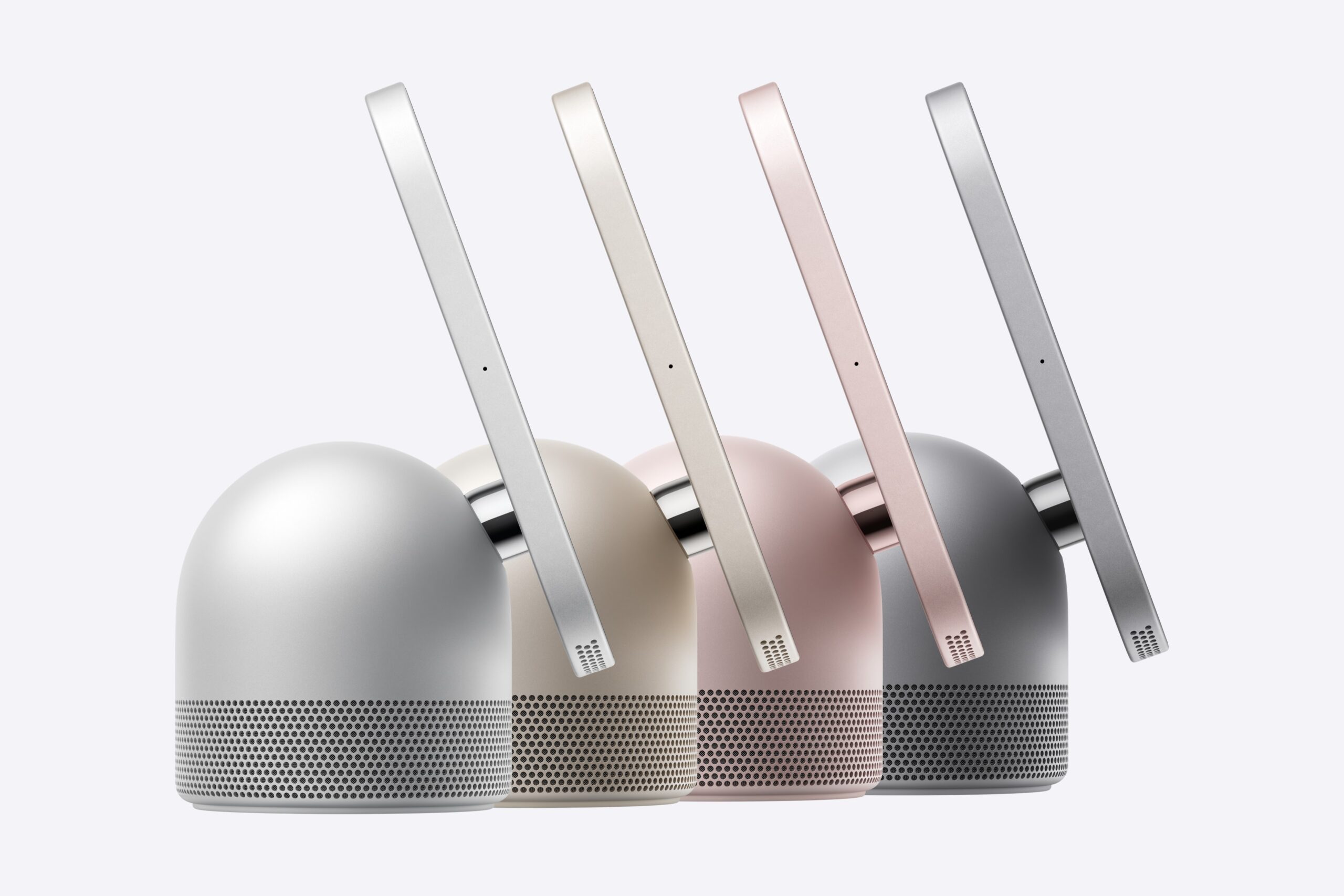
Apple today has released HomeView Software 27.2.1, the first software update for its new smart home hub. According to Apple’s release notes, the update fixes a bug that could leave Siri unavailable after setting up a Shared Album on the Photos face, and another that could make Siri requests fail when paired with an iPhone or iPad on the iOS 27.3 or iPadOS 27.3 betas. It also stops the HomeView from being unexpectedly removed from a home when another home hub is connected.
There are two ways to update HomeView. The first is from a paired iPhone or iPad. Make sure the device is running iOS 27.2 or iPadOS 27.2 or later, then open the Home app, tap the More button and choose Home Settings. From there, tap Software Update, and if an update is available, tap Update Now. You can also turn automatic updates on or off on the same screen. The second way is to update HomeView directly. Open its Settings app, go to System and then Software Update, tap Update Software, and choose Download and Install when it’s ready. Automatic updates can be turned on or off there as well. Whichever method you use, keep HomeView connected and plugged into power until the update finishes.
Did you buy the HomeView? Let us know in the comments below!
Comments
Comments will load as you approach this section.