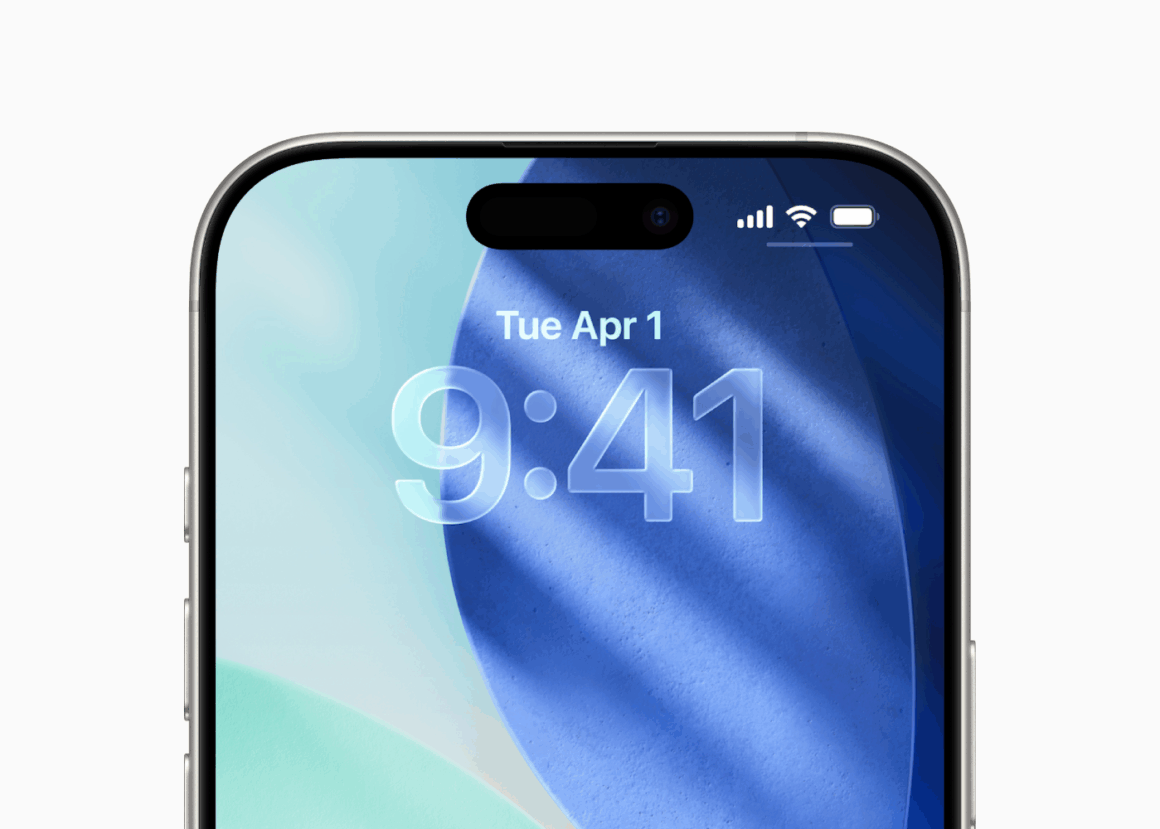
Apple has started rolling out iOS 26.4.2 and iPadOS 26.4.2 to the public, with the new build number being 23E261. These updates come two weeks after the release of iOS 26.4.1 and iPadOS 26.4.1 to the public, which also included bug fixes. These updates are expected to bring more stability and a better experience for users running previous versions.
According to Apple’s Release Notes, “This update provides bug fixes and security updates for your iPhone. For information on the security content of Apple software updates, please visit: https://support.apple.com/100100.
These updates are currently available for the following devices:
- iPhone 17, iPhone Air, iPhone 17 Pro, iPhone 17 Pro Max, iPhone 17e
- iPhone 16, iPhone 16 Plus, iPhone 16 Pro, iPhone 16 Pro Max, iPhone 16e
- iPhone 15, iPhone 15 Plus, iPhone 15 Pro, iPhone 15 Pro Max
- iPhone 14, iPhone 14 Plus, iPhone 14 Pro, iPhone 14 Pro Max
- iPhone 13, iPhone 13 mini, iPhone 13 Pro, iPhone 13 Pro Max
- iPhone 12, iPhone 12 mini, iPhone 12 Pro, iPhone 12 Pro Max
- iPhone 11, iPhone 11 Pro, iPhone 11 Pro Max
- iPhone SE (2nd generation)
- iPhone SE (3rd generation)
- iPad Pro (M4 and M5)
- iPad Pro 12.9-inch (3rd generation and later)
- iPad Pro 11-inch (1st generation and later)
- iPad Air (3rd generation and later)
- iPad (8th generation and later)
- iPad mini (5th generation and later)
Apple keeps refining the software experience with every update, whilst also fixing security issues. However, Apple has not yet updated its Security Update webpage to incorporate the release of the new software versions, which detail the security vulnerabilities that have been fixed, and subsequently credit the researchers who found them.
Apple also released iOS and iPadOS 18.7.8 with the build number 22H352 for devices still running iOS 18. If you have already installed iOS/iPadOS 26 on your device, you will NOT see this update. If you have chosen to stay on iOS/iPadOS 18 and not upgrade to version 26, you will still be able to install timely security updates like these. The default update shown in Settings>General>Software Update will be iOS/iPadOS 26, but you will have the option to select iOS/iPadOS 18.7.8. PSA: If you would like to stay on iOS 18, you need to make sure that Automatic updates are turned off. Since iOS/iPadOS 26 is now the default update, your iPhone/iPad may download and install it in the background or while charging if you have Auto updates enabled.
What’s your favorite feature of iOS and iPadOS 26? Let us know down in the comments or write to us on @appleosophy! Be sure to download the Appleosophy App from the App Store or visit our website to stay updated with the latest Apple news!