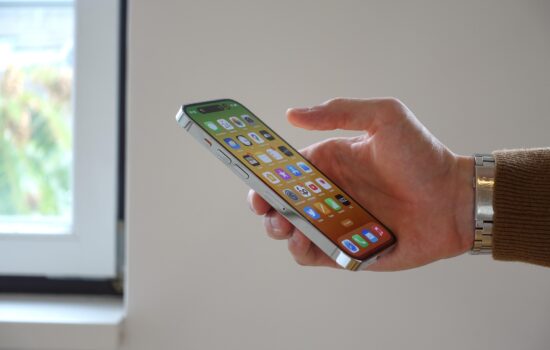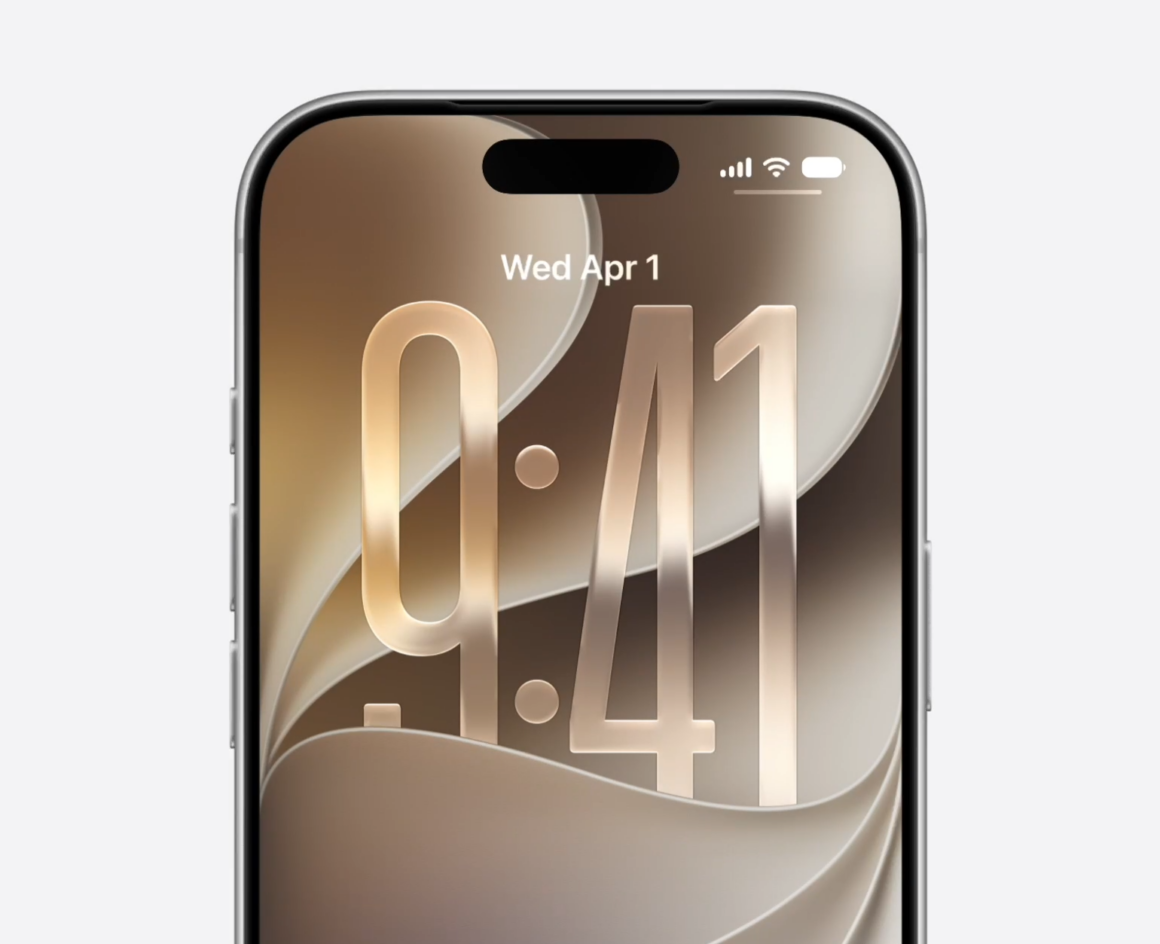
Apple is set to release iOS 27 on Monday, September 14, to all devices that support iOS 26, including the iPhone 11 from 2019. Apple is also expected to release iPadOS 27 alongside it, although it drops support for three iPads: iPad (8th generation), iPad Air (3rd generation), and iPad Pro (11-inch first generation).
iOS 27 brings several requested features to the iPhone, including changes to Liquid Glass, a new Siri, improvements to Apple Intelligence, and more.
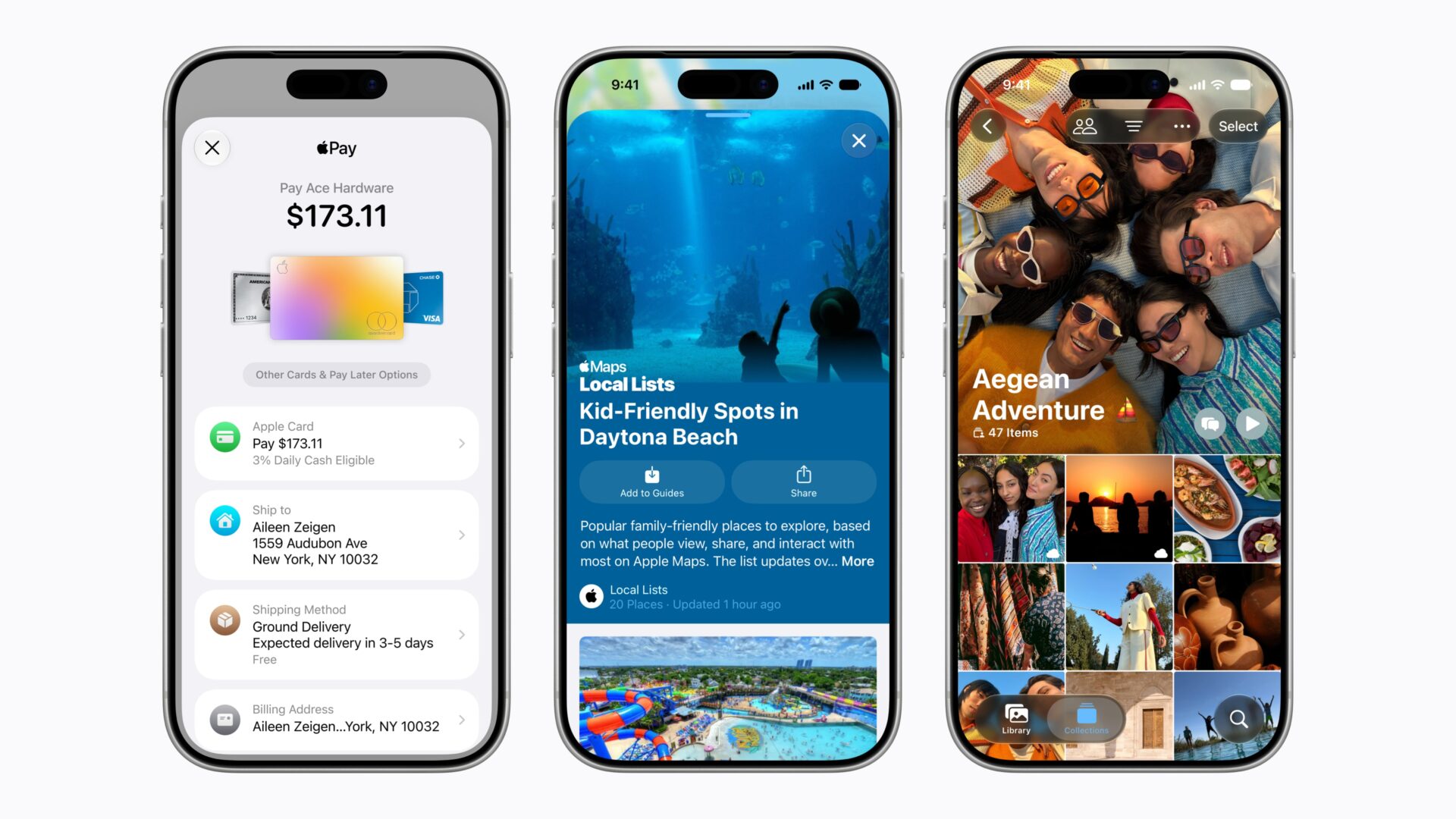
With the rollout of the Release Candidate version to beta testers today, Apple has shared a full list of new features and changes:
“iOS 27 introduces the next generation of Apple Intelligence and Siri AI, as well as new features to help parents create safe digital experiences for kids, and improvements that make iOS more responsive and delightful to use. Siri AI is an entirely new version of Siri that is more intelligent, knowledgeable, and capable. The next generation of Apple Intelligence also powers new features across apps that simplity the things you do every day, like editing images in Photos, communicating in Messages and Mail, and browsing in Safari. New parental controls and significant updates to Screen Time make it more intuitive and easy to use, so parents can feel confident that they’re building the right digital experience for their child. And with improvements that span design, performance, connectivity, search, and more, the experience on iOS 27 has been refined and elevated, so it feels even better to use.
Siri AI (All iPhone 16 models and later, iPhone 15 Pro, iPhone 15 Pro Max):
• A more capable and conversational version of Siri is rolling out to users. It helps you find what you need and get more done, drawing on capabilities like personal context understanding, app actions, on-screen awareness, and access to broad world knowledge
• New voice experience offers more expressive and natural-sounding voices, and lets you customize expressivity and pace to make Siri more personal to you using powerful on-device models on iPhone Air and iPhone 17 Pro models and later
• Dedicated Siri app provides an easy way to revisit an existing conversation or kick off a new one, and privately syncs conversations across your Apple products with iCloud
• Siri mode in Camera integrates Visual
Intelligence into the Camera app, letting you ask questions and take action with what’s in front of you, like splitting a bill or looking up nutritional info for a plate of food
• Write with Siri enables you to generate a draft from scratch, edit what you’ve written, or get feedback from Siri virtually anywhere you type. In Messages & Mail, Siri personalizes your writing style based on your relationships, and uses unique phrases and punctuation that you’ve previously used in your conversations with those people
Apple Intelligence across apps (All iPhone 16 models and later, iPhone 15 Pro, iPhone 15 Pro Max):
• Photos
• Spatial Reframing lets you adjust the composition of a photo after it was taken by virtually changing the camera position
• Extend tool intelligently expands images beyond their edges with realistic infill, so you can straighten horizons, change aspect ratios, or add more space around a subject
• Clean Up supports removing even larger objects, with more realistic, high-quality results, and you can choose between Fast mode for small blemishes or High Quality for more intricate edits
• Safari
• Organize by Topic uses Apple Intelligence to sort your tabs, analyzing webpages and automatically grouping similar tabs together
• Notify Me can periodically check a webpage for updates, like price changes and item availability
• Describe an Extension lets you create a custom extension using natural language to adjust your view of a website’s content or formatting
• All-new Image Playground uses a new generative model to make high-quality images in virtually any style, including photorealistic, lets you modify your images using touch and natural language, and lets you generate Lock Screen wallpapers and Contact Posters with personalized suggestions
• Describe a Shortcut lets you use natural language to create a shortcut or refine an existing one
• Home
• Summarized activity notifications combine related alerts across accessories into a single notification
• Video descriptions for HomeKit Secure Video recordings summarize what’s happening in a clip for eligible iCloud+ subscribers
• Camera clip search lets you find specific moments from your HomeKit Secure Video cameras by searching in the Home appor Spotlight when on an eligible iCloud+ plan
• Describe an event in Calendar lets you use natural language to create an event, and details like the time, location, invitees, and event title are filled in using Apple Intelligence
• Suggestions in Mail help you take action based on the context of your emails, like getting directions to a restaurant you booked
• Call Context in the Phone app understands when you’re speaking to certain businesses and proactively surfaces relevant information from across your apps, like a confirmation code or a reservation number
• Accessibility
• VoiceOver enhancements include more detailed and contextual image understanding for photos, charts, and screenshots, a conversational experience that lets you ask questions about your screen or surroundings, and a new way to get answers fast with an Action button integration
• An enhanced Magnifier experience offers conversational visual assistance for users with low vision, with a high-contrast interface and natural language app controls for zooming and other Magnifier functions
• A smarter Accessibility Reader uses intelligence to provide better text cleanup and formatting, images and tables, on-demand summaries, and translation
• Voice Control flexible inputs help you navigate your device with just your voice by describing elements on screen in your own words, like “tap the gear” or “tap the button in the top rightẠỊi
• And more, including additional ways to create and modify Genmoji, automatic proofreading, and more accurate dictation using an on-device model on iPhone Air and iPhone 17 Pro models and later
Child Safety:
• Improved setup experience for new child accounts lets parents choose the exact apps their kids can access when they set up an iPhone for their child
• Ask to Browse gives parents the option to approve each new website before their child can view it
• Expanded Communication Safety protections help intervene before children see gore or violent content in shared images and videos
• Time Allowances help parents set boundaries around how long kids can use apps across Entertainment, Games, and Social Media apps, offering guidance based on expert research and tailored to each child’s age
• Schedules let parents choose which apps their kids can access at different points in their day and across weekdays and weekends
• Redesigned Screen Time settings give parents at-a-glance information about how their kids use their devices, and controls to adjust access in just a few taps
System Improvements:
• Liquid Glass refinements improve overall readability, and a new slider in Settings lets you personalize its appearance trom ultra-clear to fully tinted
• Faster performance in experiences across the system, including app launches, new photos loading in your Photos library, and AirDrop transters
• Improved search provides more relevant and comprehensive results in Spotlight, Photos, and Mail
• Connectivity Assist enables more seamless transitions between Wi-Fi and cellular networks
• And more improvements across apps and experiences, including enhancements to iCloud Shared Albums in Photos, Custom EQ for AirPods, support for perimenopause and menopause in Cycle Tracking in the Health app, and independent volume settings for Alarms and Timers
For information on the security content of Apple software updates, please visit: https://support.apple.com/100100
Some features may not be available in all regions or on all iPhone models. To learn more, please visit: https://www.apple.com/ios/feature-availability/
Usage limits may apply for some Apple Intelligence features. To learn more, please visit: https://www.apple.com/apple-intelligence
Software updates, like this one, add new features and improvements that may affect performance and/or battery life. To learn more, please visit: https://support.apple.com/125039“
After updating to iOS 27, your AirPods will also have to update to the latest version to get the Custom EQ feature.
Will you be updating your iPhone to iOS 27? Which feature are you looking forward to using? Let us know down in the comments or write to us on @appleosophy! Be sure to download the Appleosophy App from the App Store or visit our website to stay updated with the latest Apple news!