


School once required only books, notes, and time. Today’s students face a different reality. They juggle multiple platforms for homework, flashcards, videos, scheduling, note-taking, reminders, and progress tracking. Each tool solves a small problem, but together they create a maze. Switching between them drains attention and slows down learning. Most people assume they need more apps to study better. The truth points the other way: learning becomes easier when everything happens in one place.
This article explains why a single universal educational platform has become the missing piece in modern study routines. It shows how one system can organise notes, manage assignments, connect media, extract insights, and provide AI-based guidance tailored to the user. Instead of scattered digital clutter, students receive coherence. Instead of frustration, they gain direction. And instead of guessing how long tasks will take, they see measurable paths forward.
The Problem With Learning Across Multiple Tools
The rise of online education increased access to knowledge, yet it also introduced distraction. Students now use one platform for PDFs, another for flashcards, a third for video lessons, and others for planning, summaries, and quizzes. In theory, more tools should create more opportunities. In practice, they produce chaos.
Insights from user forums and recent education-technology articles reveal several recurring issues:
- Jumping between apps consumes cognitive energy before actual studying begins.
- Students forget where certain pieces of information are stored.
- Notifications interrupt attention rather than support workflow.
- Repetition becomes inefficient when content is scattered.
- Progress tracking cannot function properly when data is fragmented.
Learners often describe the experience as busywork, not growth. Instead of spending time understanding concepts, they spend time finding tools that help understand concepts. This reverses the logic of education.
The takeaway is simple: learning improves not with more apps, but with one system that replaces scattered effort with clarity.
Why One Universal App Changes Everything
A single platform that controls notes, references, tasks, and guidance acts as a learning-hub. The benefits compound because everything interacts. Notes link to practice questions. Assignments connect to deadlines. Recommendations derive from actual performance instead of generic templates. The software becomes a personal study ecosystem.
Several modern solutions already hint at this direction. Some apps help organise material, others visualise progress, and a few offer adaptive tasks. However, most tools remain specialised rather than universal. The next step in educational innovation demands integration: one interface, one source of truth, one routine.
This shift addresses a fundamental barrier—not lack of motivation, but lack of structure. Once systems handle the routine aspects of studying, students focus on retention and reasoning, not administration. This may become quite handy, so it is advised to look into the idea more. Thanks to that, it’s possible to help oneself more than you could previously think.
Learning Accelerates When the System Thinks With You
Imagine revising for physics, literature, and mathematics. Each requires a different set of resources, yet they share patterns:
- concepts to understand,
- examples to review,
- tasks to practise,
- deadlines to respect.
A universal platform anticipates these needs. It identifies weak areas, proposes exercises based on mistakes, and connects concepts across subjects when possible. This changes studying from a reactive activity into an intelligent cycle:
- Learn a concept.
- Practise intelligently.
- Receive targeted feedback.
- Update understanding.
- Move forward with confidence.
AI enables this because it maps user behaviour. It recognises that a learner who hesitates on algebraic symbols may also need support with physics formulas. This cross-domain insight cannot emerge when tools act alone.
One App, Multiple Functions
A complete educational platform should support every stage of learning. Based on current digital trends, the most important elements are:
- task planning
- note organisation
- assignment reminders
- concept visualisation
- interactive exercises
- comprehension checks
- personalised recommendations
- long-term trend analysis
- stress reduction techniques
No single historical tool delivered all of this. AI, however, makes it possible because it adapts instructions, verifies answers, and compares performance patterns across time.
This transforms the app into a personalized learning tool rather than a passive storage space. The student receives mentorship, not just information.
The Role of AI in One-App Learning
Artificial intelligence enhances efficiency in several ways:
- identifies topics requiring revision before tests,
- highlights confusing definitions,
- generates new practice questions,
- provides immediate direction,
- adjusts difficulty according to skill level.
It positions itself as a thinking partner that reflects the student’s weaknesses without judgement. This reduces anxiety, which often prevents learners from asking for help. The machine does not evaluate the person—it evaluates the pattern.
This shift matters because confidence affects memory. When learning feels overwhelming, retention collapses. When it feels possible, the mind opens. AI brings predictability into an environment traditionally full of uncertainty.
When AI Meets Personal Tone
Not all tools preserve individuality. Some flatten expression into formulaic text. Others copy fragments of existing articles without respecting tone. The new generation of platforms takes a different approach. They help learners understand material while retaining their personal linguistic identity.
This is important for both comprehension and communication-based tasks. A universal platform that can respond in the user’s voice helps students understand ideas without losing themselves in generic phrasing. It bridges intention with clarity.
A service focused on tone personalization offers a practical demonstration of this concept. For students who want AI support without losing authorship, a relevant solution helps simplify the process of studying by allowing them to keep their own voice while improving structure.
This approach reduces stress for students who want academic support but dislike sounding artificial or disconnected from their identity.
Why Students Need Less Noise, Not More Tools
The abundance of educational apps creates a paradox. Students enjoy choice, yet feel lost. Each app competes for attention, sends notifications, promotes upgrades, and disrupts concentration. A one-app model solves the noise problem.
The logic aligns with the most efficient forms of productivity: fewer systems, more use. When everything lives in one place, learning flows. Here is what changes.
| Without a unified platform | With one single app |
| Notes in multiple folders | All material searchable instantly |
| Unclear deadlines | Timeline shows tasks chronologically |
| Random practice | AI-curated exercises based on progress |
| Manual repetition | Automated revision cycles |
| Stress about forgetting | System reminds when mastery declines |
These results appear in both anecdotal reports and institutional research. Reducing friction increases time spent on understanding rather than searching. That might be the most overlooked advantage of modern education technology.
Essential Features of a Universal Learning App
A functional one-app solution needs more than storage. It must:
- sync effortlessly across devices,
- accept multiple input formats (pictures, text, screenshots),
- support interactive problem-solving,
- adapt to student progress,
- reduce cognitive overload,
- provide long-term analysis rather than one-off corrections.
When these elements combine, learning becomes a sequence rather than a struggle.
Students who rely on a single tool describe less stress, faster comprehension, and more time for creative work. They remember concepts better because they study in a stable environment rather than a fragmented one.
Tools Students Use and What They Offer
Here are examples of real, widely used apps supporting educational workflows. They illustrate features that a universal platform integrates into one place.
1. GetSolved.ai
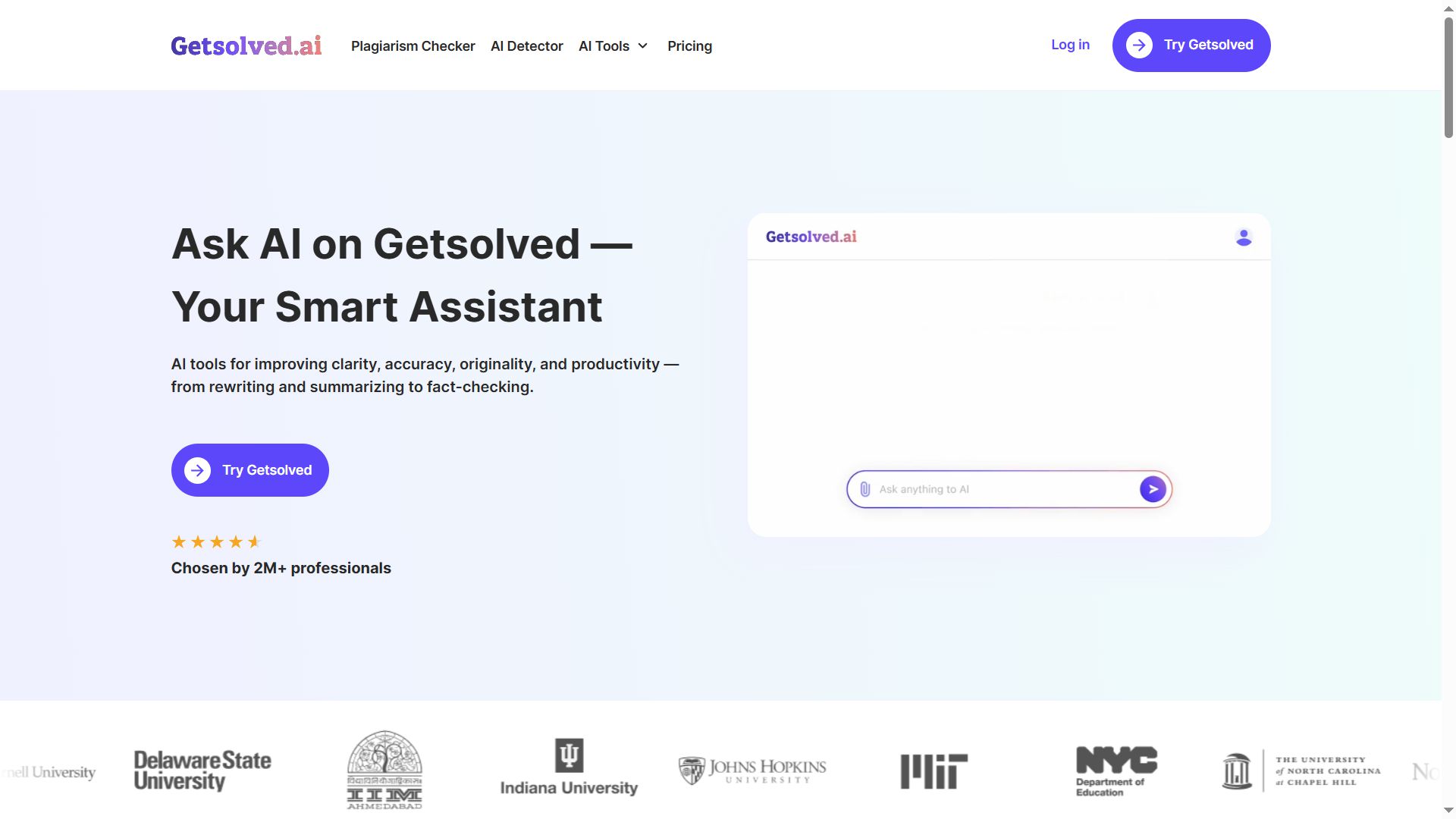
Category: AI-assisted editing and research companion
Function: Enhances drafts, removes errors, checks originality, and supports structured improvements in tone and clarity.
This GetSolved ai writing tool is increasingly adopted by learners who want to manage the entire writing cycle in a single environment. Instead of navigating multiple tabs for rewriting, fact-checking, and plagiarism scans, users complete every stage inside one platform. Built-in chat capabilities allow them to ask questions, verify sources, or refine arguments without leaving their document. For many students, this unified flow helps simplify studying, especially during essay preparation and long academic projects where consistency and accuracy matter.
Pros:
- One workspace for rewriting, summarising, and checking originality
- AI assistance that preserves intent rather than rewriting blindly
- Compatible with DOC, PDF, and TXT uploads
- Real-time feedback suitable for essays, reports, and presentations
Cons:
- Effective output depends on clear instructions
- Premium features unlock only after trial period
Price: Free plan available; trial access for $2 for 7 days.
Getsolved.ai demonstrates how integrated tools reduce friction and keep students focused on argument quality rather than tool switching.
2. Quizlet
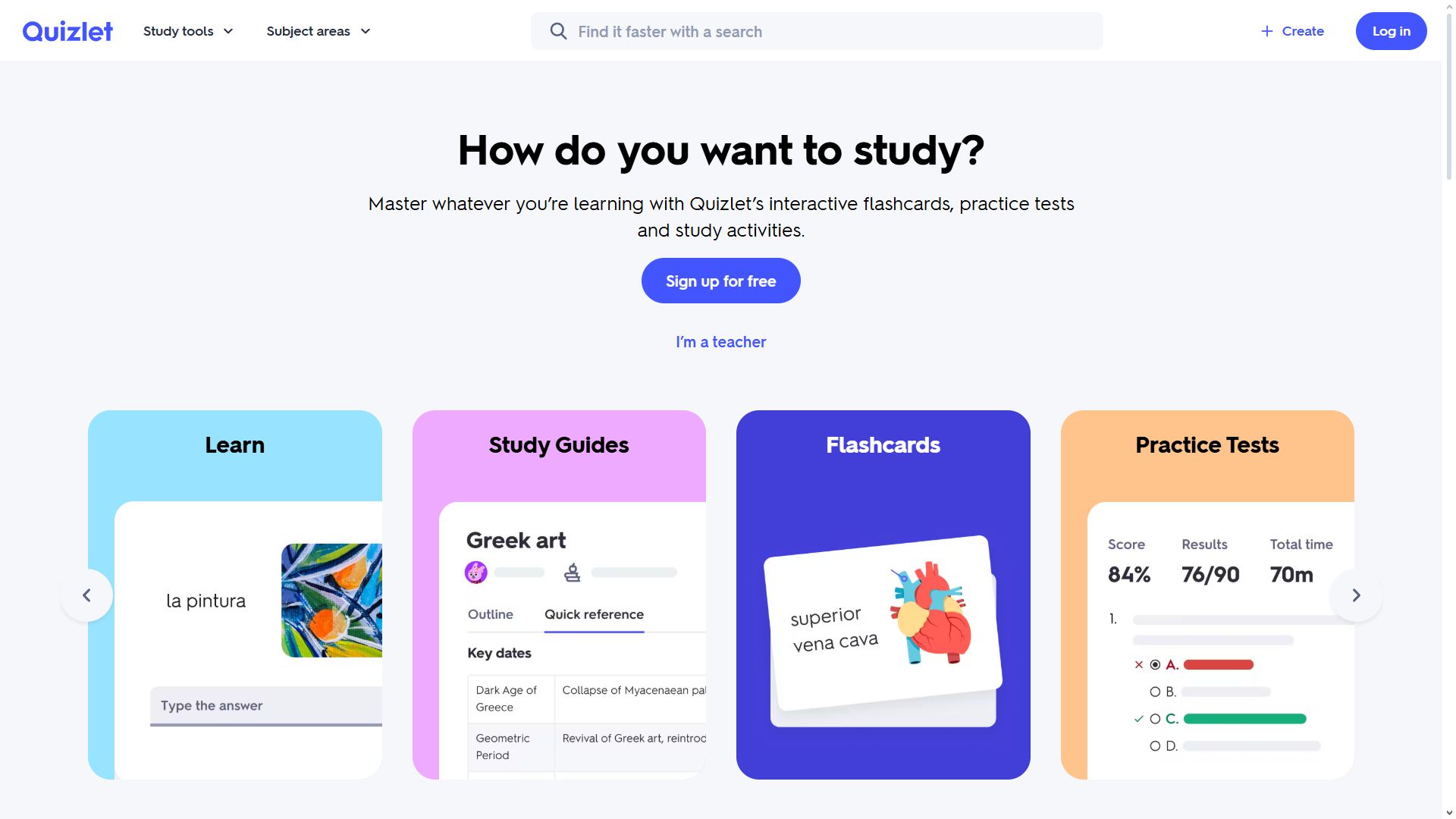
Category: Practice and recall
Function: Flashcards for memorisation.
Quizlet supports memory retention through spaced repetition and gamified recall. Students create their own decks or access millions of shared flashcards covering languages, sciences, mathematics, and exam preparation.
Pros:
- Fast reinforcement of concepts
- Community-generated resources save time
- Multiple study modes support different learning styles
- Works well on mobile devices
Cons:
- Limited for higher-order reasoning tasks
- Quality of shared decks varies
Price: Free, with paid features.
Quizlet demonstrates how repetition strengthens memory..
3. Google Keep
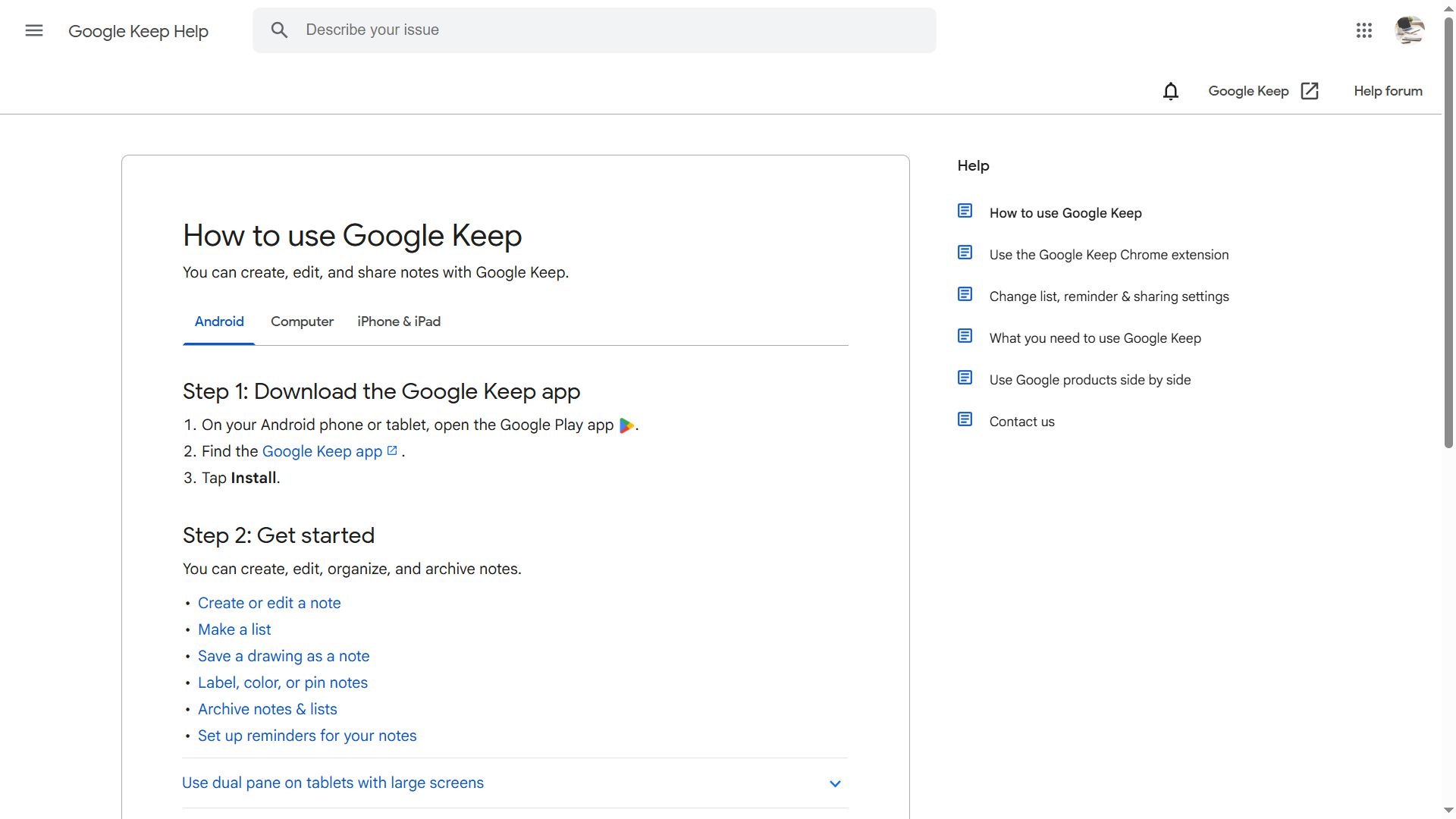
Category: Quick notes
Function: Instant capture of ideas and reminders.
Google Keep offers lightweight note-taking designed for speed rather than structure. Students use it to store short thoughts, class reminders, reading lists, and voice memos. Color tags and checklists create quick visual organisation without requiring templates.
Pros:
- Simple, fast, distraction-free interface
- Syncs across devices instantly
- Supports speech-to-text input and labels
- Helpful for capturing thoughts during classes
Cons:
- Minimal organisation for complex subjects
- Not suited for layered knowledge structures
Price: Free.
Keep shows the value of minimal friction.
4. Khan Academy
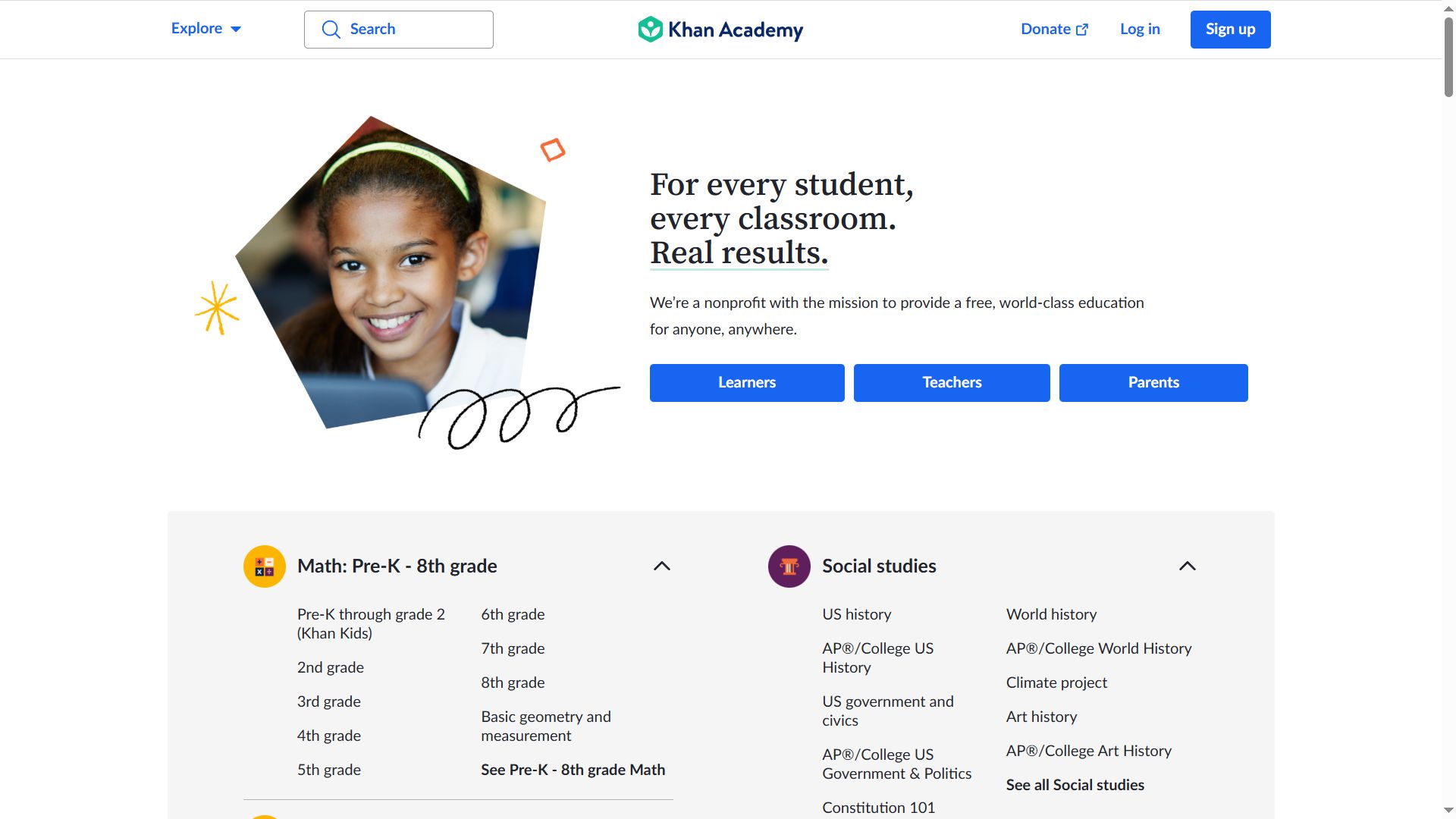
Category: Free education content
Function: Visual explanations across subjects.
Khan Academy delivers instructional videos and interactive exercises across mathematics, science, economics, and humanities. Students follow structured learning paths and receive personalised recommendations based on performance. This makes it a reliable support for complex topics that textbooks may explain poorly.
Pros:
- Free, high-quality educational content
- Adaptive practice sessions
- Covers foundational subjects in depth
- Excellent for self-paced revision
Cons:
- Limited coverage of advanced or niche subjects
- Not a full replacement for classroom instruction
Price: Free.
Khan Academy highlights the power of conceptual clarity.
5. Forest
Category: Distraction control
Function: Focus timer using motivational structure.
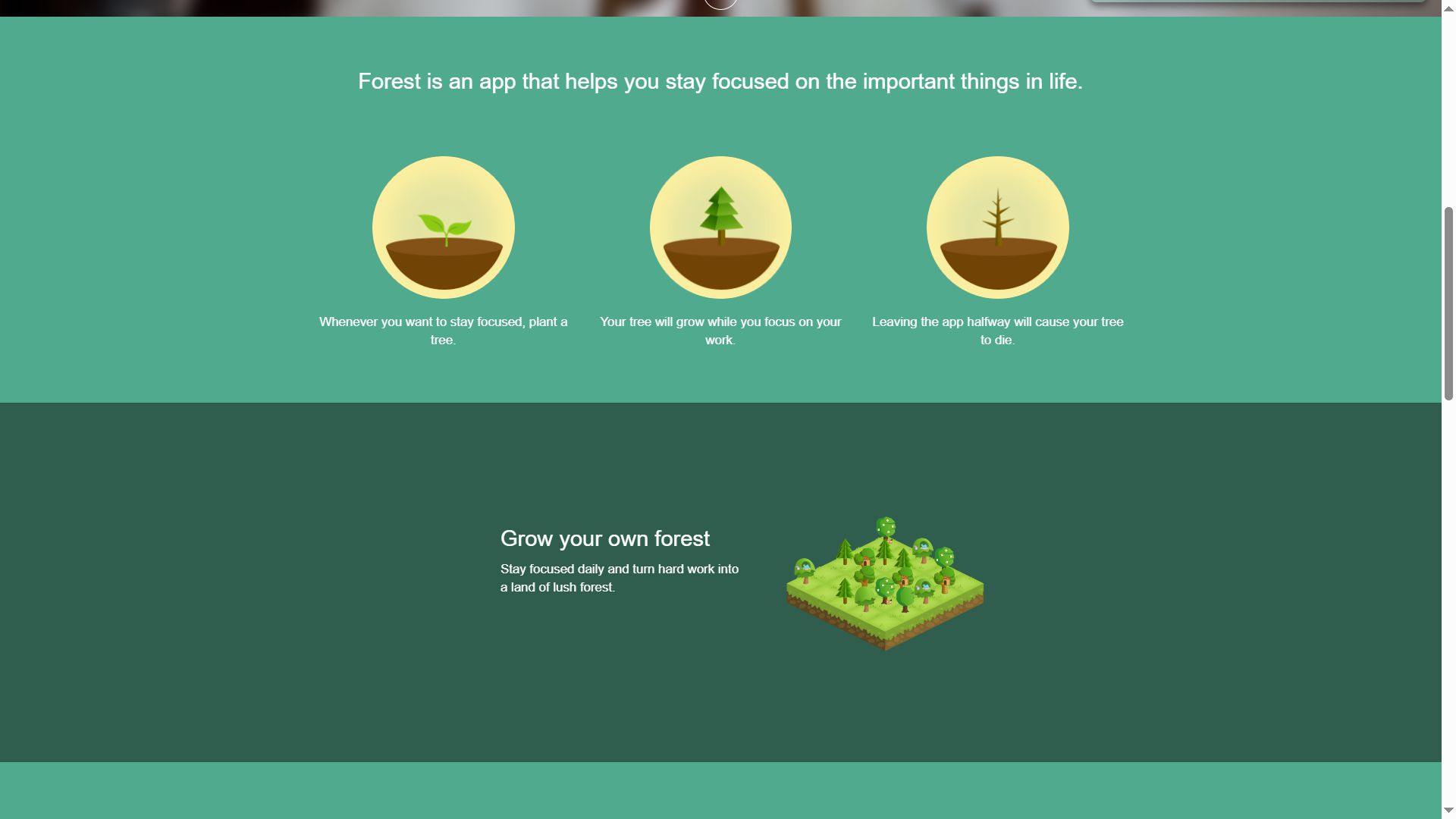
Forest transforms focus time into a motivational challenge. When students start a work session, they plant a virtual tree. If they leave the app during the session, the tree dies. This simple mechanism discourages phone checking, which is one of the biggest obstacles to concentration.
Pros:
- Encourages consistent focus habits
- Visual growth system increases motivation
- Reduces pointless phone use
- Helps build discipline
Cons:
- Does not support academic content directly
- Progress visualisation may feel childish to some users
Price: Paid app.
Forest proves discipline matters as much as knowledge.
The Real Future: One System, One Path, No Confusion
Education depends not only on what students know, but on how they organise knowledge. Modern learners do not drown in material; they drown in logistics. Removing complexity shifts attention to meaning.
A universal program delivers:
- clarity of workflow,
- predictability of outcomes,
- centralised storage,
- adaptive practice,
- customised recommendations,
- emotional relief.
This combination converts learning from an obligation into a navigable journey. The student becomes the operator of a system rather than the victim of a disjointed technological environment.
One App as a Stable Companion
Students respond to environments where structure supports autonomy. They thrive when the process feels manageable. A single educational platform accomplishes this because it:
- safeguards emotional energy,
- reduces decision fatigue,
- strengthens memory pathways,
- creates accountability without pressure.
Confidence grows when the path becomes visible. Anxiety decreases when patterns emerge. Curiosity expands when there is space to think.
One app can deliver all of this.
Conclusion: The Era of Unified Learning Has Arrived
Learning does not improve through the accumulation of tools. It improves when the environment becomes coherent. A universal educational platform turns studying into a predictable, adaptive, supportive process. With planning, revision, guidance, input capture, and tone-preserving help in one place, students unlock their potential without drowning in digital debris.
The future of education is not about having the most applications—it is about having the right one. One app does not eliminate effort; it channels it. Once a student experiences this shift, the idea of managing learning through scattered tools feels outdated.
The next generation of learners will not ask, Which apps should I install?
They will ask, Which system understands me?
When the answer becomes one app, learning finally becomes what it always should have been: doable, structured, personal, and enjoyable.



Interesting title contrast! I’m curious which specific app you found so effective for easing the learning process, especially given the secondary focus on a case deal.