


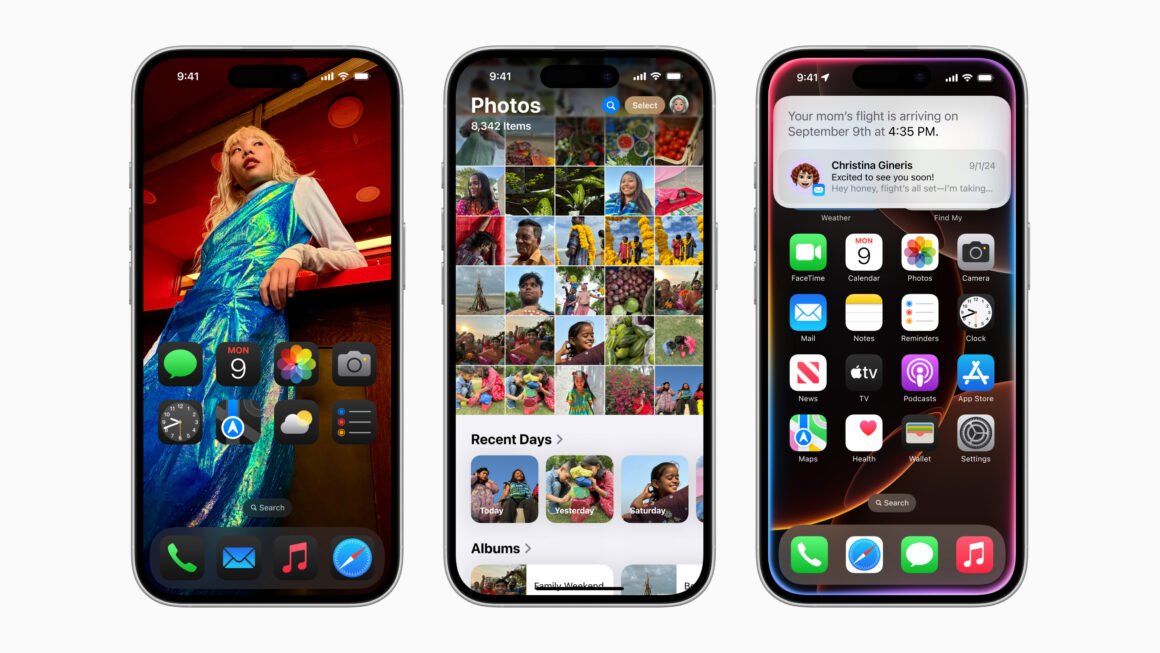
Apple has started rolling out iOS 18.7.4, iPadOS 18.7.4, iOS 16.7.13, iPadOS 16.7.13, iOS 15.8.6, iPadOS 15.8.6, iOS 12.5.8, and, surprisingly, iPadOS 12.5.8 even though Apple introduced the iPadOS branding with iPadOS 13. These updates are aimed towards users with older devices that do not support the latest versions of iOS and iPadOS 26, and also for users who have chosen to stay on older versions.
According to the Release Notes for iOS 18.7.4:
“This update provides important bug fixes and is recommended
for all users. For information on the security content of Apple software updates, please visit this website: https://support.apple.com/100100“
According to the Release notes for iOS 12.5.8 on Apple’s Webpage,
“This update extends the certificate required by features such as iMessage, FaceTime, and device activation to continue working after January 2027. For information on the security content of Apple software updates, please visit this website: https://support.apple.com/100100“
If you have already installed iOS/iPadOS 26 on your device, you will NOT see this update. If you have chosen to stay on an older version and not upgrade to version 26, you will still be able to install timely security updates like these.
Some of the oldest supported devices are the iPhone 5s, iPhone 6, and iPhone 6 Plus. Apple ended support for these devices with iOS 12. It is simply amazing to see them provide updates to date for devices that are almost 13 years old, making Apple a clear winner in terms of Security & Software updates.
It does not seem like this update contains any security fixes, as Apple has not revealed any.
It is highly recommended to update your iPhone and iPad to the latest software for the best experience and security. Did you find any features in these updates? Let us know down in the comments or tweet to us on @appleosophy! Be sure to download the Appleosophy App from the App Store or visit our website to stay updated with the latest Apple news!




Well, I have not updated to iPadOS 26 and not even downloaded it yet, as I have deliberately disabled all automatic download and download+install options. However, iPadOS 18.7.3 has not appeared as an option under settings>general> software updates yet, and I don’t see 18.7.4 popping up either, yet. Previously the update that wouldn’t install OS 26 was hidden under a tiny circled i-icon (blue info icon), that would show that there was actually an update to 18.x.x available too. I sure hope there is some way to force the iPad to show this option. Or is my device not old enough? I’m on an iPad 9th generation.
Enable iOS 18 public beta option and you will be able to update to 18.7.3. .4 is only for old devices though, but it’s fine since it doesn’t contain any security fixes (afaik)