The
Appleosophy app
Apple news and rumors from our writers, made for iPhone, iPad, Mac, Apple Watch, and Apple Vision Pro.
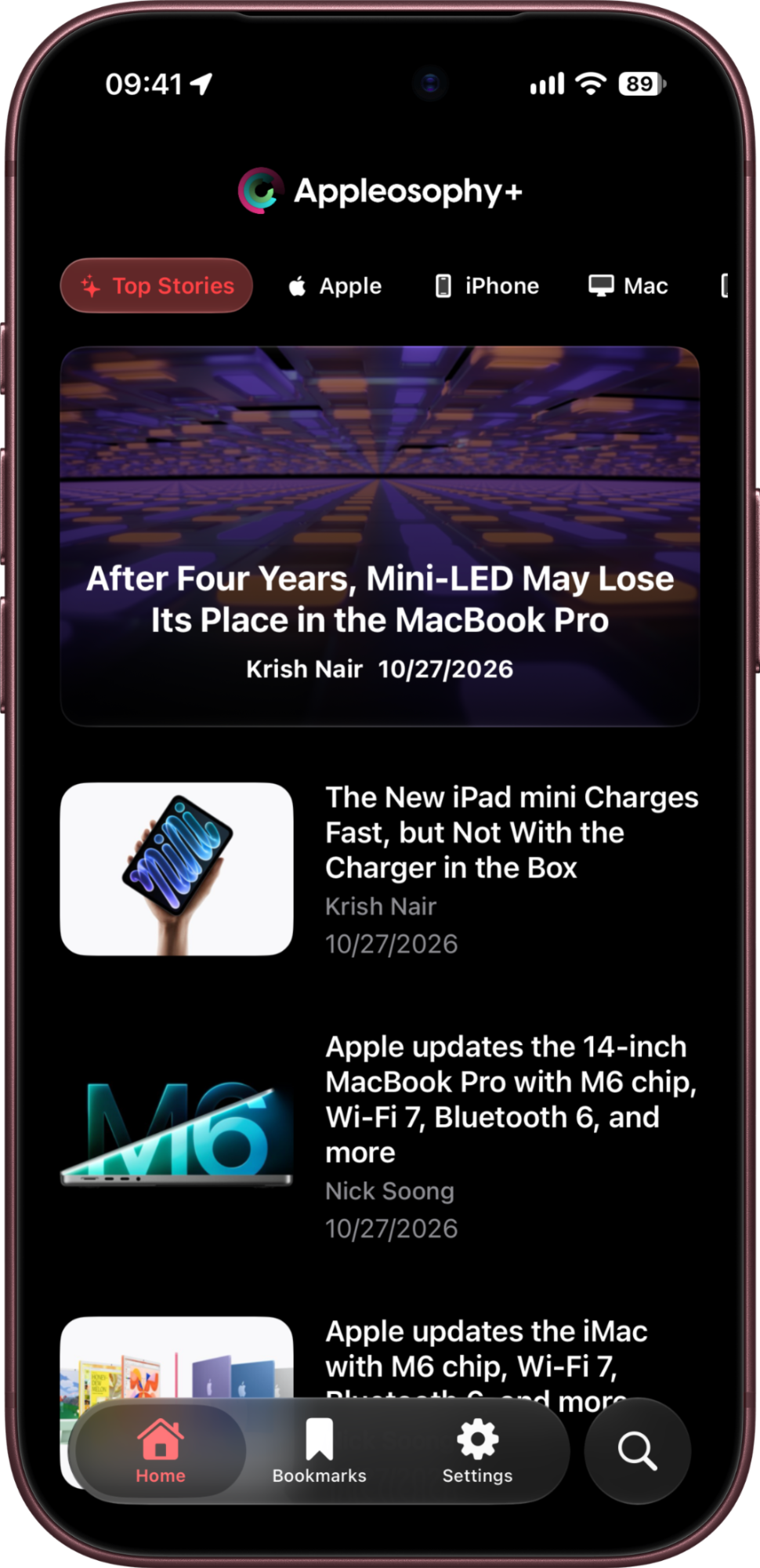
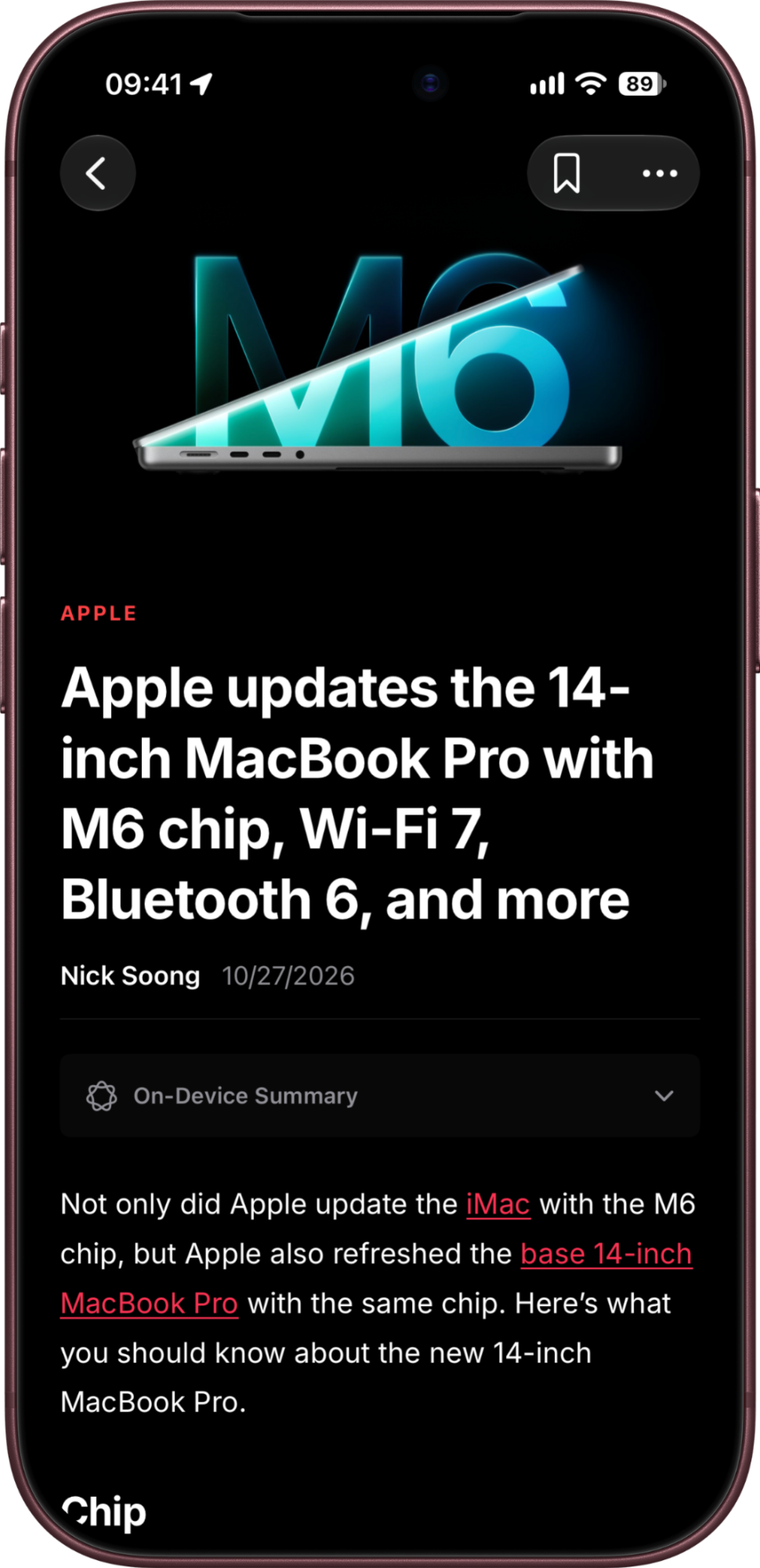
Made for reading
The latest from Appleosophy
Every story from our writers, organized by the products you care about.
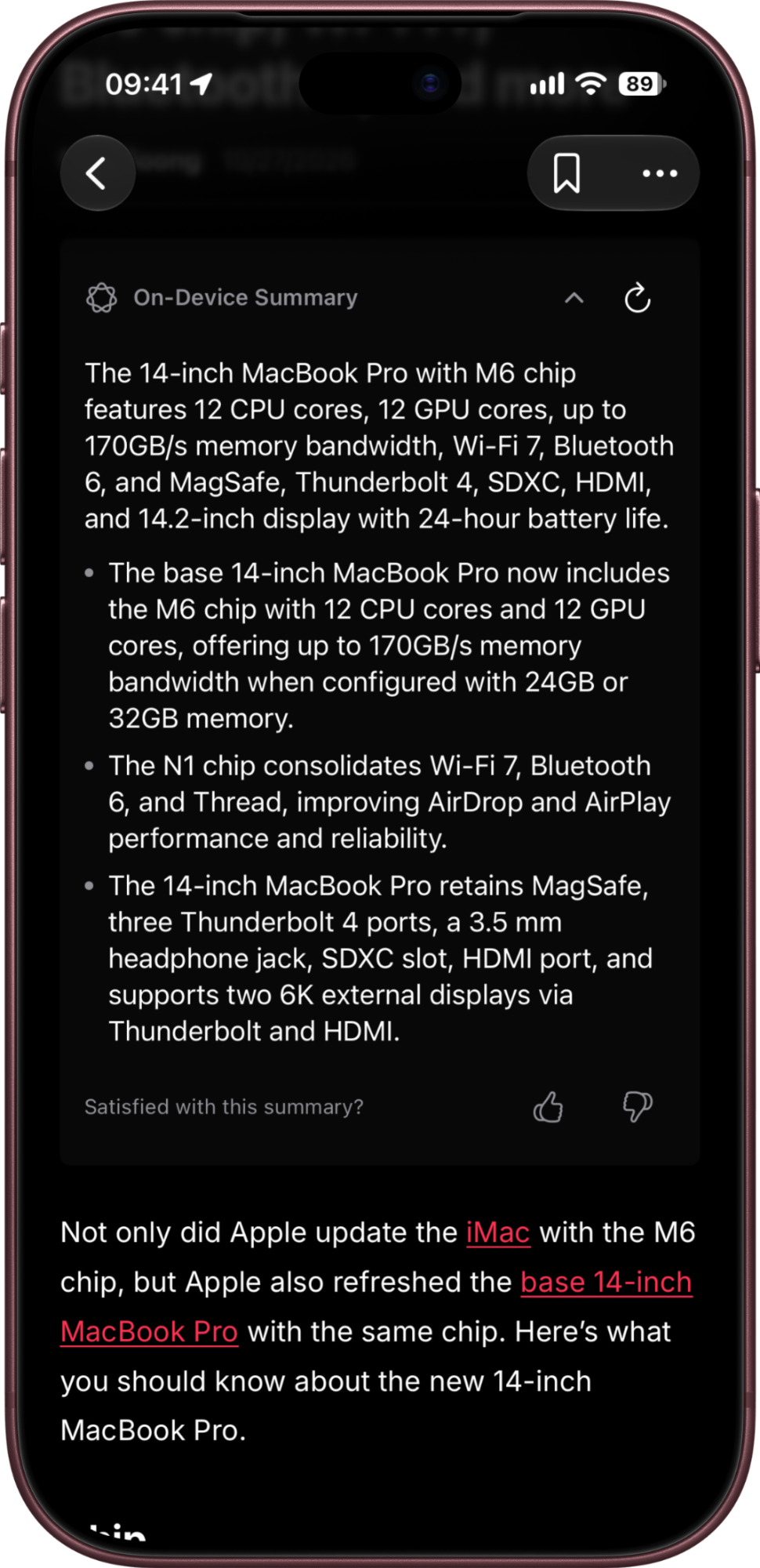
AI summaries
Get the gist of an article with on-device summaries on devices that support Apple Intelligence.
Read in your language
Turn on automatic article translation and read in more than 25 languages.
Save for later
Bookmark stories and come back to them whenever you have a minute.
Share in a tap
Send an article to a friend or post it to social media.
Search the archive
Find any story we’ve published, right from the tab bar.
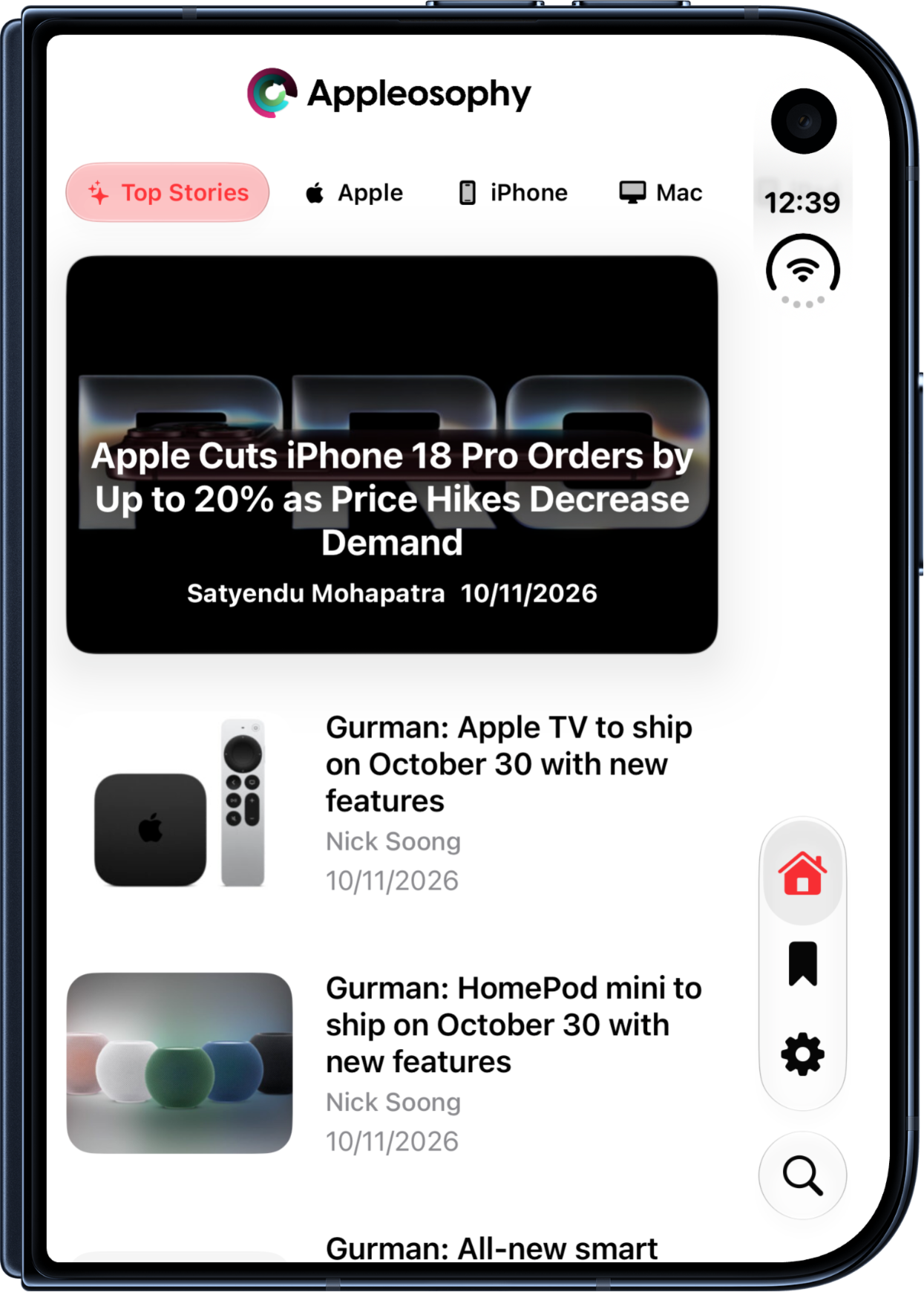
On every Apple device
Download once and read wherever you are, from your wrist to your desk.
- iPhone
- iOS 26 or later
- iPad
- iPadOS 26 or later
- Mac
- macOS 26 or later, Apple M1 or later
- Apple Watch
- watchOS 26 or later
- Apple Vision Pro
- visionOS 26 or later
Appleosophy+
Go ad-free in the app, unlock custom icons, and directly support independent Apple journalism.
Monthly
$1.99/month
Yearly Save 45%
$12.99/year
US pricing. Subscribe in the app; prices may vary by region.
New ways to read
- On-device AI summaries for articles on devices that support Apple Intelligence.
- Automatic article translation in more than 25 languages, enabled in the app’s settings.
Questions
Is the app free?
Yes. Appleosophy is free to download and read. Appleosophy+ is an optional subscription that removes in-app ads and unlocks custom app icons.
Which devices does it work on?
Appleosophy works on iPhone, iPad, Apple Watch, Apple Vision Pro, and Macs with an Apple M1 chip or later. See the device requirements above. AI summaries require a device that supports Apple Intelligence; feature availability may vary by device and software version.
How do I cancel Appleosophy+?
On iPhone or iPad, open Settings, tap your name, then Subscriptions. Choose Appleosophy+ and tap Cancel Subscription. You can also manage your subscriptions with Apple.
Get Appleosophy on the App Store
Download on the App StoreNeed help with the app? Visit app support