
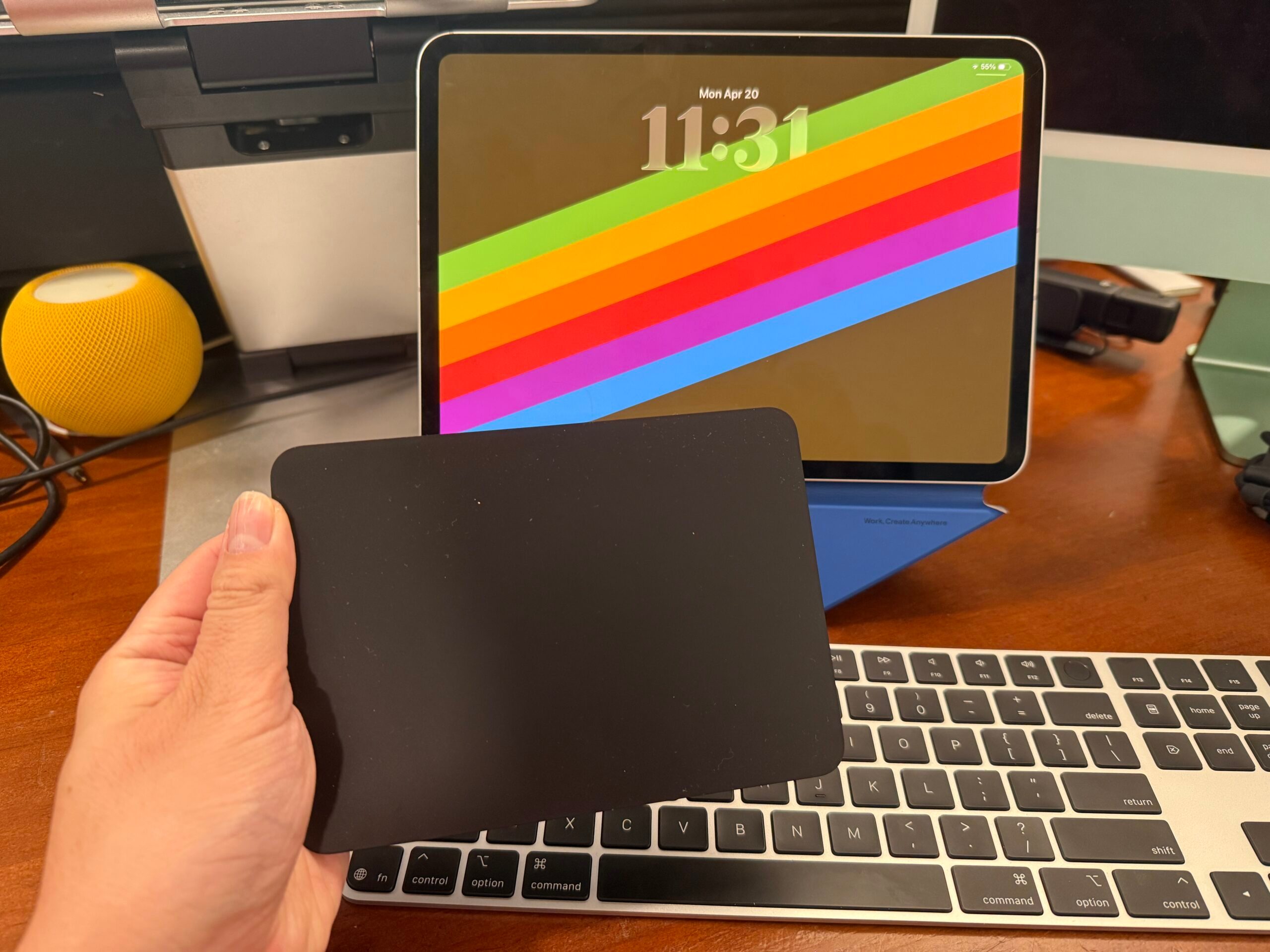
iOS and iPadOS 26.5 are currently in beta testing, but Aaron Perris recently discovered a small yet convenient enhancement in the first beta of iOS/iPadOS 26.5. Let me explain.
If you own an iPhone or iPad model with a USB-C port, and you’d like to use your existing Magic accessories (e.g., Magic Keyboard/Mouse/Trackpad), you could use a USB-C cable to tether your Magic accessory to the iPhone or iPad to make a connection. However, once you unplug the Magic Accessory, the connection stops. Alternatively, for a wireless connection, you would have to manually pair the Magic accessory to the iPhone/iPad via Bluetooth. But starting with iOS/iPadOS 26.5, you’ll soon be able to automatically pair your Magic accessory to an iPhone or iPad.
This pairing process will work similarly to what Apple has implemented for the Mac with the Magic accessories as far back as 2015. To bring you up to speed, Apple redesigned its Magic accessories to use rechargeable batteries, and they could be charged using the Lightning port. You could just use the Lightning cable to connect the Magic accessory to the Mac, and it will automatically pair and set up a wireless connection once you unplug the cable. When Apple updated the iMac line with the M4 chip in October 2024, Apple swapped the Lightning port with the USB-C port on all of its Magic accessories, so the process still works the same way, just with a USB-C cable this time. Presumably, this upcoming feature will also work with Lightning-based Magic accessories. Also, keep in mind that the Magic Keyboard is compatible with iPhone, iPad, and Mac; however, neither the Magic Mouse nor the Magic Trackpad is compatible with iPhone models.
My take is that this change is a bit long overdue, but I’m glad this feature request is becoming a reality, especially for those who would like to use the more “universal” Magic Keyboard with their iPads without justifying the need to go overboard with the iPad-only Magic Keyboard case.
Comments
Comments will load as you approach this section.