
Siri:
Apple has introduced a new Setting for Siri, which allows users to customize the number of lines being displayed in the preview window of a Siri Response, with the maximum being 5 lines. A new welcome message for the all-new Siri also appears when users access Spotlight Search on Beta 4 for the first time.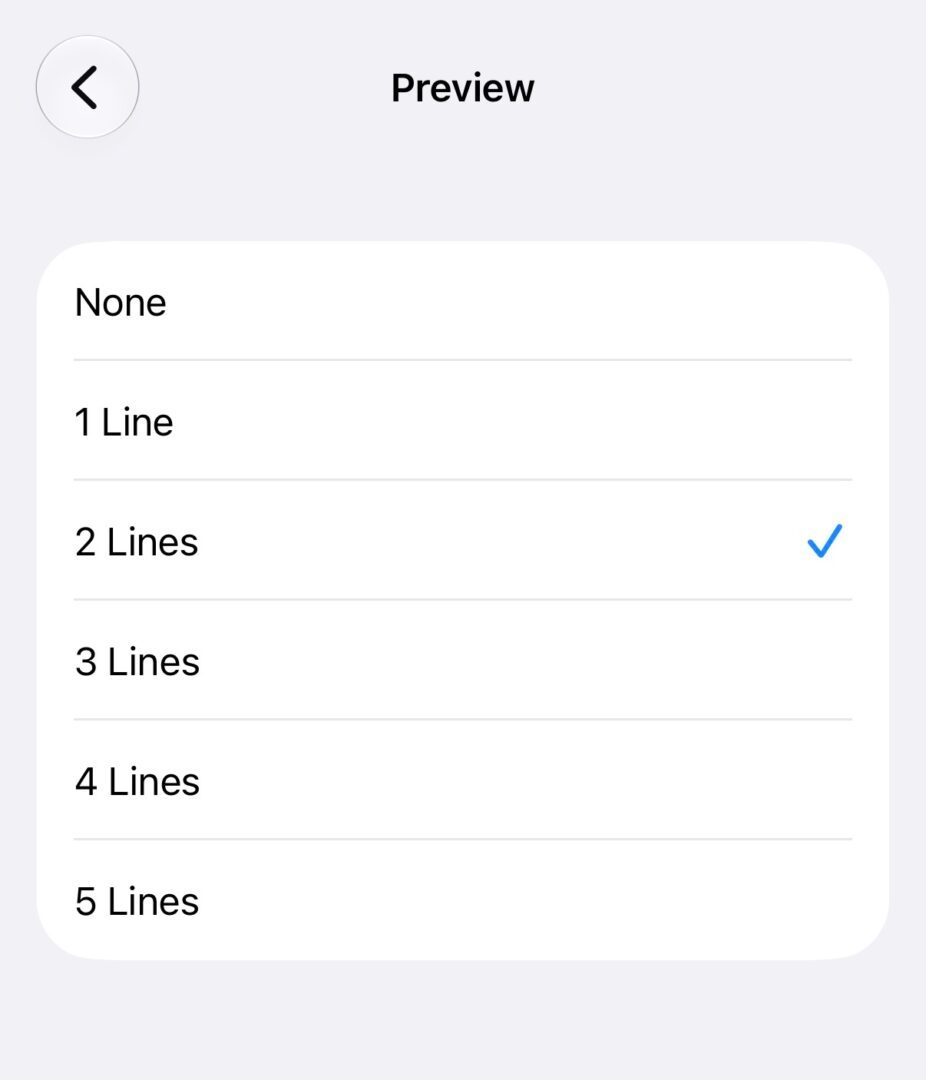 Along with these new changes, Apple has added multiple new voice options for Siri under Expressive Voices Preview on the iPhone 17 Pro, iPhone 17 Pro Max, and iPhone Air. Pace and Expressivity controls are coming soon for some voice options.
AirPods and Control Center:
Apple added the ability to fine-tune Adaptive Sound mode on AirPods Pro 2 and later with the previous beta version, but with today’s update, users can adjust Adaptive mode to allow more sound or less sound within the Control Center itself.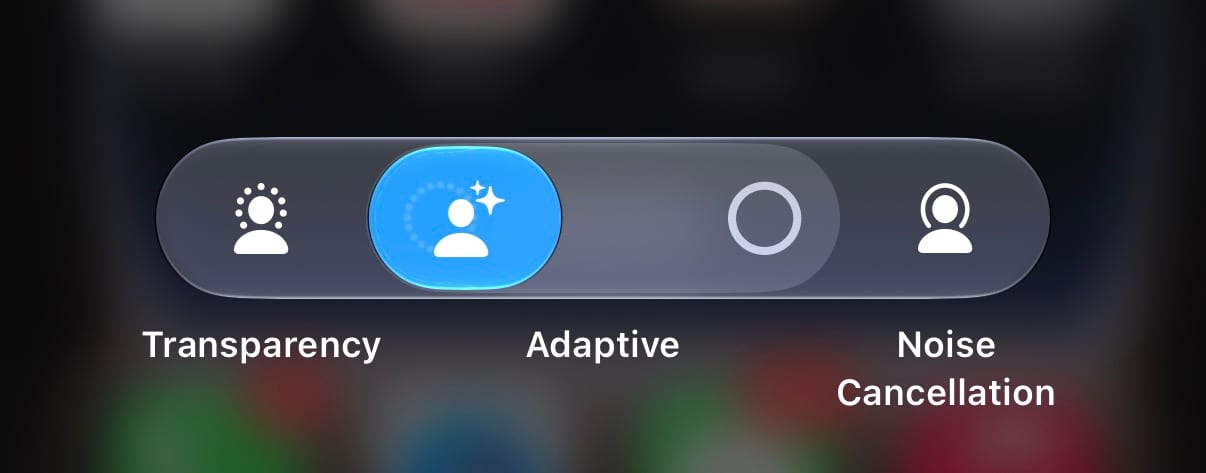
Apple TV:
A new Automatic Downloads option has been added to Apple TV app Settings. If enabled, your iPhone will automatically download the next two episodes of a show that you are watching.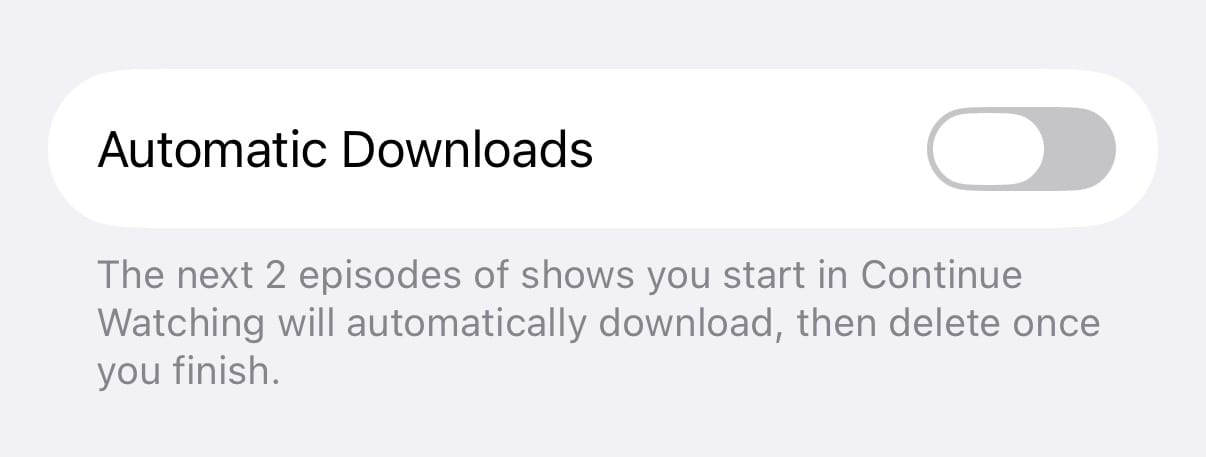
Camera:
Apple introduced support for ProRes Log 2 with the iPhone 17 Pro series. Up until now, users could only record in Log 2, but a new Setting in iOS 27 allows users to switch between Log and Log 2.New in iOS 27 beta 4: ProRes Log Video Encoding setting You can choose between Log and Log 2 pic.twitter.com/lS3Ixtd6Sw
— Aaron (@aaronp613) July 20, 2026
Photos:
A new setting called “Zoom Photos to Fill” is enabled by default, allowing your photos to be slightly zoomed in if they ‘nearly match the screen’s aspect ratio’iOS 27 Beta 3 added a new wallpaper animation effect when pulling down the notification center, about which testers were unsure if it was a bug or a feature. It seems that Apple has removed this effect from the latest beta. We can expect the next betas for version 27.0 to be rolled out after 2 weeks, and Public Beta 2 soon. Users who are registered as a developer on www.developer.apple.com can opt in to receive beta updates by going into Settings>General>Software Update>Beta Updates and selecting Developer Beta.New in iOS 27 beta 4: Zoom Photos to Fill setting
Slightly zoom photos that nearly match the screen’s aspect ratio pic.twitter.com/76CSRAjfEJ — Aaron (@aaronp613) July 20, 2026
Do note that these versions are not stable and are meant for testing purposes. They are not recommended to be downloaded on a primary device due to the nature of beta software.
Did you find anything else on the new beta? Let us know in the comments or write to us on @appleosophy! Be sure to download the Appleosophy App from the App Store or visit our website to stay updated with the latest Apple news!
Comments
Comments will load as you approach this section.