Apple has started rolling out the first betas of watchOS 27.3, iOS 27.3, iPadOS 27.3, macOS 27.3 Golden Gate, tvOS 27.3, and visionOS 27.3 to developers. These updates come one week after the release of version 27.2 to the public, which came with a new way to enter multitasking on the Apple Watch, a new Music icon, enhancements to Siri AI, and more.
With the launch of the Apple Watch Series 12 and Apple Watch Ultra 4 earlier in September, Apple announced two new upcoming features for these watches only, as they feature the latest S11 chipset. Apple said that Live Rewind and Siri Recap would “arrive in beta later this year,” and the wording could suggest that Apple may only test them during the beta of watchOS 27.3 but not include them with the final release, which is expected in December, similar to how they excluded the new Apple Health redesign in the final version of iOS 27.2.
Here’s how Apple describes both these features:
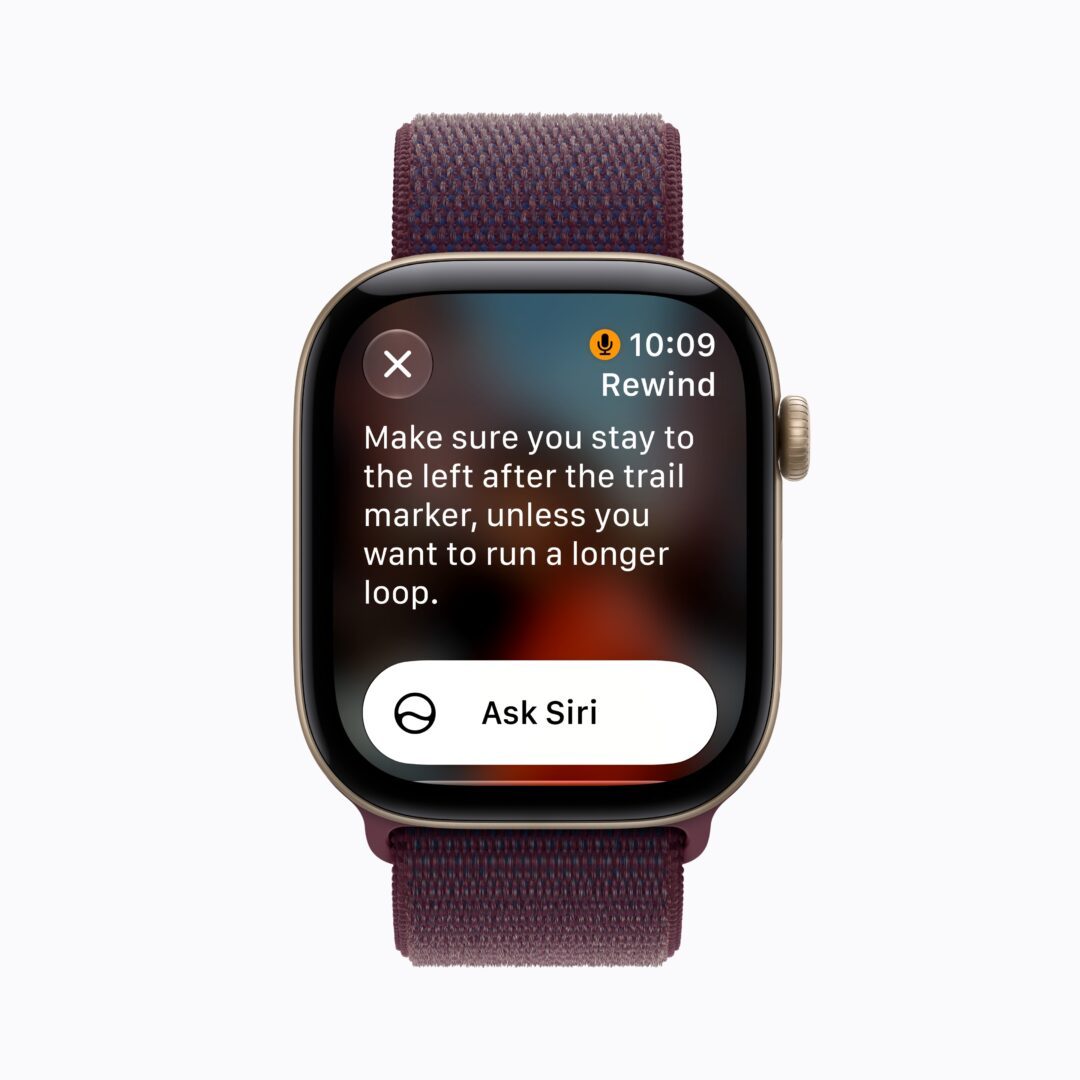
“Live Rewind, which can help users recall what was just said in conversation. A double press of the Digital Crown shows the previous 15 seconds of a conversation as a text snippet, so the user can catch something they may have missed or are less familiar with. Users can ask Siri about the content of the text or save it to the Siri app to revisit later.
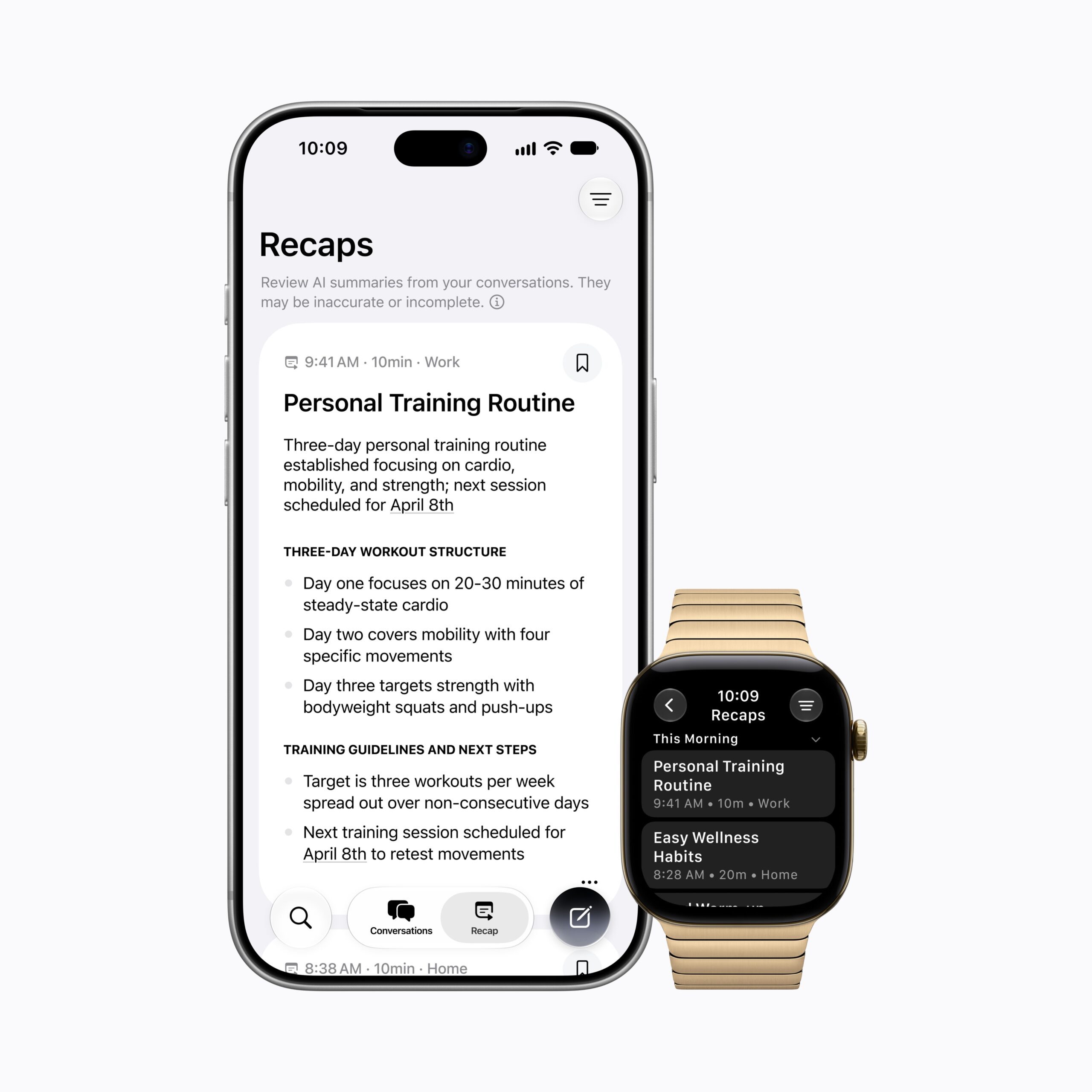
Siri Recap, which can create high-level summaries of conversations that users can review later to jog their memory. When Siri Recap is turned on, after a conversation, Apple Intelligence automatically generates a title and key points in the new Siri app, allowing users to be more present and engaged in the moment.”
For these features to work, the watch will need to be paired to an iPhone 16 or newer, excluding the iPhone 16e. The features are limited to the new Apple Watch models due to their new privacy-centric S11 chip, which has a Secure Exclave for processing audio in isolation. Moreover, a chime is played when the Live Rewind feature is being used regardless of any focus modes or silent mode.
Users who are registered as a developer on www.developer.apple.com can opt in to receive beta updates by going into Settings>General>Software Update>Beta Updates and selecting Developer Beta.
Do note that these versions are not stable and are meant for testing purposes. Did you find any more features in these updates? Let us know down in the comments or write to us on @appleosophy! Be sure to download the Appleosophy App from the App Store or visit our website to stay updated with the latest Apple news!
Pururaj is the Vice President of Appleosophy and Silicon Report, in addition to being the Manager of popular Redfruit Media platforms such as TechPod Social and Apple Summit. His seasoned experience plays a pivotal role in the success of Redfruit Media, contributing significantly to shaping the ever-evolving tech landscape. As a tech aficionado, he enjoys exploring & reviewing new products, and sharing his insights with the community. With an unwavering passion for technology, Pururaj is committed to delivering accurate and insightful information to his readers.

Comments
Comments will load as you approach this section.