Over the last few years I have spent a lot of time watching server dashboards instead of sunsets. My name is Sebastian Krämer, and I work in the Customer Care team at SIM-Networks. Part of my job is seeing which machines our clients actually use day after day and listening to what they struggle with. At some point I noticed a pattern that refused to disappear: developers were spinning up more and more virtual Macs. At first it looked like a niche thing for iOS teams. Now it feels like a whole generation of developers is reconsidering what a “Mac for work” even is.
The pattern shows up in ticket conversations and project chats as well. Instead of asking which MacBook model to buy, people ask how to rent Mac in the cloud for coding, how many build agents a small team needs, or how to wire a cloud Mac into an existing CI pipeline that already runs on Linux and Windows. That shift in questions tells more than any performance benchmark.
How I Started Noticing The Shift
When I first joined SIM-Networks, Mac hardware in our data centers was an edge case. Most of our racks were classic Linux and Windows servers, storage nodes, networking gear. Mac mini clusters lived in a quiet corner, mostly for a few agencies that built iOS apps for clients.
Today the picture looks different. We still host the usual mix of web apps, databases and corporate systems, yet cloud Macs have turned into a stable flow of requests. I hear the same reasons from different types of customers:
- Students who are learning Swift and want a real Xcode environment without saving for months to buy a MacBook.
- Independent developers who work from Windows laptops and need macOS only for building and signing iOS apps.
- European companies that run big CI/CD pipelines and prefer macOS build agents inside the European legal space.
Many of them could technically afford physical Macs. The problem appears once you view the machine as a piece of infrastructure rather than a personal gadget. You see idle time, maintenance, hardware limits and the reality that build servers age much faster than a personal laptop.

The Hidden Cost Of A Single Physical Mac
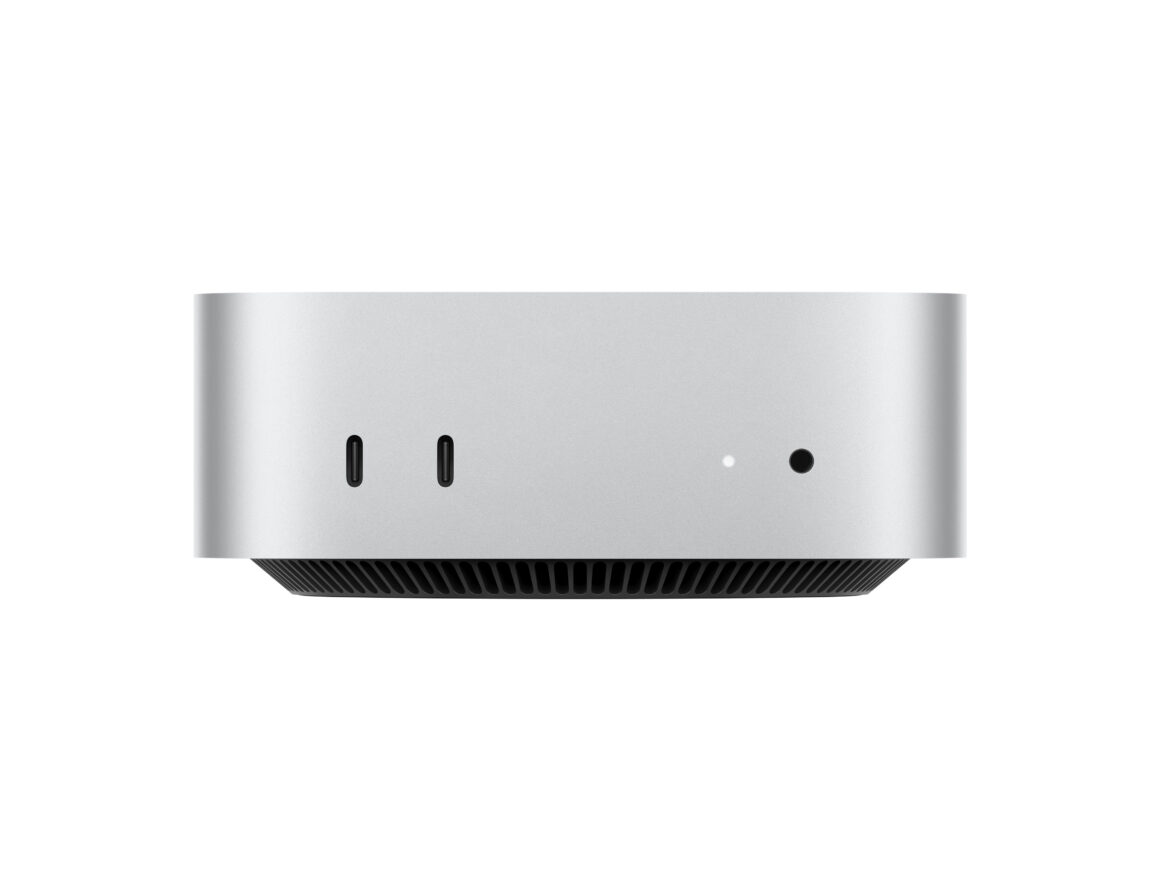
From the outside it looks simple: buy a Mac mini or Mac Studio, plug it into the office network and let it build your iOS apps. From the inside I keep seeing the same cycle:
- A team buys a powerful Mac.
- They put it in a corner or server room and give everyone SSH or remote desktop access.
- At first it is enough. Then build times grow, projects multiply, another team joins the queue.
- Soon there are three or four machines with different macOS and Xcode versions.
- Somebody now owns the “Mac server zoo” and spends part of the week updating, backing up and fixing it.
The TCO grows quietly: electricity, hardware upgrades, spare parts, sudden failures, moving the machines to a new office, dealing with flaky remote access from home. That zoo becomes yet another cluster the company has to care about.
In contrast, a cloud Mac behaves like any other managed server. Developers log in, install their tools and write code. They do not hear the fans, worry about dust in the office, or think about what happens when the power strip dies. Hardware capacity becomes an API call. If a project outgrows one machine, you provision another instance and balance the load.
Real Stories From Our Dashboard
On paper all this sounds very abstract, so I keep going back to real examples that show why people switch.
One of our long-time clients is a small European game studio. The whole team uses Windows desktops. They build a free-to-play game that runs on multiple platforms, including iOS. For a while they borrowed a single MacBook in the office to build and ship releases. When remote work became normal, that MacBook turned into a bottleneck. It could not live in ten apartments at once.
They tried setting it up as a remote build box at someone’s home. That plan collapsed the first time the internet connection cut out during an important release. Eventually they moved the iOS build process to a cloud Mac. Now the game’s pipeline looks like this:
- Code lives in a Git repository, shared across Windows and macOS.
- CI jobs run unit tests on Linux and Windows agents.
- When it is time to build for iOS, the pipeline hands off to a macOS instance in the data center.
- The signed build returns to the main pipeline and goes to TestFlight or the App Store.
The team still loves their Windows machines because that is where they design, model and test. The Mac lives in the background as a reliable build tool that fits into the same automation flow.
Another client, a mid-size SaaS company from Germany, uses several cloud Macs for a different reason. They build B2B apps that rely on macOS features and integrate heavily with the Apple ecosystem. Their QA team tests across multiple OS versions to catch subtle bugs in window management, accessibility and notifications. Buying and maintaining a stack of physical devices for each OS version would slow them down. Instead, they assign each project its own macOS instance with a defined version, snapshot it when needed and roll back in minutes after each test cycle.
Why Remote Teams Fall In Love With Cloud Macs
The more distributed a team grows, the more painful it becomes to rely on a single physical machine. I keep hearing this theme during onboarding calls: the team has MacBooks in different cities, yet builds break randomly because each environment is slightly different. Someone’s laptop runs an older Xcode version, another developer tweaks a system library, and suddenly the project behaves differently.
Cloud Macs help in two ways. First, they give the team a central “truth” for builds. Everyone develops locally on whatever platform they like. The decisive build, the one that goes to the store or to clients, happens inside a known, clean macOS environment. If something fails, you debug the pipeline, not everyone’s personal laptop at once.
Second, they open a shared workspace that survives people’s schedules and time zones. Multiple developers can log in to the same machine during the day, pair on a tricky bug, leave notes for each other and keep everything in one place.
Typical scenarios I see include a freelancer in Spain and an agency in Poland merging their workflow around a shared Mac build server in the cloud, universities using cloud Macs as lab environments so that students with any laptop can log in and experiment with SwiftUI, and agencies preparing per-client macOS instances so they can switch between projects without carrying around separate laptops.
The cloud does not remove the need for personal devices. It simply moves the heavy, fragile part of the workflow to a place where uptime and maintenance are someone else’s problem.
Why European Infrastructure Matters To Our Clients
For many of our customers, the word “European” in “European data center” is more than geography. It shapes how they think about risk, compliance and stability. When we talk about cloud Macs, a few things come up almost every time.
The first one is uptime. Local Mac hardware in an office depends on the building’s power grid, internet provider and physical security. A data center has redundant power feeds, battery systems, diesel generators and trained staff who treat uptime as a mission. For a CI pipeline that builds and signs iOS apps several times a day, that difference feels huge. One hour of downtime in the middle of a release cycle can cost more than a month of hosting.
The second theme is data regulation. European companies care about where their code and build artifacts live. For some industries even the temporary storage of a build in a third country raises questions. When macOS instances run in European facilities with clear legal jurisdiction, legal and security teams sleep better. It becomes easier to document compliance for clients, auditors and partners.
The third factor is performance that feels predictable. A cloud Mac in the same region as the developers avoids strange latency spikes during remote access or file transfers. The network paths stay short, support staff shares the same working hours, and troubleshooting does not get lost between continents.
For many teams this adds up to a simple feeling of control. They know where their build machines are, who maintains them and what to expect when something goes wrong.
Looking Ahead From The Support Desk
From my chair in Customer Care I spent years hearing Macs described as “special devices” off to the side. Web servers were Linux, office machines were Windows, and Macs belonged to designers and iOS developers. Watching usage patterns now, it feels like that border is fading.
Developers think less in terms of personal devices and more in terms of tasks: one environment to write code and run local tests, another environment to run heavy builds and automated test suites, and a third environment to ship releases and store artifacts in a controlled space.
Sometimes all three live on the same laptop. More and more often, the heavy lifting moves into structured cloud setups, and that includes macOS. The choice between buying a Mac mini and spinning up a macOS instance is no longer only about hardware specs. It is about who owns the maintenance, how flexible the capacity must be, and which legal space the project has to respect.
From my side of the screen, the trend feels steady. Students log in to their first cloud Mac from tiny dorm rooms. Freelancers set up build agents that follow them from one contract to another. Established companies migrate entire CI layers to European data centers so their developers can focus on writing code instead of nursing aging machines in the office.
I do not know if physical Macs will ever completely move out of server rooms. People like touching aluminium cases too much. What I do see each month is that the quiet, remote Macs in our racks are doing more of the serious work. For many teams that shift means less friction, fewer late-night hardware emergencies and more time to think about product features instead of power supplies. And from the point of view of someone who watches those patterns from Customer Care every day, that looks like a healthy direction for the whole ecosystem.