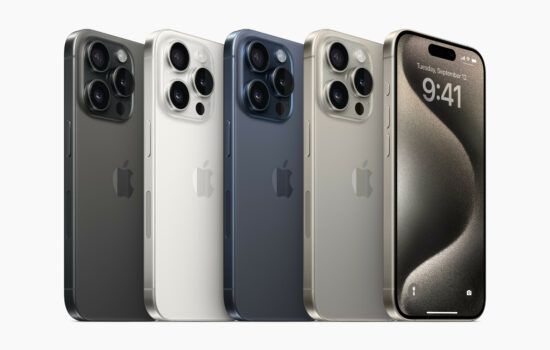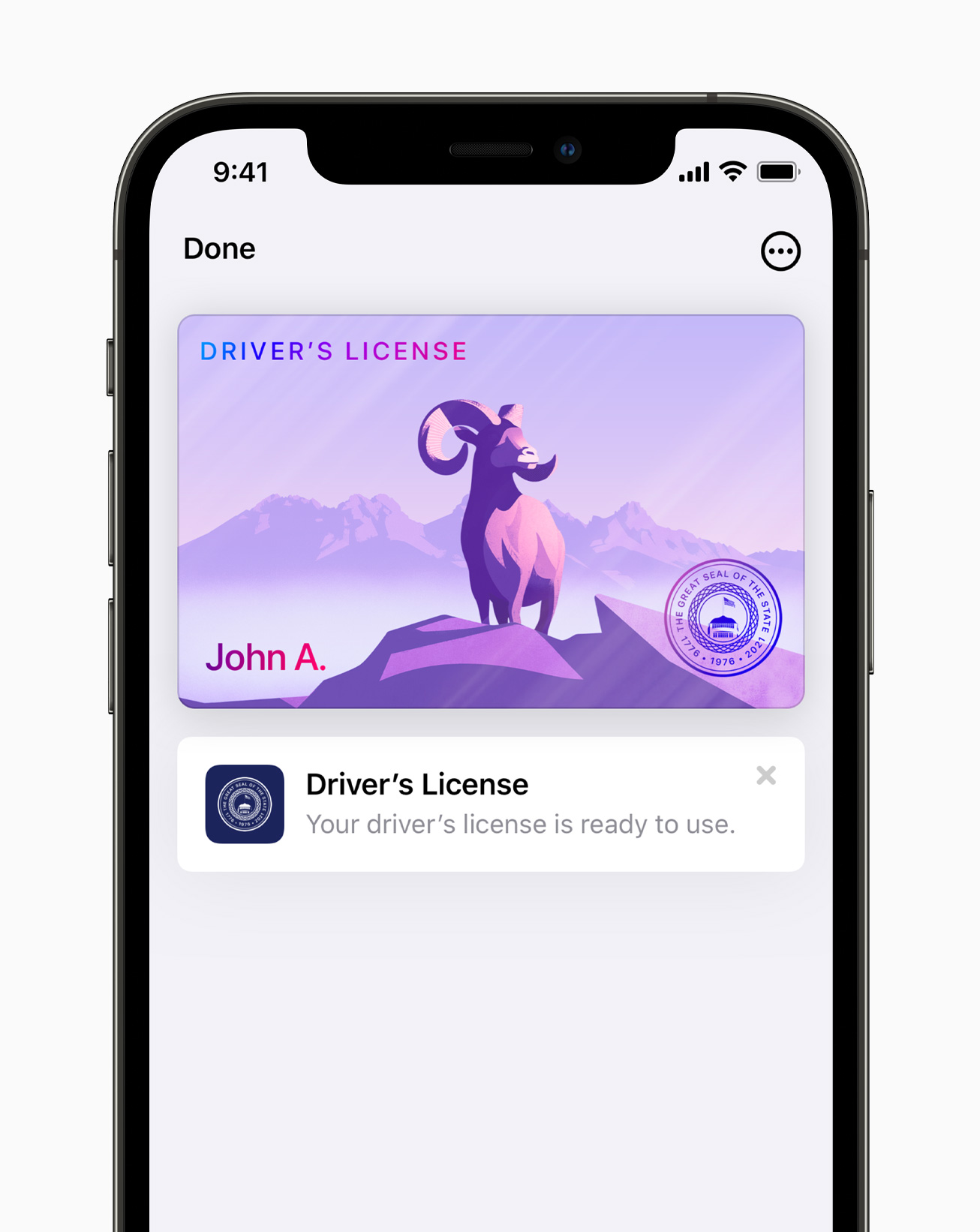

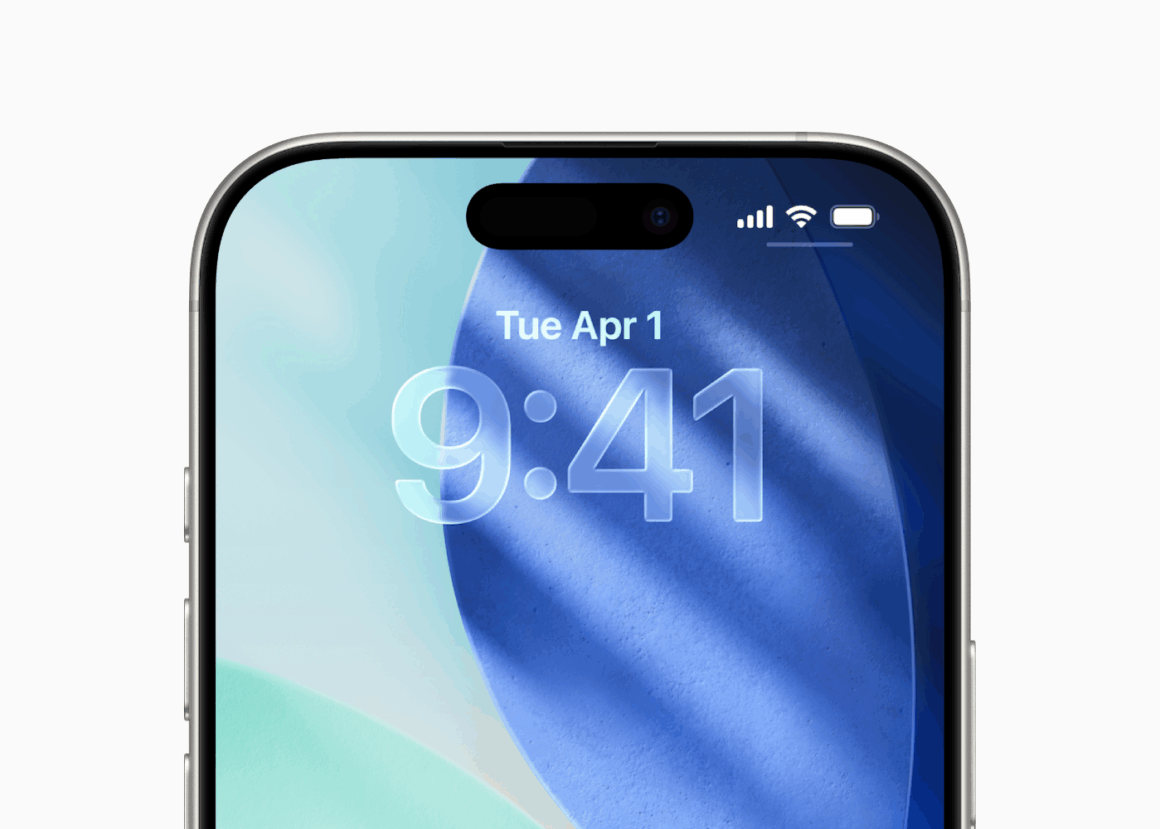
After weeks of beta testing, Apple has finally started rolling out iOS 26.3 and iPadOS 26.3 to the public with a few new features and changes. These updates come two weeks after the release of iOS 26.2.1, which introduced support for the new AirTag (2nd generation).
These updates are expected to bring in the much-needed stability in performance and battery life for users running previous versions.
According to Apple’s Release Notes, “This update provides important bug fixes and security updates. For information on the security content of Apple software updates, please visit: https://support.apple.com/100100
Some features may not be available for all regions.
For more information, please visit: https://www.apple.com/os/ios
Software updates, like this one, add new features and improvements that may affect performance and/or battery life. To learn more, please visit: https://support.apple.com/12503g“
Even though it is not mentioned in the release notes, iOS 26.3 comes with features like ‘Transfer to Android’ and ‘Notification Forwarding’ for the EU, along with more frequent ‘Background Security Improvements’ updates.
Another notable feature introduced by Apple is “Limit Precise Location” for Cellular Networks for devices with Apple’s C1 and C1X modems, including the iPhone Air, iPhone 16e, and iPad Pro (M5) with Cellular connectivity. As described by Apple, “Cellular networks can determine your location based on which cell towers your device connects to. The limit precise location setting enhances your location privacy by reducing the precision of location data available to cellular networks.
With this setting turned on, some information made available to cellular networks is limited. As a result, they might be able to determine only a less precise location — for example, the neighborhood where your device is located, rather than a more precise location (such as a street address). The setting doesn’t impact signal quality or user experience.”
This feature currently works with a limited number of carriers, including:
-
Germany: Telekom
-
United Kingdom: EE, BT
-
United States: Boost Mobile
-
Thailand: AIS, True
This option can be found under Settings>Cellular> Cellular Data Options>Select your line>Scroll down. Apple says that this may need a restart of the device.
These updates are currently available for the following devices:
- iPhone 17, iPhone Air, iPhone 17 Pro, iPhone 17 Pro Max
- iPhone 16, iPhone 16 Plus, iPhone 16 Pro, iPhone 16 Pro Max, iPhone 16e
- iPhone 15, iPhone 15 Plus, iPhone 15 Pro, iPhone 15 Pro Max
- iPhone 14, iPhone 14 Plus, iPhone 14 Pro, iPhone 14 Pro Max
- iPhone 13, iPhone 13 mini, iPhone 13 Pro, iPhone 13 Pro Max
- iPhone 12, iPhone 12 mini, iPhone 12 Pro, iPhone 12 Pro Max
- iPhone 11, iPhone 11 Pro, iPhone 11 Pro Max
- iPhone SE (2nd generation)
- iPhone SE (3rd generation)
- iPad Pro (M4 and M5)
- iPad Pro 12.9-inch (3rd generation and later)
- iPad Pro 11-inch (1st generation and later)
- iPad Air (3rd generation and later)
- iPad (8th generation and later)
- iPad mini (5th generation and later)
iOS 26.3 and iPadOS 26.3 include fixes to 37 security issues with WebKit, Shortcuts, Messages, Bluetooth, and more.
Are you excited to try out the new features? Let us know down in the comments or write to us on @appleosophy! Be sure to download the Appleosophy App from the App Store or visit our website to stay updated with the latest Apple news!