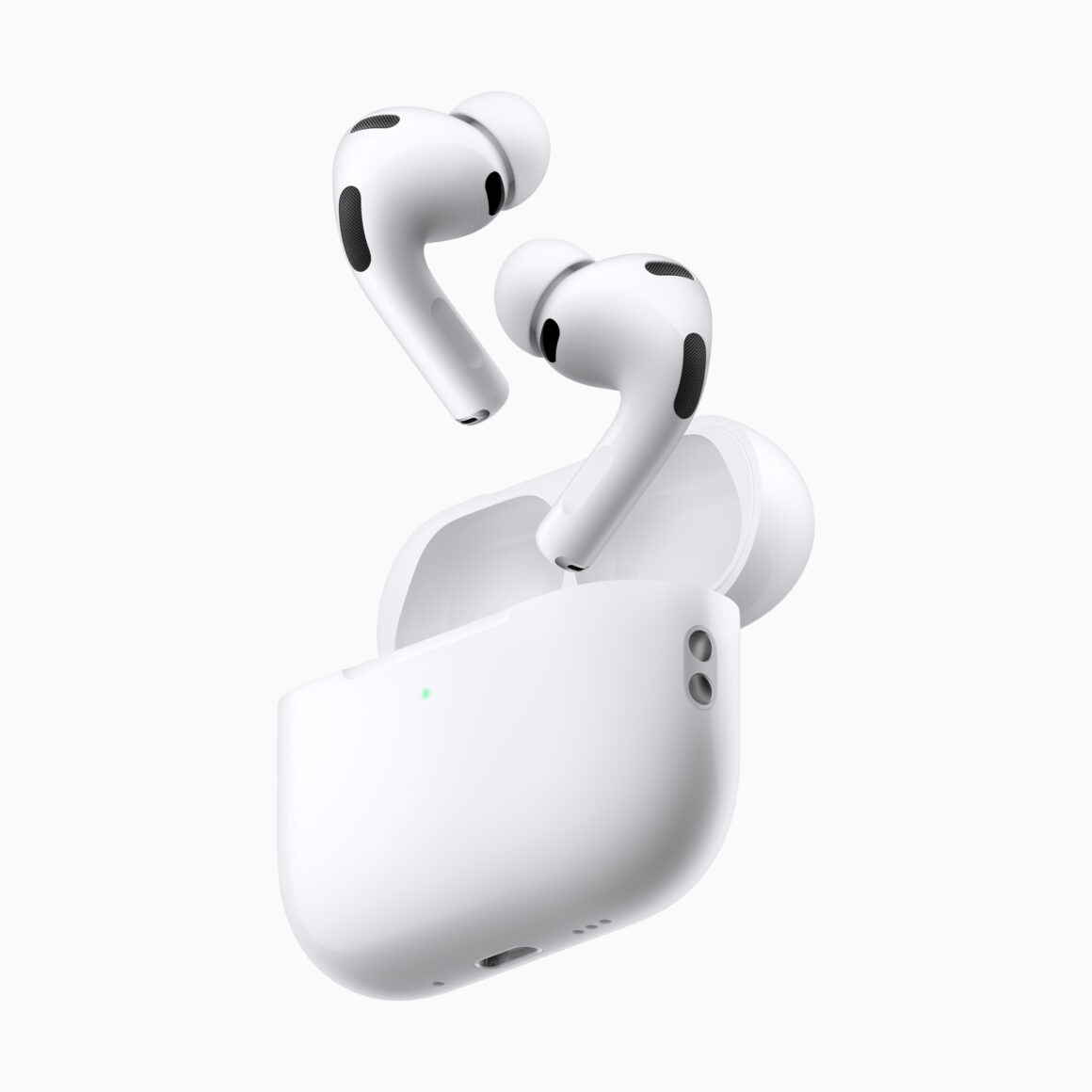
A new firmware version for the AirPods Pro 3 has been released by Apple. The build number of the new firmware is 8B40, with it previously being 8B39.
Apple hasn’t revealed if there’s anything new with this new version, but it might just be “bug fixes and improvements”, similar to version 8B39. There is no mention of the new update on Apple’s AirPods firmware update webpage as of yet.
If you want to check if your AirPods has updated to the latest firmware, follow these steps:
– Open the lid of your AirPods/or wear them
– Go to Settings>Bluetooth
– Tap on the ‘i’ icon
Here, you’ll be able to see the current firmware version of your AirPods. If it hasn’t updated, you’ll just have to wait, as there’s no way to manually update. Just make sure your AirPods case is sufficiently charged, along with your iPhone being in close proximity.
A quicker method, which might work, is to connect your AirPods case to a Mac with a cable, with AirPods themselves in the case. The same applies to other accessories, such as Apple’s MagSafe Charger, and more.
If your AirPods are already updated, did you notice any difference in sound? Let us know in the comments or tweet us at @appleosophy. Be sure to download the Appleosophy App from the App Store or visit our website to stay updated with the latest Apple News and Deals!