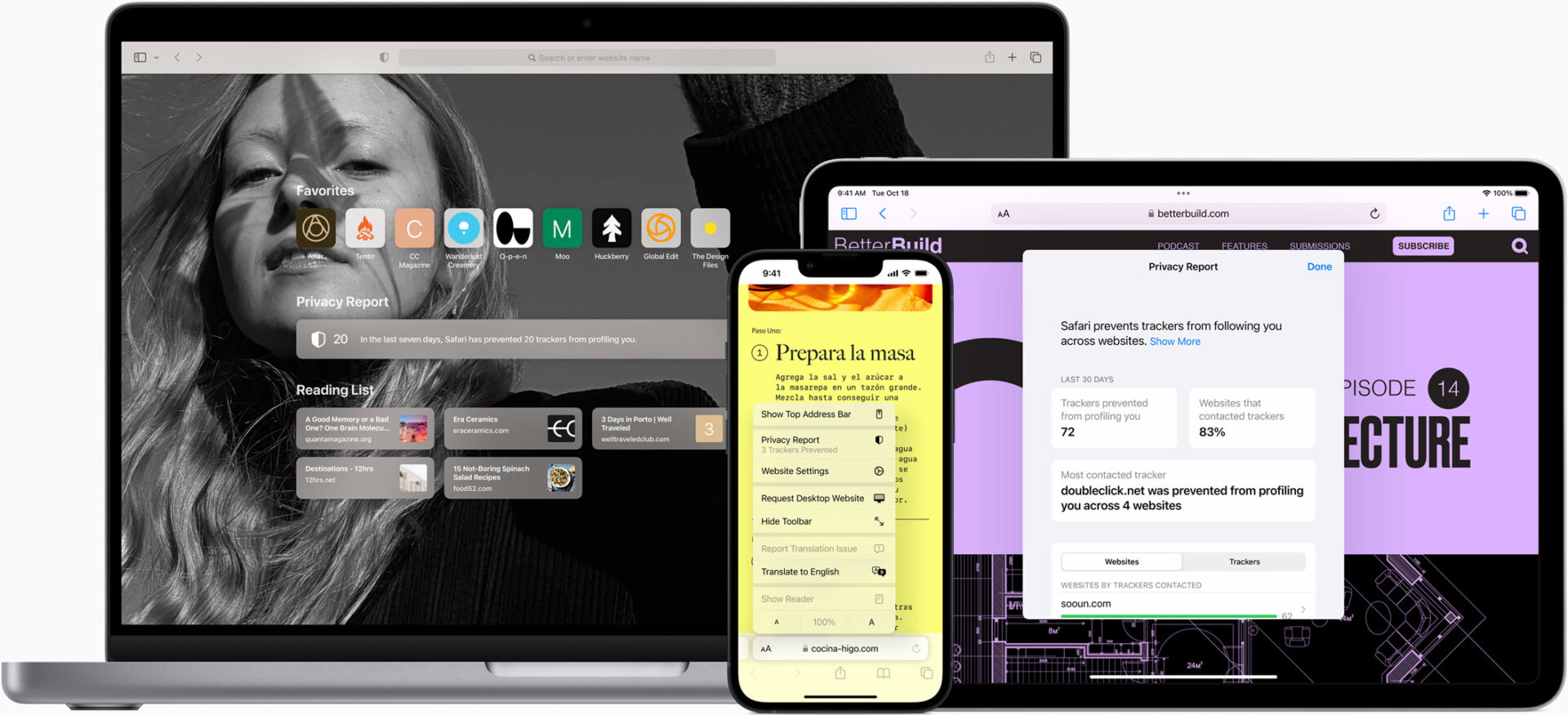
Battery life, speed, and everyday browsing habits all got attention in iOS 27. However, Safari stands out as the app Apple reshaped the most. This update leans heavily on Apple Intelligence. Its results touch nearly every part of the browsing experience, from tab behavior to extension building.
Core Performance Enhancements – Performance quietly underlies everything else in this release. Apple made the browser run much more efficiently. It pulls less power from your battery during normal daily use. Pages load faster across the board, both on the main Start Page and within complex web apps. JavaScript execution speed has increased significantly. Smoother animations run throughout the entire application. None of these underlying speed gains require Apple Intelligence. Therefore, the core performance boost benefits every supported device equally.
AI-Powered Tab Management – The AI-driven features, however, tell a completely different story. Take automated tab management as a prime example. If you open enough tabs at once, Safari automatically sorts them into clean, topic-based groups. Suppose you hop between online furniture listings and vacation rentals simultaneously. Rather than leaving everything mixed together in one long row, Safari separates the subjects into distinct clusters. Turning this feature on takes just a few quick taps. First, open the main tab view. Next, select the three-line icon in the top right corner. Finally, turn on the option labeled Automatically Create Topics.
Smart Filtering and Organization – Once active, several helpful browsing features unlock automatically. The same settings panel doubles as an instant filter. You can isolate one specific topic’s tabs while hiding the rest. The Start Page also gained a dedicated Resume Browsing panel. Apple built this module specifically for quick access. You can pick back up on a topic you closed recently or left open on another device. Furthermore, Safari does not limit this grouping logic to active tabs alone. Bookmarks and Reading List entries now get sorted by topic as well. This ensures your saved pages inherit the exact same clean organizational structure.
Automated Password Security – Passwords also benefit directly from Apple Intelligence in an automated manner. If the Passwords app flags a login as weak or compromised, Safari steps in immediately. The underlying system signs into the affected website completely on its own. It generates a stronger password and swaps it in without hassle. A single tap replaces a tedious manual chore. You no longer need to log into each flagged account one at a time.
Real-Time Website Monitoring – Website monitoring provides another valuable tool for precise timing needs. Safari alerts you immediately when prices drop, tickets go live, or restock notices appear. Setting up this feature is simple. Visit the target page first. Next, tap the settings icon near the main URL bar. Finally, select the Notify Me option. From there, describe what changes to look for. You can also select how often Safari should check the page. Daily checks represent the most frequent option available. However, weekly and monthly checks remain available if you prefer fewer notifications.
AI Extension Generation – Perhaps the most experimental addition to the browser is Create an Extension. This tool lets anyone build a custom Safari extension using plain language descriptions. You do not need coding knowledge or a formal developer account. You simply enter a descriptive text prompt. The feature lives directly inside Safari’s settings menu. You can access it from the icon situated to the left of the URL bar. Apple also built in a wide variety of ready-made prompt suggestions. These prompts center around themes like staying focused, getting creative, and designing new projects.
Practical and Creative Prompt Examples – Sample prompts included by Apple highlight the flexibility of this extension builder. Some options lean entirely practical. These include pulling citations, setting a fixed minimum font size, or running a focus timer. Other options lean playful or nostalgic. Extensions can transform page styling with retro aesthetics or custom text translations. Additionally, you can set new tabs to generate unique illustrations on demand. Additional prompts focus strictly on web design. They offer tools to measure elements on tap or drop any site into an editable mode. Taken together, these examples show Apple wants the tool to feel accessible to everyone.
Expanded Parental Controls – Parents gain useful new oversight tools tied directly into iOS 27’s parental controls overhaul. A new feature called Ask to Browse requires explicit approval before kids visit any new website for the first time. This system adds an effective layer of direct parental supervision. It works alongside the standard content filtering that iOS already had in place.
Hardware Compatibility and Availability – However, strict hardware limitations apply to several of these newly introduced tools. Automatic tab grouping, AI-built custom extensions, and smart page notifications rely on Apple Intelligence specifically. Consequently, Apple limits those capabilities to the iPhone 15 Pro and newer models. Anyone using an older iPhone model will still receive baseline performance improvements. They get the general iOS 27 system update, but they will miss out on these specific AI upgrades.
Release Schedule – Apple has already made iOS 27 available through developer and public beta programs. Early adopters can test these browser features ahead of schedule. The official public release will arrive this fall alongside Apple’s next flagship iPhone lineup. This update centers heavily on refining Safari. Therefore, it will represent one of the most noticeable daily changes for mobile users.