


Earlier today, Bloomberg’s Mark Gurman revealed several more details on how touchscreens would work on the upcoming MacBook Pro with the M6 Pro and M6 Max, and it seems that Apple’s first touchscreen Mac is starting to become a reality. Come to think of it, all the details that he reported are all coming together. Here’s why.
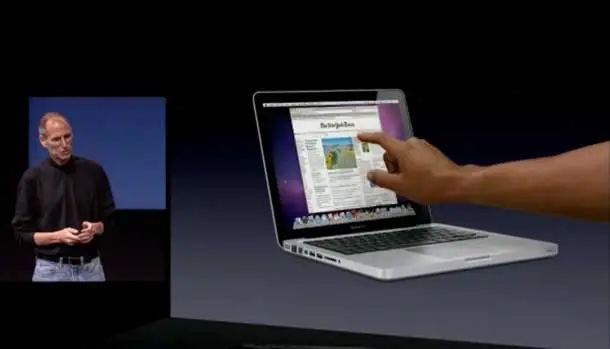
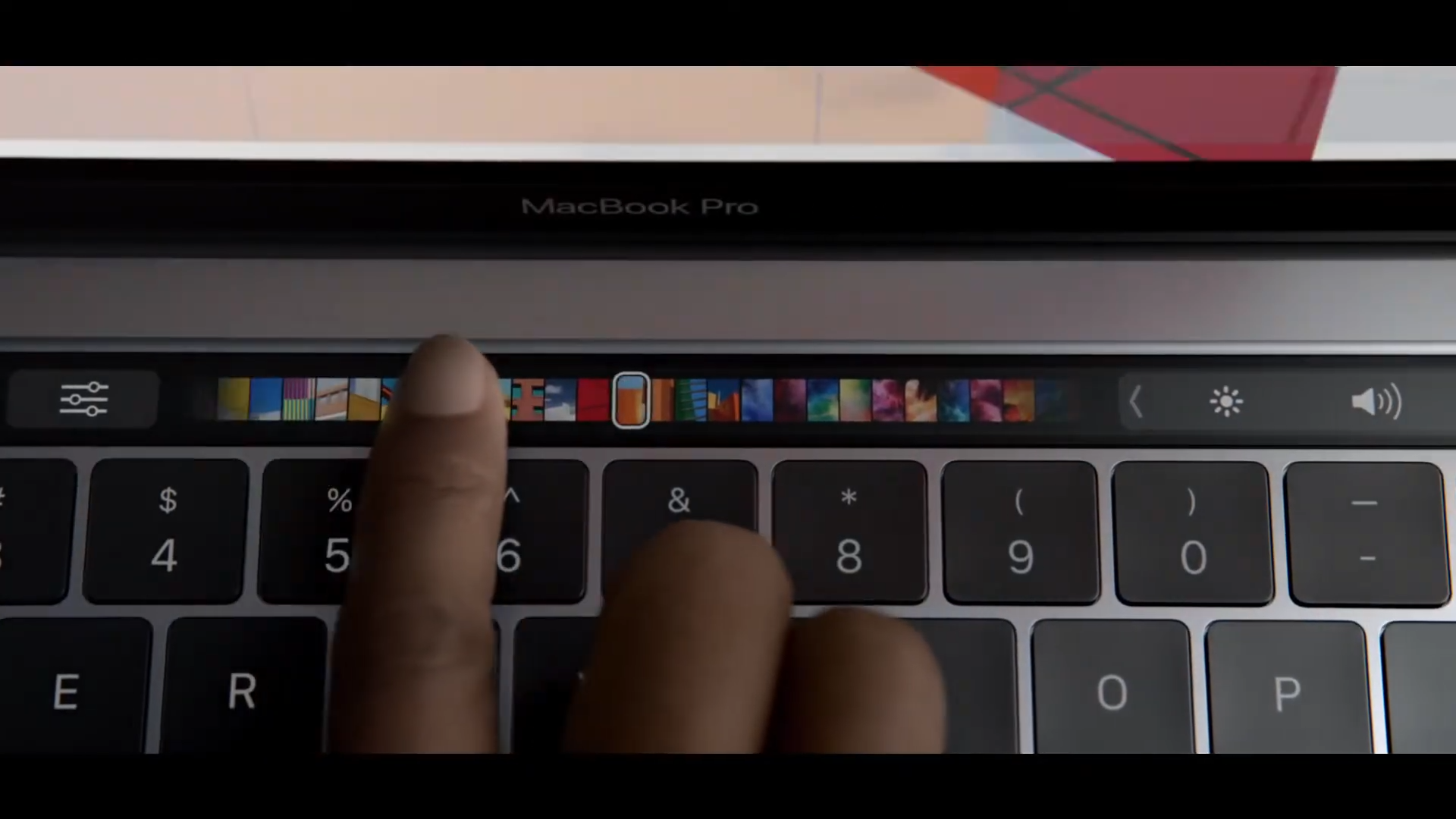
For several years, Apple has been against bringing touch screens to the Mac, especially with Steve Jobs in Apple’s “Back to the Mac” event (October 20, 2010). He claimed that touch surfaces didn’t want to be vertical, for while it would give a great demo, it would be ergonomically terrible. Apple did implement the Touch Bar when Apple introduced the redesigned MacBook Pros in October 2016, but the Touch Bar never caught on with the public. So that ship has sailed, as Apple would revert to function keys on the MacBook Pro a few years later.
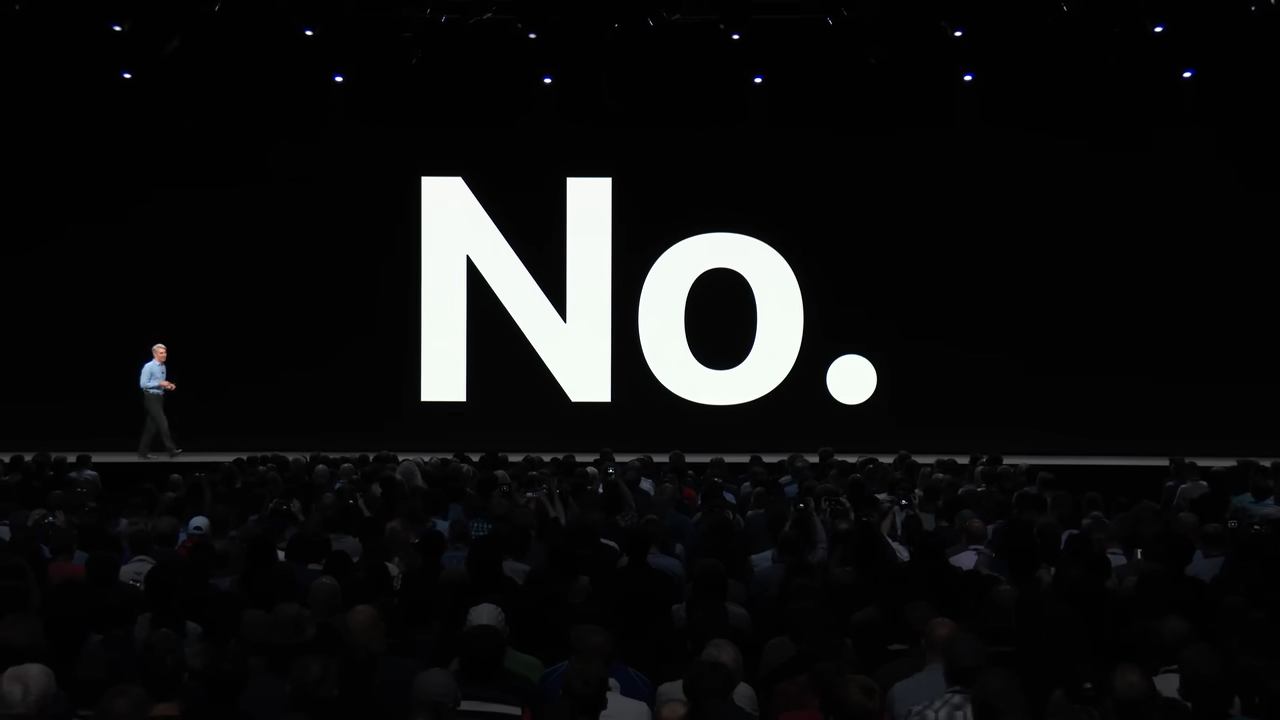
Fast forward to WWDC 2018, as the iPad continues to mature in both hardware and software, Craig Federighi asked the audience whether Apple would be merging iOS and macOS. Note this was one year before Apple renamed iOS for the iPad to “iPadOS”, and Federighi infamously said “No.” However, Apple teased “Project Catalyst,” which allowed Apple and developers to easily port iPad apps to macOS.
A few years later, at WWDC 2020, Apple gave us a sneak preview of macOS Big Sur, which brought a significant UI overhaul that felt modernized and more in line with iOS and iPadOS. This was the same time when Apple officially announced it would transition its entire Mac lineup to Apple Silicon. Over the next few years, as the Mac transitioned to Apple Silicon, the iPad also started to mature, especially for the iPad Air and iPad Pro, which now use the same M-series chips as the ones found in Apple’s base Mac models. But it wasn’t until WWDC 2025 that Apple introduced Liquid Glass, an entirely new user interface that’s entirely coherent and consistent across all of Apple’s operating systems, and iPadOS 26 also saw the biggest upgrade we’ve ever seen in the iPad’s software as the new UI is now closer to that of macOS than ever before.
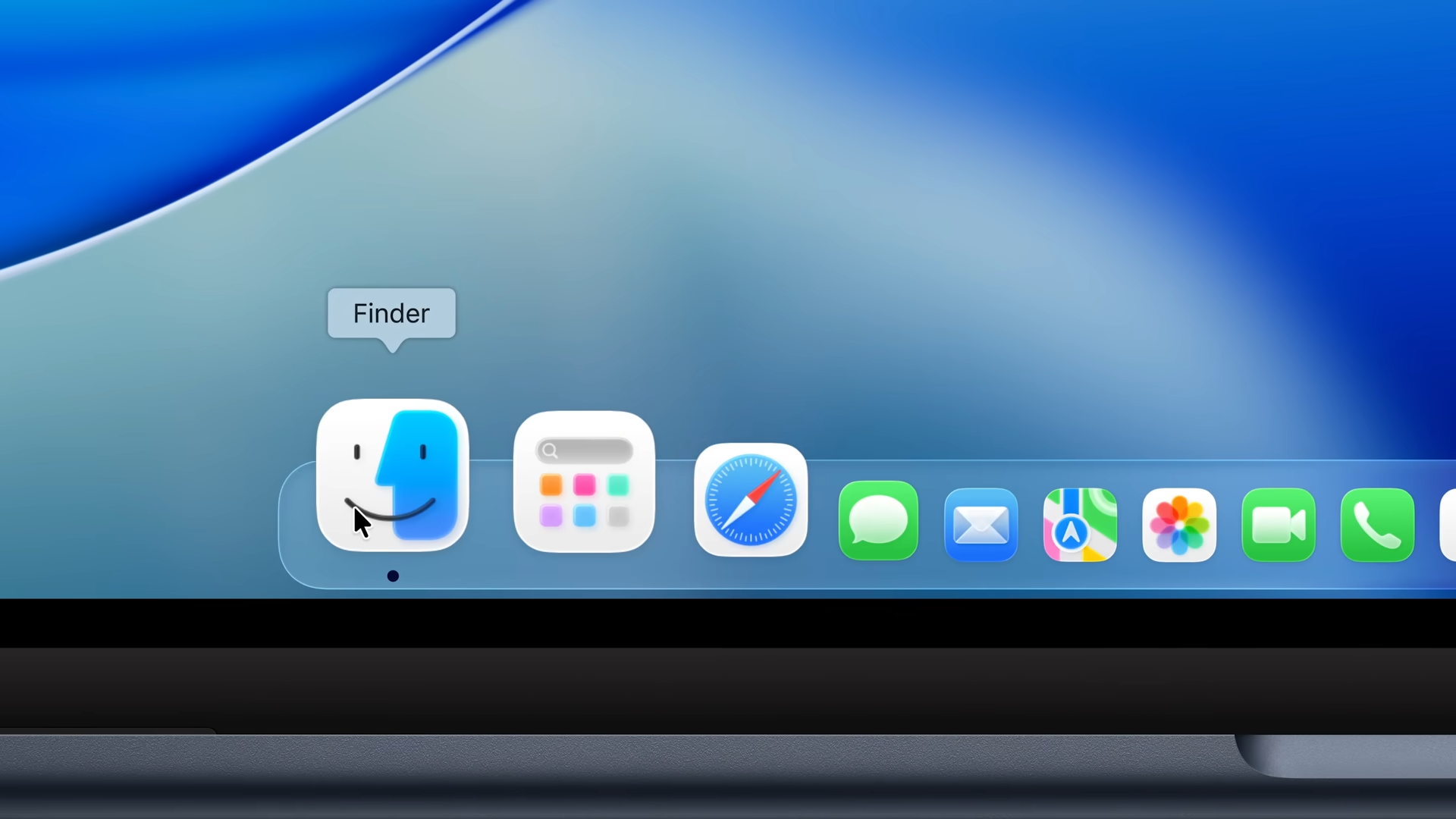
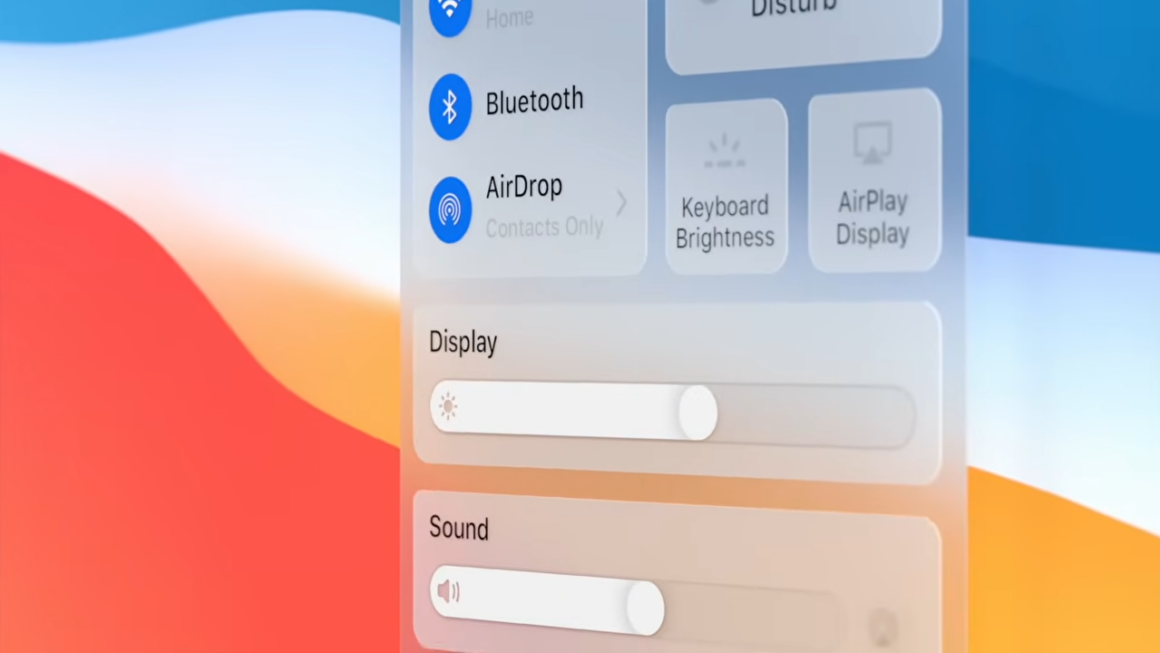
Liquid Glass has also transformed the macOS interface with several redesigned UI elements in many areas, such as sliders and toggle switches. If you’ve noticed the new UI in macOS 26 Tahoe, you’ll see that those UI elements appear to be “touch-friendly”, yet the built-in display on any MacBook or iMac doesn’t support multi-touch input. But that is all going to change as Apple has taken several steps towards designing a Mac user interface that also supports touch. In Gurman’s report, he describes that this upcoming macOS version will be more dynamic than ever, meaning it will automatically adapt to either cursor-input or touch-input based on the users’ interactions.
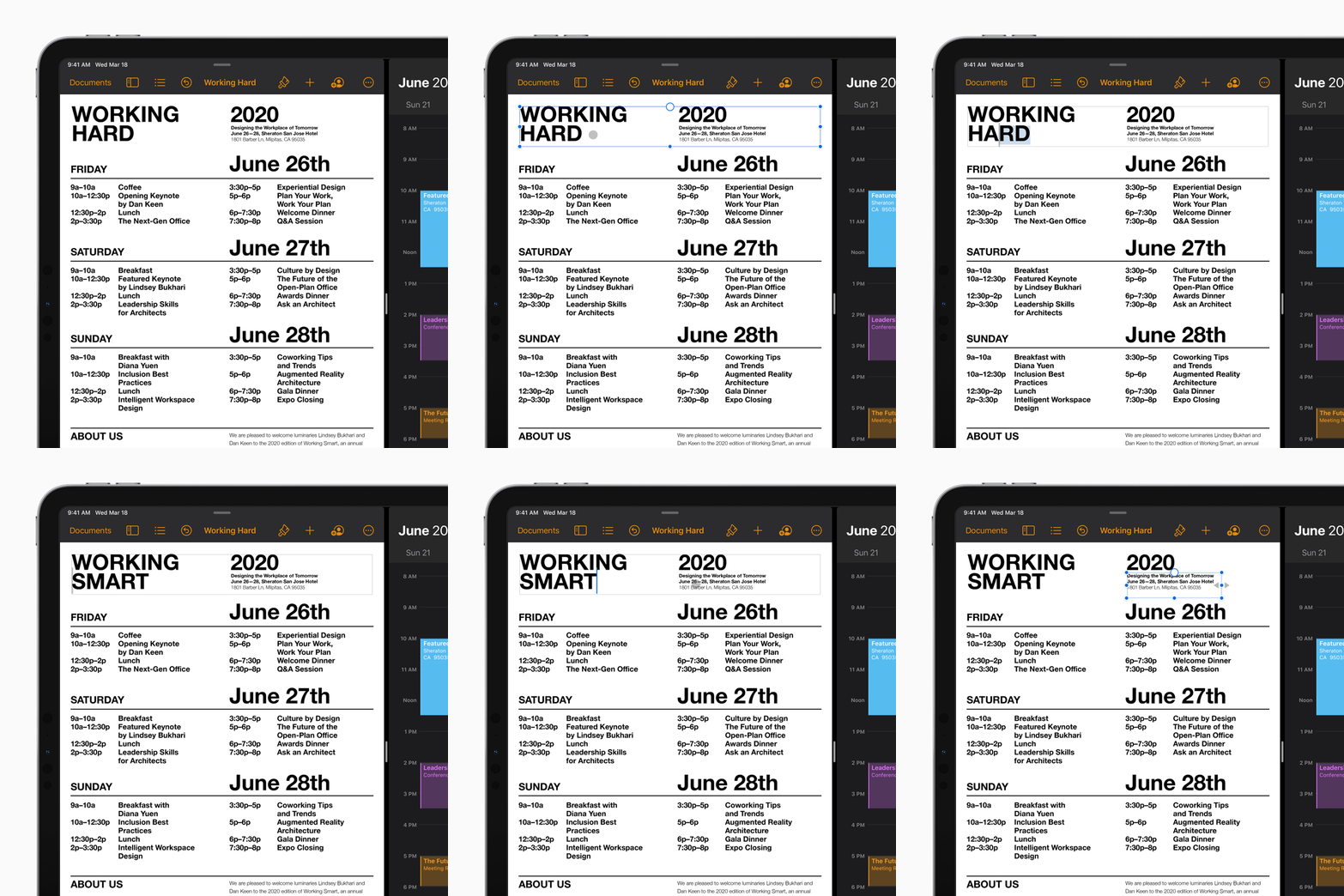
If that sounds familiar, take a look at the iPad. When Apple implemented mouse/trackpad support starting with iPadOS 13.4, the way Apple implemented it wasn’t a carbon-copy version of the Mac’s implementation, but rather it was more dynamic and centered around a touch-first interface that iPadOS has. When users attach the iPad to a Magic Keyboard accessory, the cursor will automatically appear when the user uses the built-in trackpad. Of course, the cursor behaves the same way when they use a mouse with the iPad. They will continue to interact with the cursor and perform multi-touch gestures on either a Magic Mouse, Magic Trackpad, or the built-in trackpad on the Magic Keyboard for more interactions. So, having cursor support not only acts as a secondary input for the iPad, but it also enhances the iPad experience by giving more flexibility and more control with what they’re creating.
I’m sure we’ll see the same for the upcoming MacBook Pro, where multi-touch on the display will further enhance the Mac experience as well, and customers will be able to do so much with the MacBook Pro, especially for creativity, such as annotating, drawing, inputting emojis, and accessing buttons to perform the most common actions.
With all that said, this would be such a grand opportunity for Apple to finally pull this off when it comes to bringing actual “touchscreen” support to the Mac, and I can’t wait to see how Apple will showcase it later this year.



Thank you for writing this article, it sheds light on what I am hoping would be a potential major benefit. Why do I say this? I am fully blind, a lifelong mac user, so VoiceOver is a critical tool for both the mac and IOS devices I use, these tools are my eyes. I am a musician and composer and use Logic Pro, but am also a church organist and a developer behind a solution for blind organists. What I would like to witness is the ability for MacOS to allow a user to connect external touch displays as an example, and with VoiceOver running, navigate the display the same way you would use an iphone / ipad, etc and have an interface that’s tactile. Here’s why I’m saying this…
Logic Pro when used with VoiceOver, requires so many interaction, stop interaction, various keystrokes, it’s tiring and a hinderance, it sucks the life out of you. A touch screen setup would allow a blind user to touch navigate and perform functions quicker and more effectively after learning the initial layout.
As an organist, systems like Modartt’s Organteq and Milan Digital Audio’s Hauptwerk, they support single and dual touchscreen modes, it would be a benefit in solutions like this where connecting 2 touch screens to control a midi organ console would have the degree of support through VoiceOver and the MacOS touch layer, which could be derived from the iOS / iPad OS specification, or maybe made better. This kind of support would be game changing in the accessibility world.
On another spectrum of this, for sighted users, having a touch layer in MacOS would allow a user to connect a touch screen and natively navigate the OS and apps, control and edit, use an apple pencil, etc
Personally, I’d love to witness the day that a touch screen macbook pro would exist. To me, that would be everything I’d need.
I just wish that MacOS would be more welcoming of iOS apps if a touch layer was added, that way you could benefit from both platforms and cross over easily.