
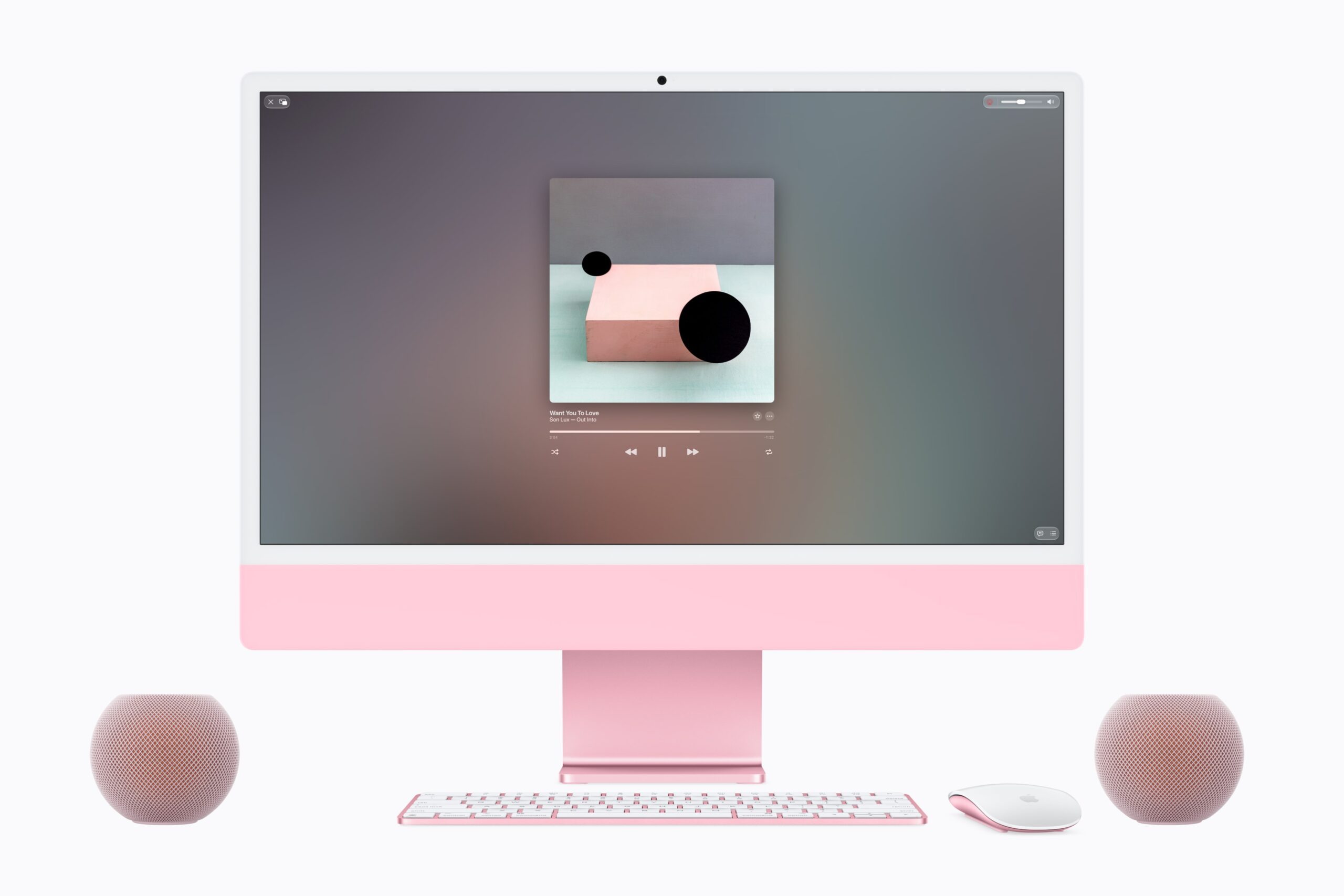
Yesterday, Apple introduced the HomePod mini 2, and one of the neat features this product brings is the ability to set it up as a default speaker for your Mac. This means you could either configure one HomePod mini 2 as a single speaker setup, or you could set up two HomePod mini 2 models as a stereo pair. This stereo pair would be ideal for Mac desktops, especially for the Mac mini, the Mac Studio, or the Mac Pro, where they each feature just one basic (mono) speaker, so you could imagine those built-in speakers wouldn’t sound particularly outstanding compared to what you’d find in something like the iMac’s or Studio Display’s six-speaker setup. However, there is a catch. It turns out that a footnote in the official press release for the HomePod mini 2 states that this feature will be supported on Macs with Wi-Fi 6E or later. This means that you’ll need to have any of the following Macs to set up the HomePod mini 2 as the default speaker, either a single speaker or a stereo pair. This official documentation from Apple lists the Mac models that have either Wi-Fi 6E or Wi-Fi 7:
- MacBook Neo
- MacBook Air introduced in 2024 or later
- MacBook Pro introduced in 2023 or later
- iMac introduced in 2023 or later
- Mac mini introduced in 2023 or later
- Mac Studio introduced in 2023 or later
- Mac Pro introduced in 2023
Although you can continue to use the original HomePod mini as your Mac’s speaker via AirPlay, you cannot set it as your default speakers. Additionally, the downside with using AirPlay is that it may introduce audio latency, so this new feature coming to HomePod mini 2 should certainly be a game-changer for Mac desktops, especially for “headless” Macs paired with displays that just have “basic” speakers or no speakers at all.
HomePod mini 2 is available to pre-order for $149, and it will launch on October 30.
0 comments
No comments yet. Start a thoughtful conversation.