
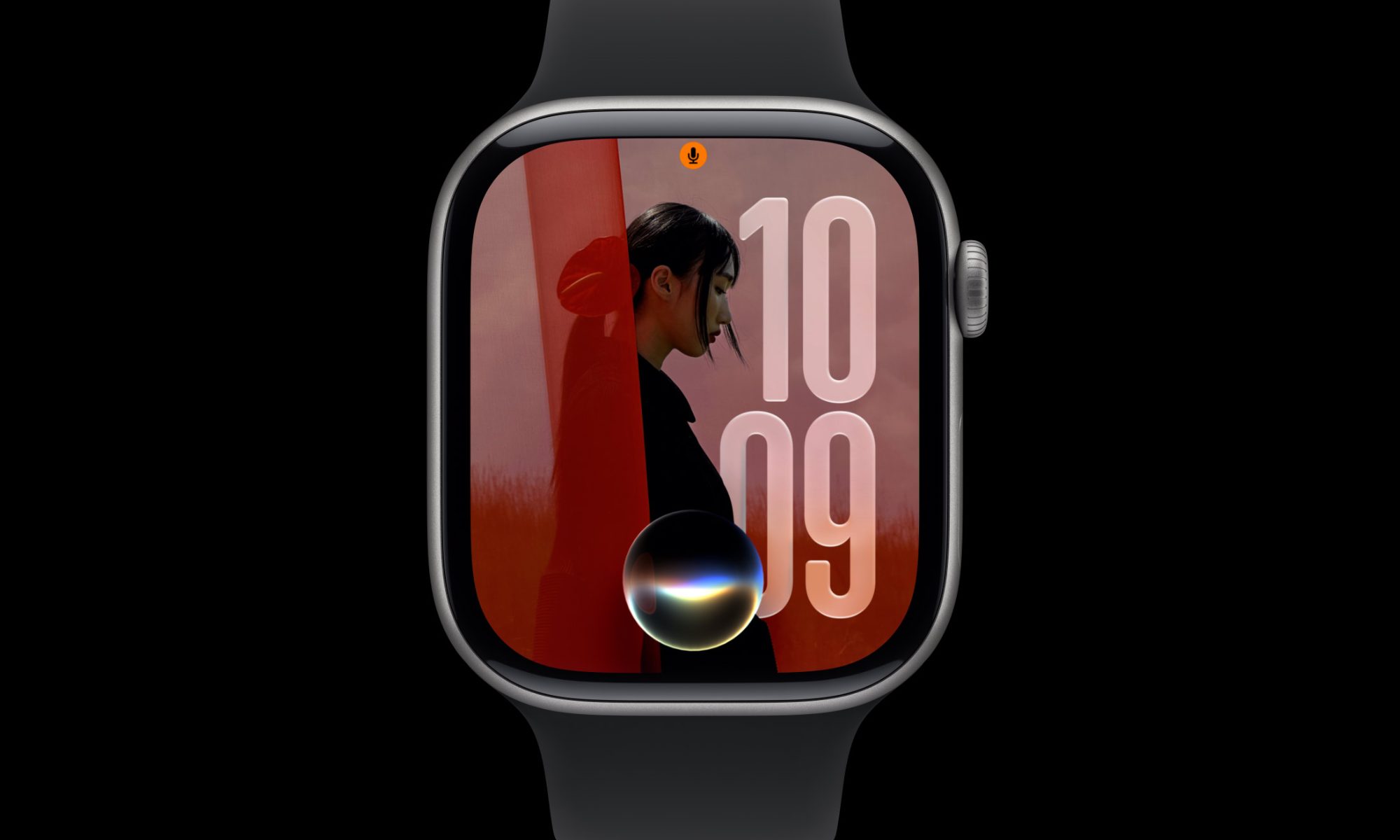
Apple has started rolling out watchOS 27.2 to the public for all supported Apple Watch models. This update comes almost a month after watchOS 27.0.1, which included bug fixes.
According to Apple’s Release Notes for watchOS 27.2, “This update provides enhancements to Siri AI, including the ability to retain useful context from previous Siri interactions, draw from a wider range of personal context, and deliver faster responses on your watch. This update also includes other features, bug fixes, and security updates for your Apple Watch.
Siri AI
- Siri AI can recall your past conversations, so you can ask Siri about something it told you before, like the restaurants it recommended last week
- Siri AI can draw from more sources to give you a great answer, including photos attached in Messages, Calendar event attendees, your voicemails, and better results from Safari history and Reading List from your phone
- Excluded Apps lets you choose which apps Siri, Search, and suggestions can access, all from one setting on your phone
- Siri AI now provides faster responses on Apple Watch
- Siri AI is available in more languages, with support for French, Japanese, Korean, Portuguese, and Spanish. Siri AI is not available in the EU or mainland China
For information on the security content of Apple software updates, please visit: https://support.apple.com/100100“
watchOS 27.2 mostly includes updates for Siri AI, for which you will need a compatible iPhone that is capable of running Siri AI, including the iPhone 15 Pro and later.
Although not mentioned in the release notes, the update also brings back the app switcher with a different gesture, a feature that was removed with the debut of watchOS 27.0.
Apple keeps refining the software experience with every update, whilst also fixing security issues. However, Apple has not published any CVE entries on its Security Update webpage, which is expected to be updated later.
You might be thinking why there was no watchOS 27.1. Apple skipped the betas for the .1 releases, likely to prevent any leaks on upcoming devices, so we’re going directly from watchOS 27.0.1 to watchOS 27.2.
Users can update their Apple Watch by going into the Watch App on their iPhone and navigating to My Watch>General>Software Update. The update requires your Apple Watch to be near your paired iPhone, connected to power, and have at least 50% Battery.
Did you find any more features in this update? Let us know about your experience down in the comments or write to us at @appleosophy! Be sure to download the Appleosophy App from the App Store or visit our website to stay updated with the latest Apple news!

0 comments
No comments yet. Start a thoughtful conversation.