
An Apple Gift Card is one of the simplest ways to pay for Apple services without attaching a credit card to your account. It also works well as a budgeting tool, since you can only spend what you have loaded. The catch is that the way a gift card balance interacts with recurring subscriptions is not always obvious. Here is how it works in practice, from redeeming the card to what happens when the money runs out.
How to Redeem an Apple Gift Card
When you redeem a card, the value is added to your Apple Account balance. It does not attach to a single purchase, and it stays on your account until you spend it.
On iPhone and iPad
Open the App Store, tap your profile picture or initials, and sign in if prompted. Tap Redeem Code, then either scan the code with your camera or enter the 16-digit code manually. Confirm to finish. Apple notes that in some countries you can also redeem through Wallet.
On Mac
Open the App Store, click your name in the sidebar, and choose Redeem Code. Scan the code with the camera or type it in, then follow the prompts.
On a Windows PC
Open the Apple Music or Apple TV app, click your name at the bottom of the sidebar, and choose Redeem. Sign in if asked, then follow the instructions.
If the camera has trouble reading the code, enter it manually. Some cards hide the code under a coating, which you may need to scratch off gently. Menu names change slightly between software versions, so use Apple’s redemption guide if your screen looks different.
What Your Balance Can Pay For
According to Apple, your balance can cover apps, games and in-app purchases from the App Store, music, movies and books from Apple’s stores, and subscriptions such as Apple Music, Apple Arcade and Apple TV. It also covers iCloud+, which is the plan that adds storage beyond the free 5 GB.
There are limits. You can’t use your balance to send gifts or gift cards. AppleCare+ can’t be started with balance alone, and some subscriptions may not be charged to it at all. Funds are yours only, so Family Sharing members can’t spend your balance. In some cases a purchase may still require a card on file. If a particular subscription matters to you, check Apple’s current list before you load a large amount.
How Subscriptions Draw From Your Balance
For recurring charges, Apple takes the money from your balance first. If the balance does not cover the full amount, Apple charges your primary payment method for the remainder.
| Step | What Apple charges |
| 1 | Your Apple Account balance |
| 2 | Your primary payment method, for any remaining amount |
| 3 | Other payment methods on file, in the order listed |
| 4 | If none work, Apple might try again later |
How to Check and Manage Your Subscriptions
On an iPhone, open Settings, tap your name, and choose Subscriptions to see everything that is active, along with renewal dates. Tap any entry to change the plan or cancel. On a Mac, open the App Store, click your name, and go to Account Settings, where you will find the Manage option next to Subscriptions.
Your remaining balance is shown on your account page in the App Store, so it is worth checking before each renewal date. A quick monthly look at your list also catches free trials that were about to convert to paid plans.
What Happens When Your Balance Runs Out
This is where many people get caught out. If your balance can’t cover a renewal and you have no other payment method on file, the charge fails. Apple says your account then shows a negative balance, and you can’t make purchases, download or update items until you fix it. Your service may also pause or lapse, so a missed renewal can mean losing access to cloud storage or music.
The fix is simple. Either load another card to your balance or add a payment method under your account settings. If you want your subscriptions to be paid only from gift cards, set a reminder to top up a few days before they renew.
Region Rules: Match the Card to Your Account
Gift cards are tied to the country or region of your Apple Account. A US card works only with a US Apple Account, and the same logic applies elsewhere. Apple also notes that availability varies by country, and some stores and subscriptions aren’t offered everywhere.
Before buying, check the region of your Apple Account in your account settings. Buying the wrong region is the most common reason a legitimate code won’t redeem, and a retailer may not be able to swap it once it has been issued.
Where to Buy an Apple Gift Card
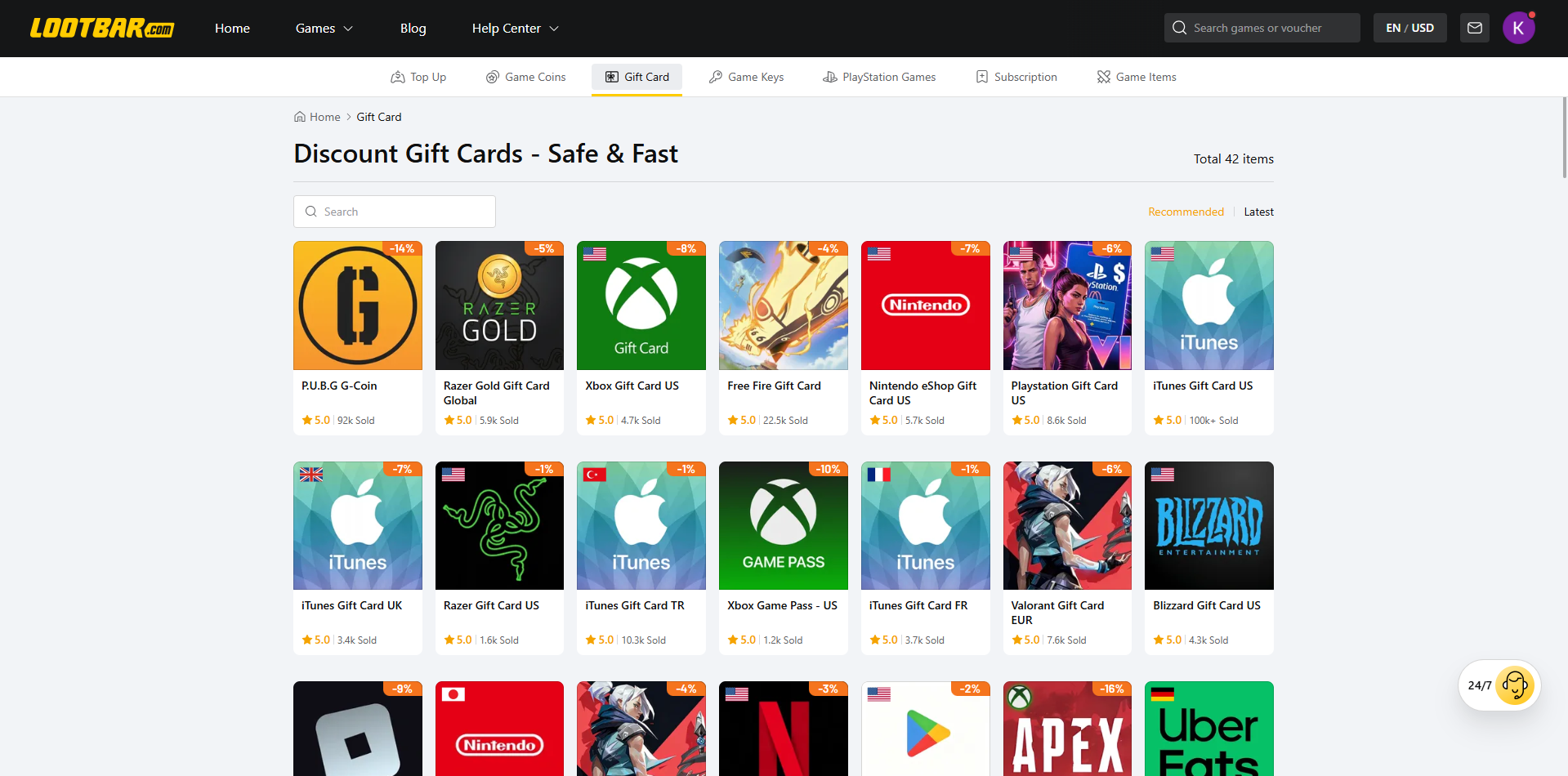
You can buy cards in stores, from Apple directly, or online. If you’d rather skip the trip, you can buy itunes gift card online from LootBar, which sells US cards from $5 to $400 for US Apple Accounts. The code is delivered automatically, and LootBar offers a full refund if a code turns out to be invalid. If you need cards for other services too, the LootBar gift card page covers many more brands.
Whichever card you buy, check that its region matches your Apple Account and keep your order confirmation until the balance shows up.
Gift Card Scams to Avoid
Apple is clear that its gift cards are meant only for Apple products and services. Anyone asking you to pay a utility bill, a tax debt, a government fee or a hospital bill with an Apple Gift Card is running a scam, and no legitimate agency works this way.
The usual pattern is a call, text, email or social media message that creates panic or urgency, then walks you through buying cards and reading out the codes. Once a scammer has those codes, they can spend the funds quickly. Never share the redemption code with someone you don’t know well or haven’t met in person.
If you suspect a scam, contact Apple Support at once and consider reporting it to law enforcement. Apple has more detail in its gift card scams guide.
Conclusion
An Apple Gift Card is a tidy way to pay for App Store subscriptions, iCloud+ and Apple Music, as long as you keep three things in mind. Redeem it to the right region, keep an eye on your balance before renewals, and never hand over a code to a stranger. Do that, and the card does exactly what it is supposed to.
0 comments
No comments yet. Start a thoughtful conversation.