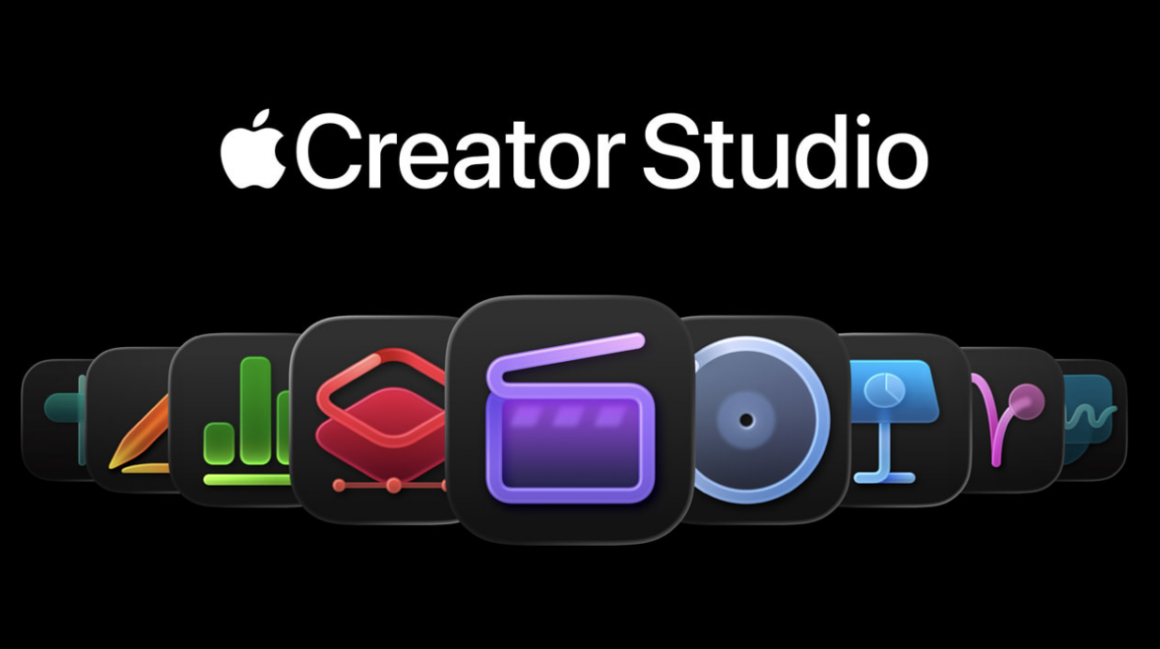
As we mentioned before, Apple Creator Studio bundles all of Apple’s pro creativity and productivity apps in one premium subscription service similar to Adobe Creative Cloud. Although there are so many features that Apple Creative Studio will offer, there are certain requirements that you will need in order to access specific features, and Apple lists so many footnotes in yesterday’s press release. It’s definitely a lot to take in, so we can break it down for you by going through each app.
Final Cut Pro
- Both the Apple Creator Studio version and the one-time purchase version require a Mac model with an Intel processor or an Apple silicon chip running macOS 15.6 or later
- The iPad version requires an iPad model with the A16, A17 Pro, or M1 chip or later running iPadOS 18.6 or later
- The Transcript Search feature requires a Mac with Apple silicon running macOS 15.6 or later, or an iPad with the A16, A17 Pro, or M1 chip or later running iPadOS 26 or later.
Pixelmator Pro
- The Apple Creator Studio version requires macOS 26
- On the other hand, the one-time purchase version requires macOS 12.0 or later.
- The iPad version requires an iPad model with the A16, A17 Pro, or M1 chip or later running iPadOS 26 or later
Logic Pro
- The Apple Creator Studio version requires a Mac with Apple silicon running macOS 15.6 or later
- The one-time purchase version requires any Mac running macOS 15.6 or later
- The iPad version requires an iPad with the A12 Bionic chip or later running iPadOS 26
- Specific features will require an iPad with an A17 Pro chip or an M-series chip
- The Session Players feature requires an iPad with the M1 chip or later. It’s recommended to use this feature on a Mac with Apple silicon for optimal performance.
Keynote/Pages/Numbers
Any iPhone, iPad, or Mac model running iOS 18.0 or later, iPadOS 18.0 or later, or macOS 15.6 or later, respectively. However, to access some AI-powered features (more on that in a bit), you will need to have the latest version of any of those aforementioned platforms (version 26).
Apple has promoted many of its intelligence features that Apple Creator Studio will bring, such as image generation. Keep in mind that those features rely on Apple Intelligence, which is supported by these Mac and iPad models:
- Mac with M1 or later
- iPad mini (A17 Pro), and iPad models with M1 and later
Furthermore, iPad versions of Final Cut Pro and Pixelmator Pro utilize the Apple Pencil’s capabilities to expand your creativity further. As a reminder, certain gestures of the Apple Pencil can be found in some Apple Pencil models:
| Apple Pencil (2nd generation) | Apple Pencil (USB-C) | Apple Pencil Pro | |
| Apple Pencil Hover* | YES | YES | YES |
| Apple Pencil double-tap | YES | NO | YES |
| Apple Pencil squeeze | NO | NO | YES |
*Keep in mind that the hover feature works with iPad Pro (M2/M4/M5), iPad Air (M2/M3), or iPad mini (A17 Pro)
Apple Pencil (2nd generation) is compatible with:
- iPad mini (A15)
- iPad Air (A14/M1)
- iPad Pro (A12X/A12Z/M1/M2)
Apple Pencil (USB-C) is compatible with all iPad models with a USB-C port:
- iPad mini (A15)
- iPad Air (A14/M1/M2/M3)
- iPad Pro (A12X/A12Z/M1/M2/M4/M5)
Apple Pencil Pro is compatible with:
- iPad mini (A17 Pro)
- iPad Air (M2/M3)
- iPad Pro (M4/M5)
That should sum up everything you need to know about which devices you’ll need to access any of the features in the upcoming Apple Creative Studio bundle.