
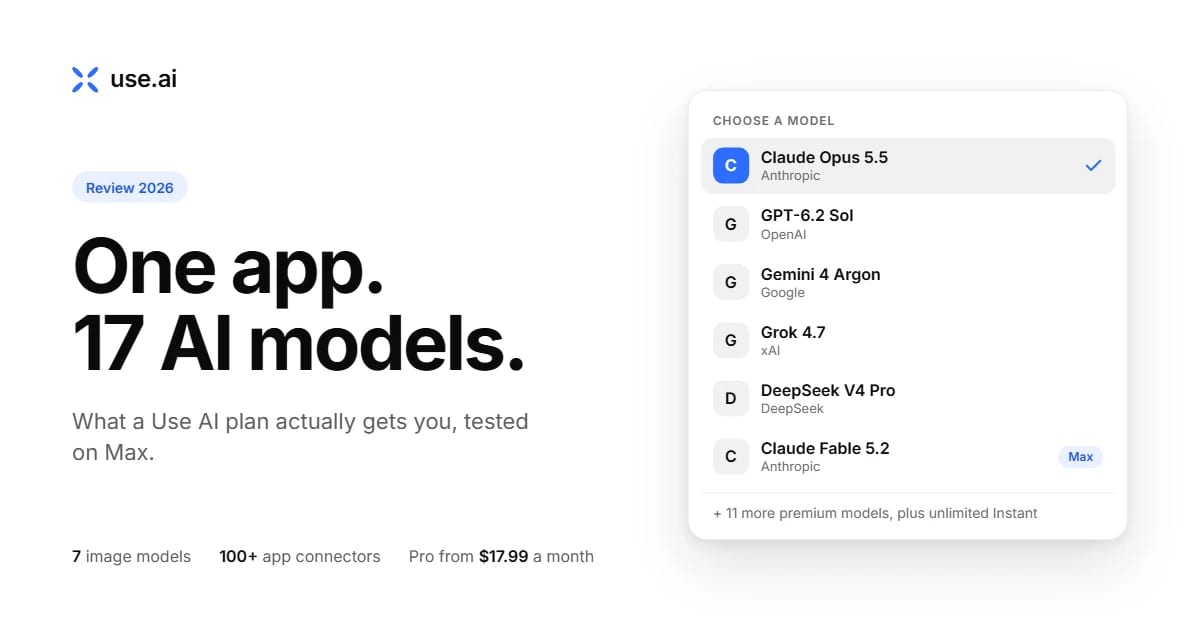
Use AI puts 17 premium chat models from nine AI companies behind a single login, alongside seven image generators and more than 100 app connectors. Its Pro plan starts at $17.99 a month on six-month billing. The question for anyone weighing it up is how much of that access a plan covers each day.
We used Use AI on a Max plan on November 21, 2026, and checked its pricing page and help center the same day. Prices, limits and plan details come from those pages unless we say we saw them in the app.
What Use AI is
Who runs it and where the models come from
Use AI is run by Use AI Inc. Its site says the company provides access to third-party AI models and is not affiliated with, endorsed by or the owner of them. In practice, it is one interface to models built by Anthropic, OpenAI, Google, xAI, DeepSeek, Moonshot, Alibaba, Z.AI and Meta.
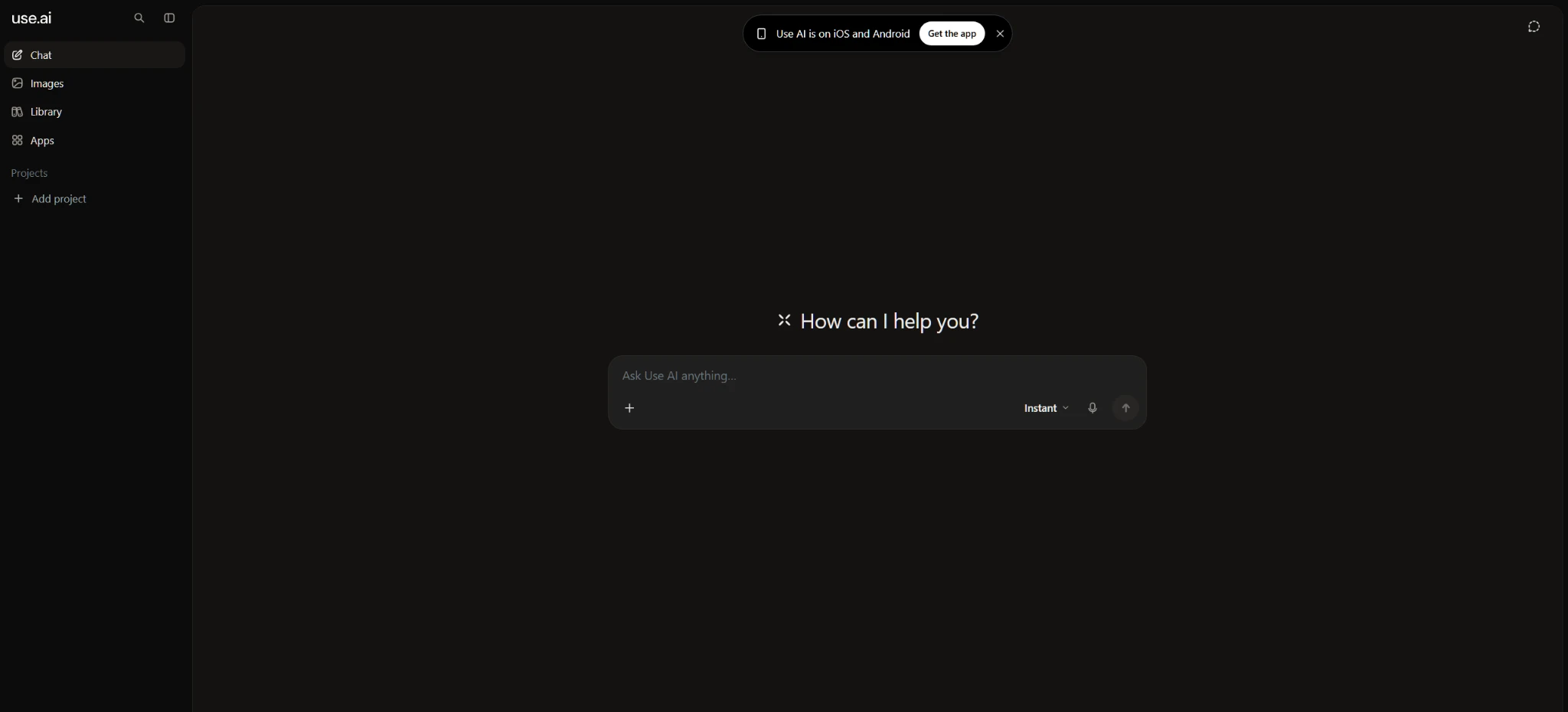
The app has four main areas, Chat, Images, Library and Apps, with Projects listed below them in the sidebar. It runs in a browser and on iOS and Android.
Instant and the premium models
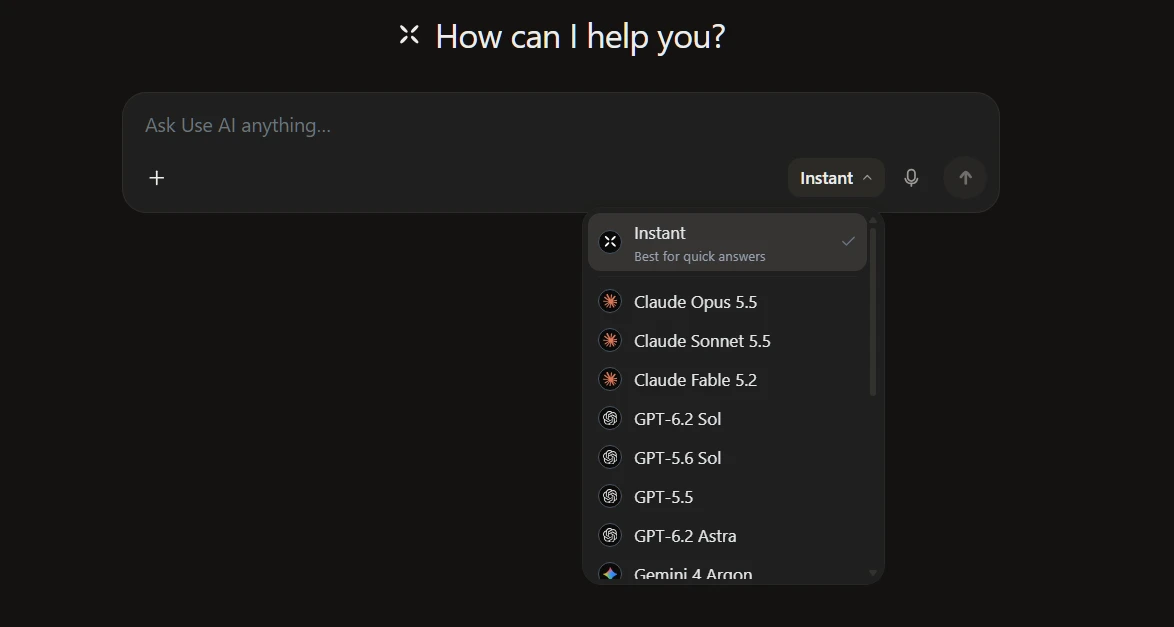
Every chat opens on Use AI Instant, the company’s own default model, labeled “Best for quick answers.” On paid plans it is unlimited, subject to fair use, and it never counts toward the usage allowance.
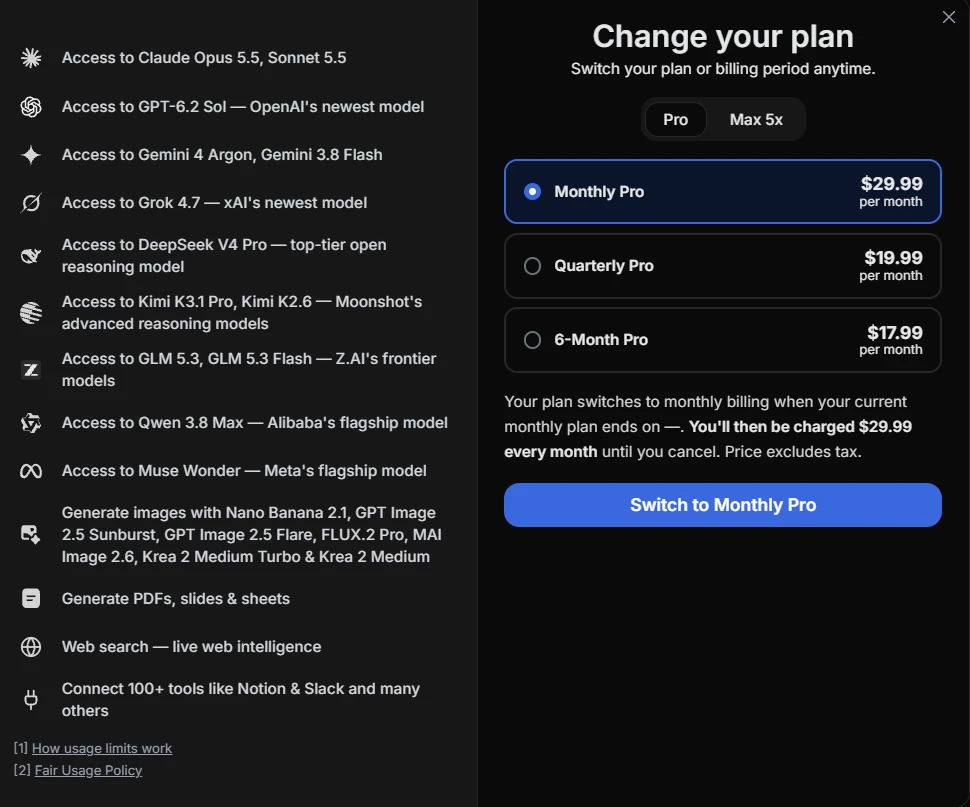
The model menu lists 17 premium models: Claude Opus 5.5, Sonnet 5.5 and Fable 5.2; GPT-6.2 Sol, GPT-5.6 Sol, GPT-5.5 and GPT-6.2 Astra; Gemini 4 Argon and Gemini 3.8 Flash; DeepSeek V4 Pro; Kimi K3.1 Pro and K2.6; Grok 4.7; Qwen 3.8 Max; GLM 5.3 and GLM 5.3 Flash; and Muse Wonder. Fable 5.2 and GPT-6.2 Astra are available only on Max.
What we tested
Chat and switching models mid-conversation
The chat box has a + menu with five options: attach a file, add apps, create an image, run a web search or start Deep Research. The model menu sits beside the send button, and paid plans can change model partway through a conversation.
Settings add three controls that apply to every chat: a response style of Short, Medium or Long, a box for standing instructions, and a memory field for details Use AI should carry across conversations.
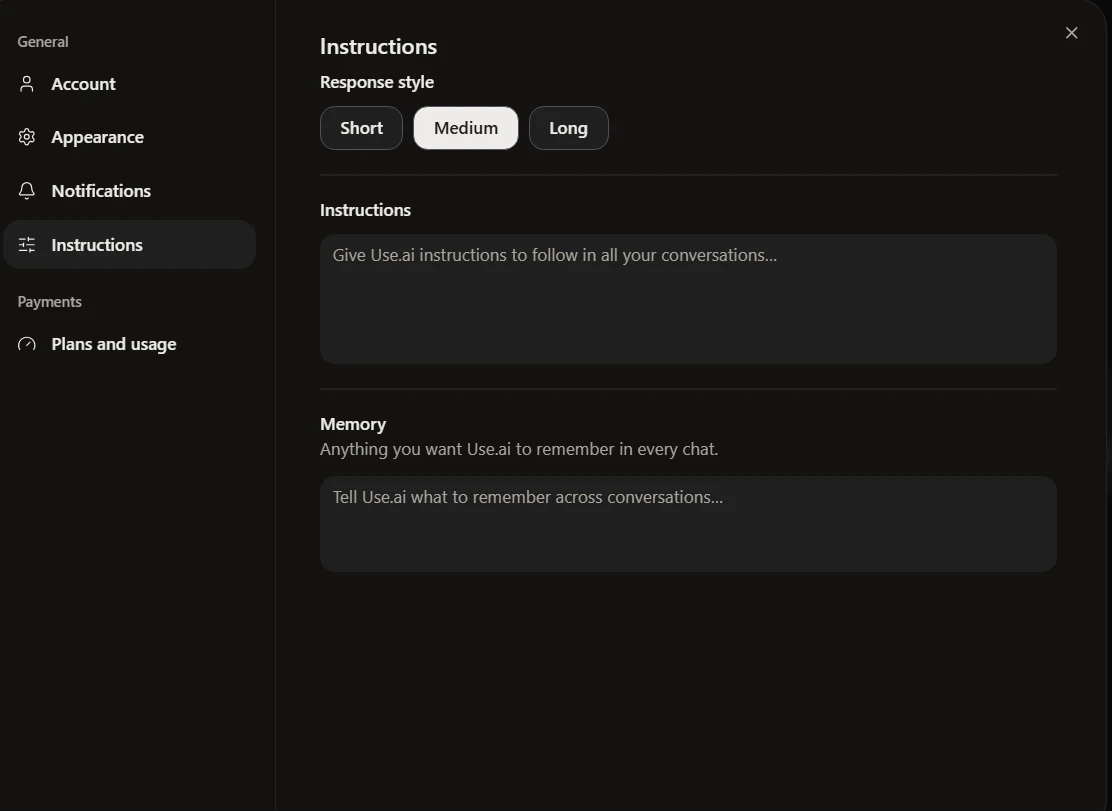
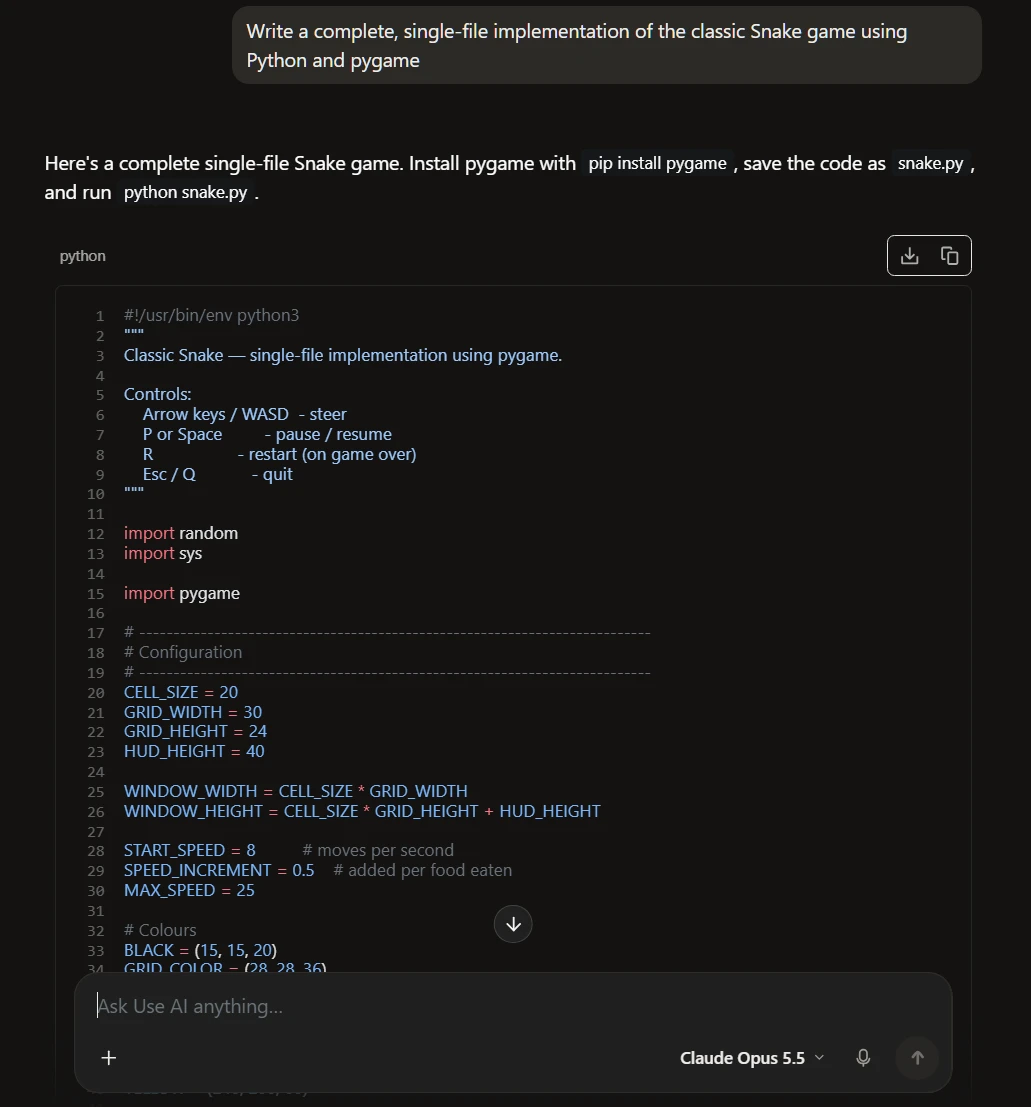
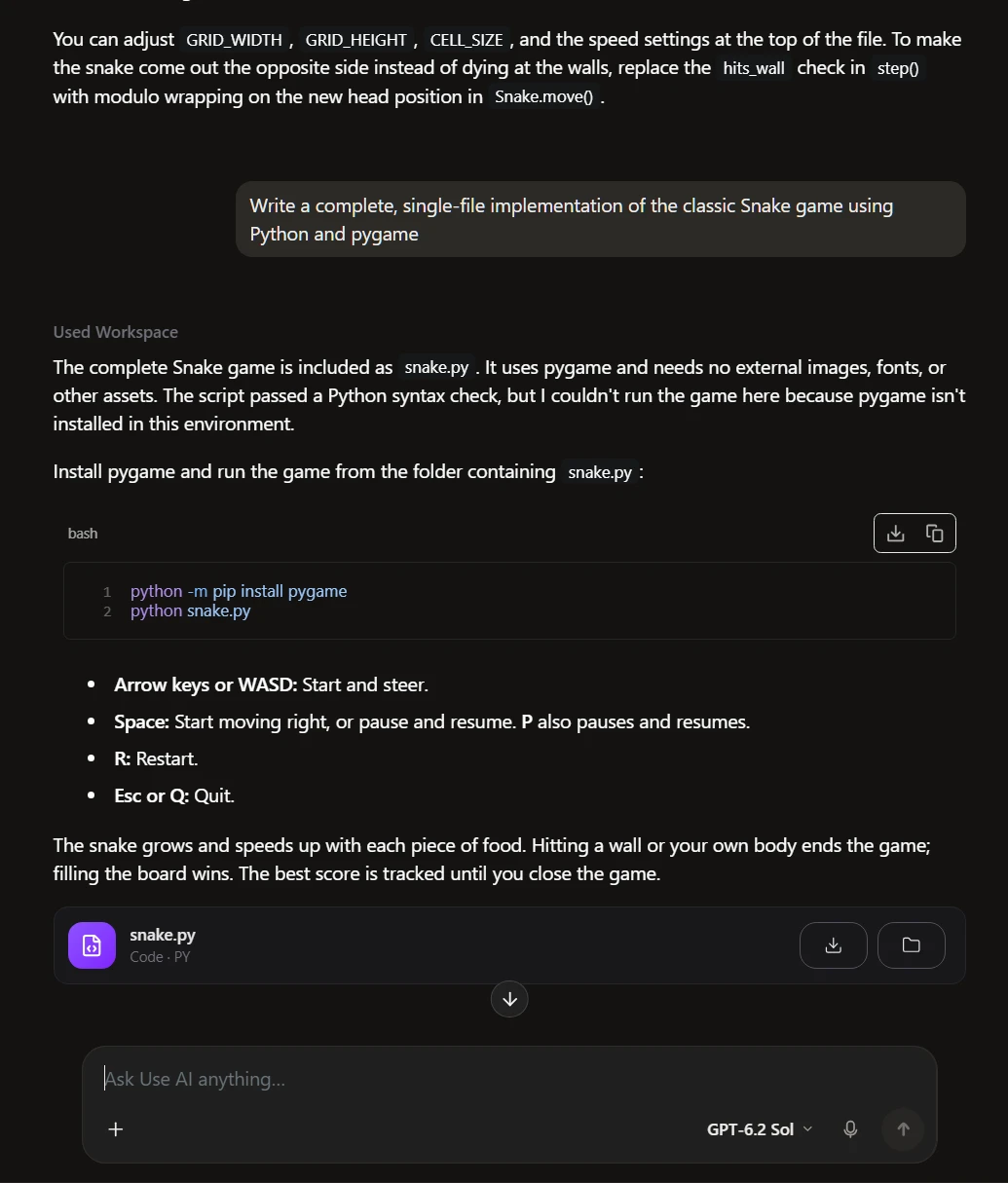
Image generation: seven models, styles and aspect ratios
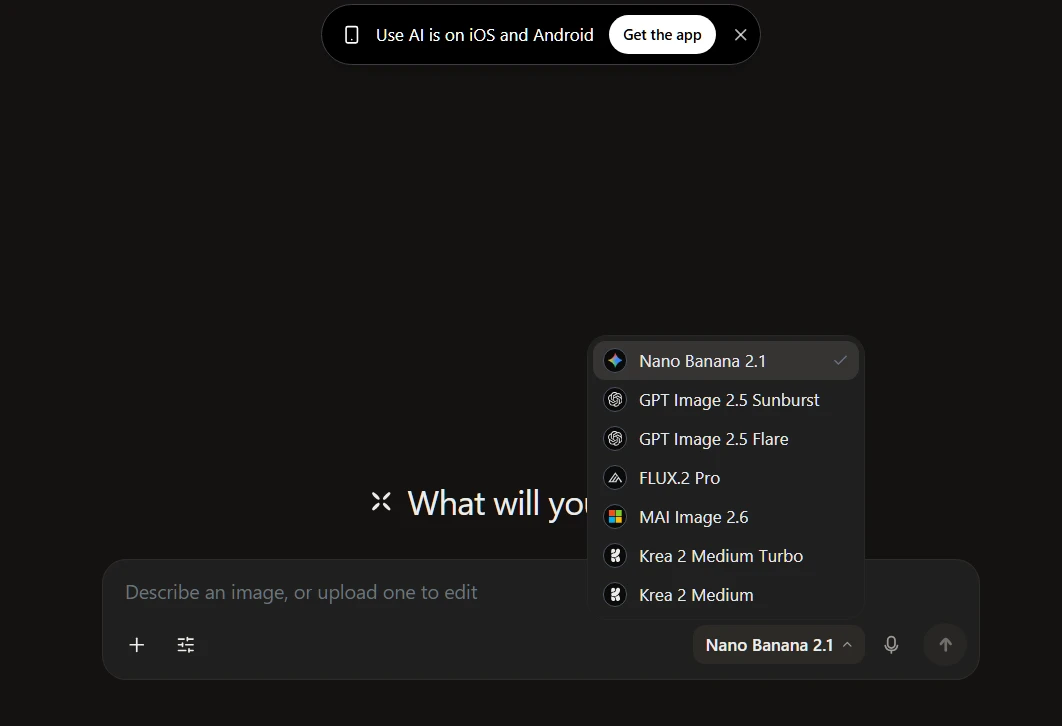
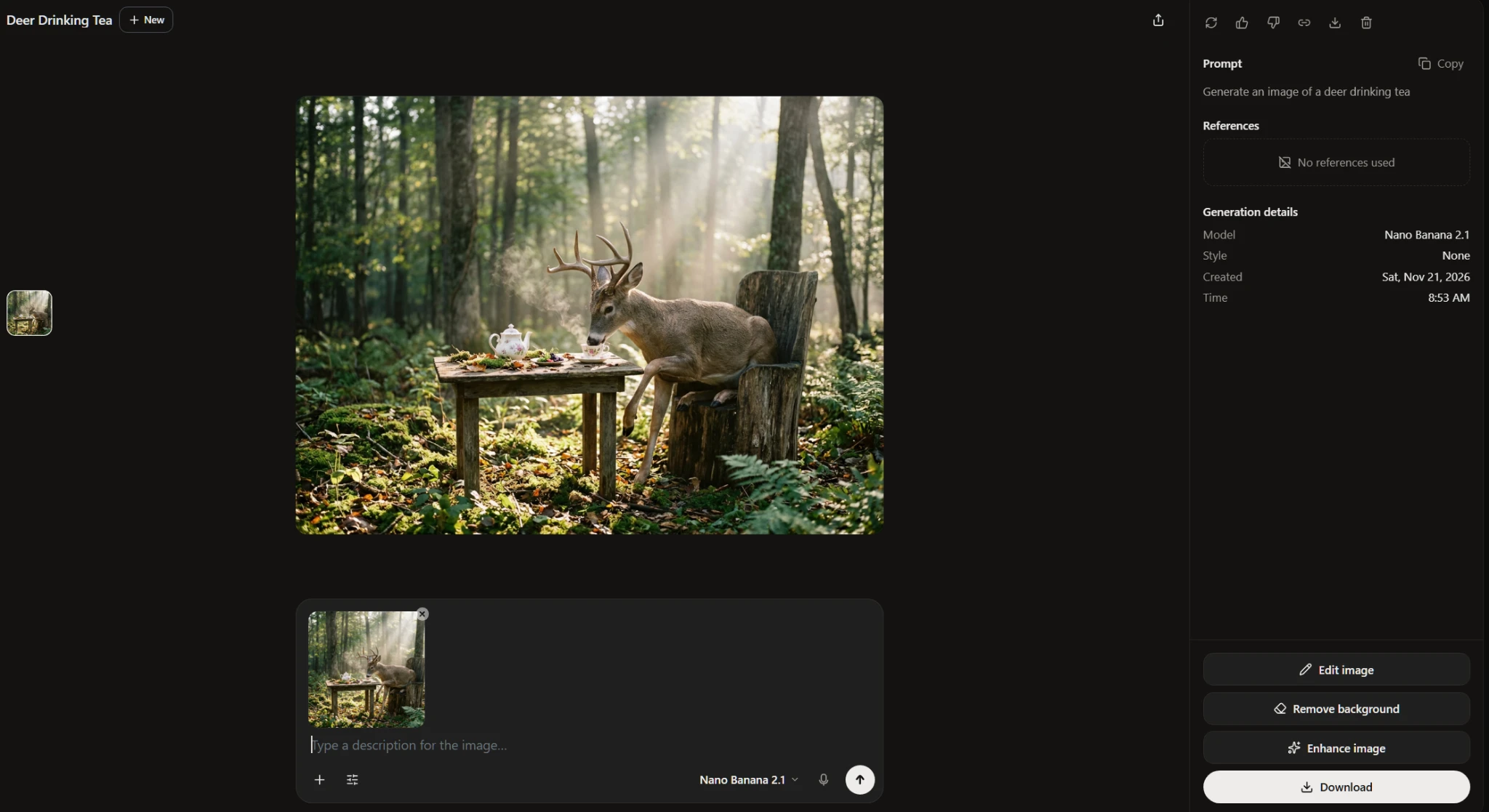
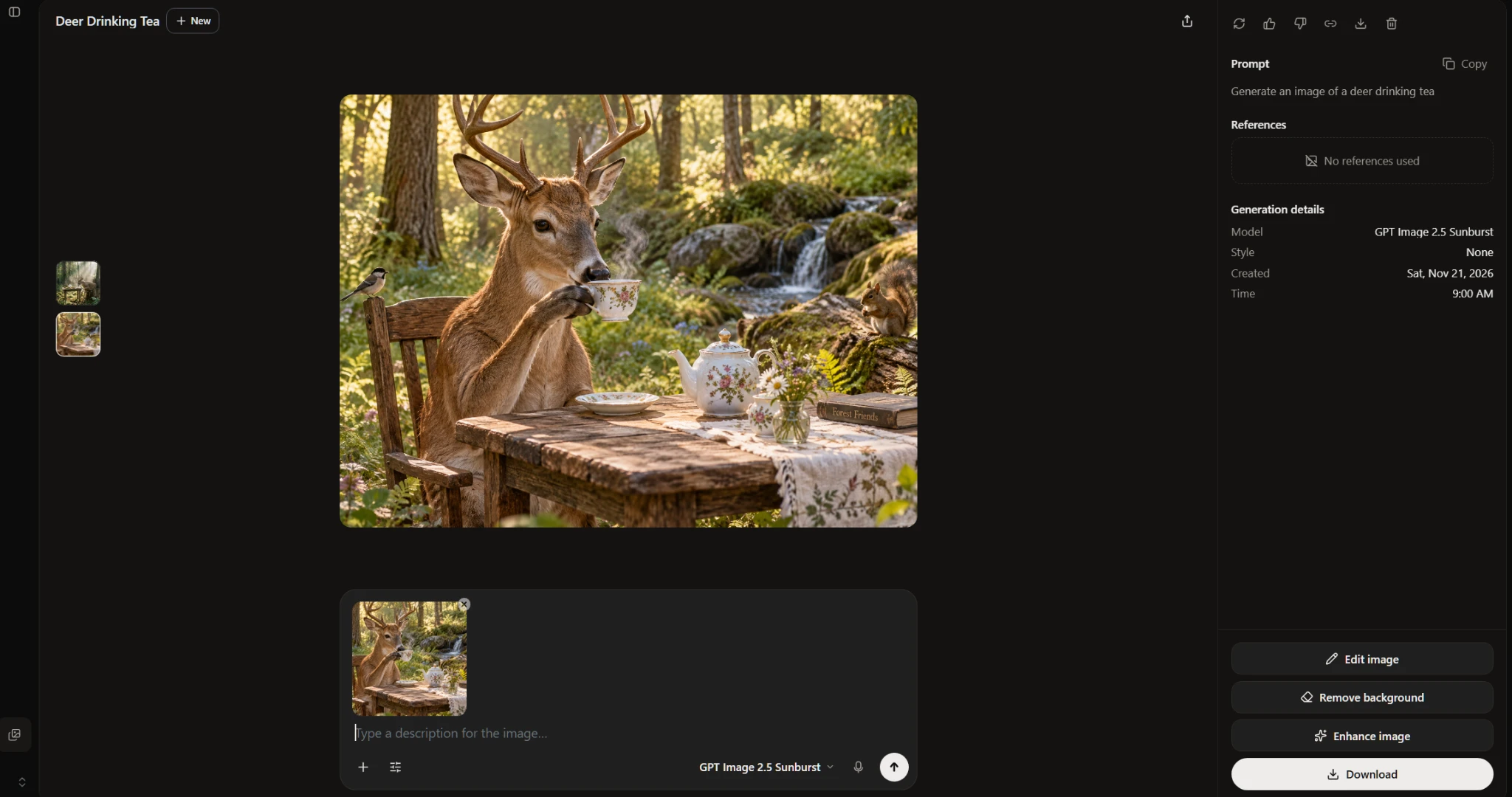
The Images section has its own model menu with seven generators: Nano Banana 2.1, GPT Image 2.5 Sunburst, GPT Image 2.5 Flare, FLUX.2 Pro, MAI Image 2.6, Krea 2 Medium Turbo and Krea 2 Medium. A settings panel adds seven style presets, from Realistic to Abstract, and aspect ratios from square to 21:9 widescreen, plus Auto. You can also upload an image to edit instead of starting from a prompt.
Deep Research, web search and app connectors
Deep Research draws on up to 200 sources per report on Pro and up to 1,000 on Max, according to the pricing page. Web search is included on paid plans and limited on Free.
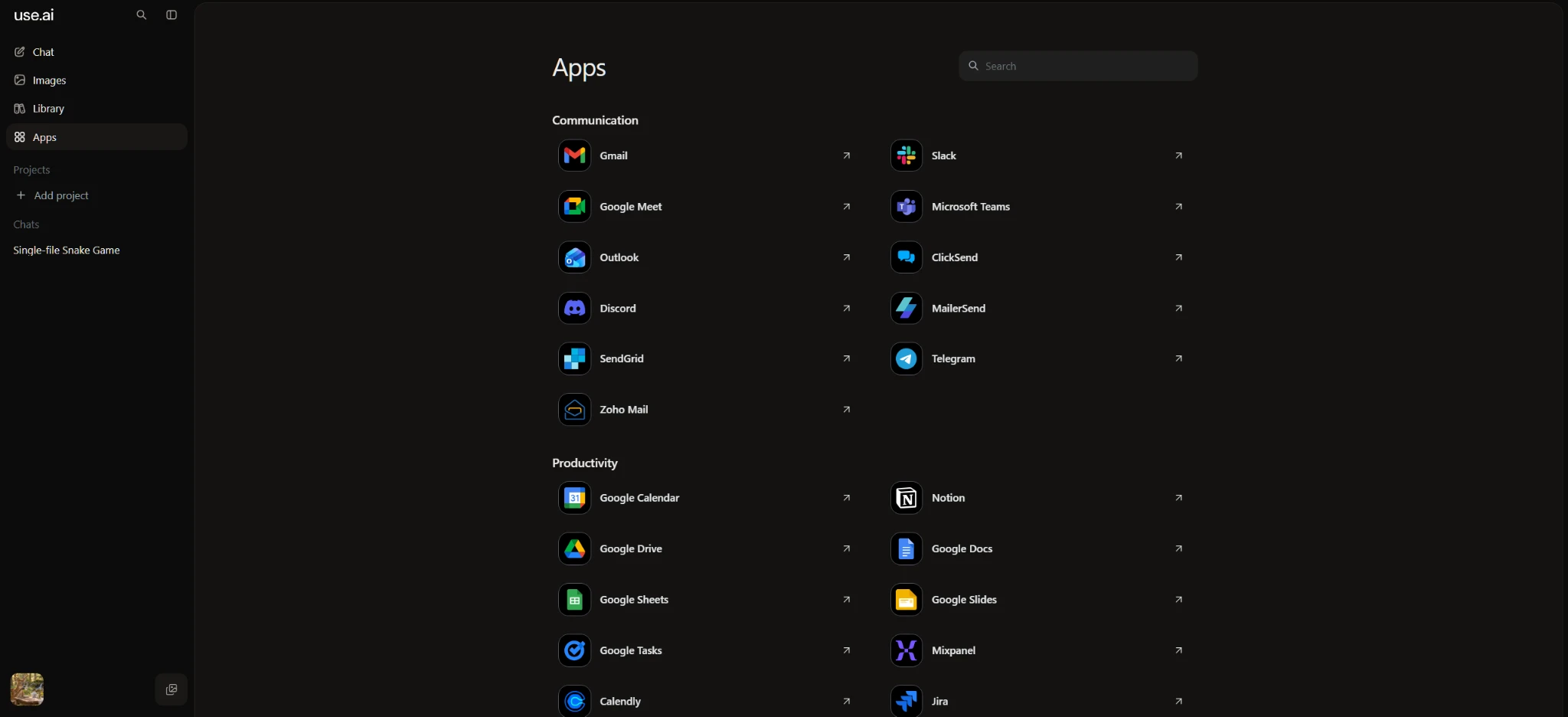
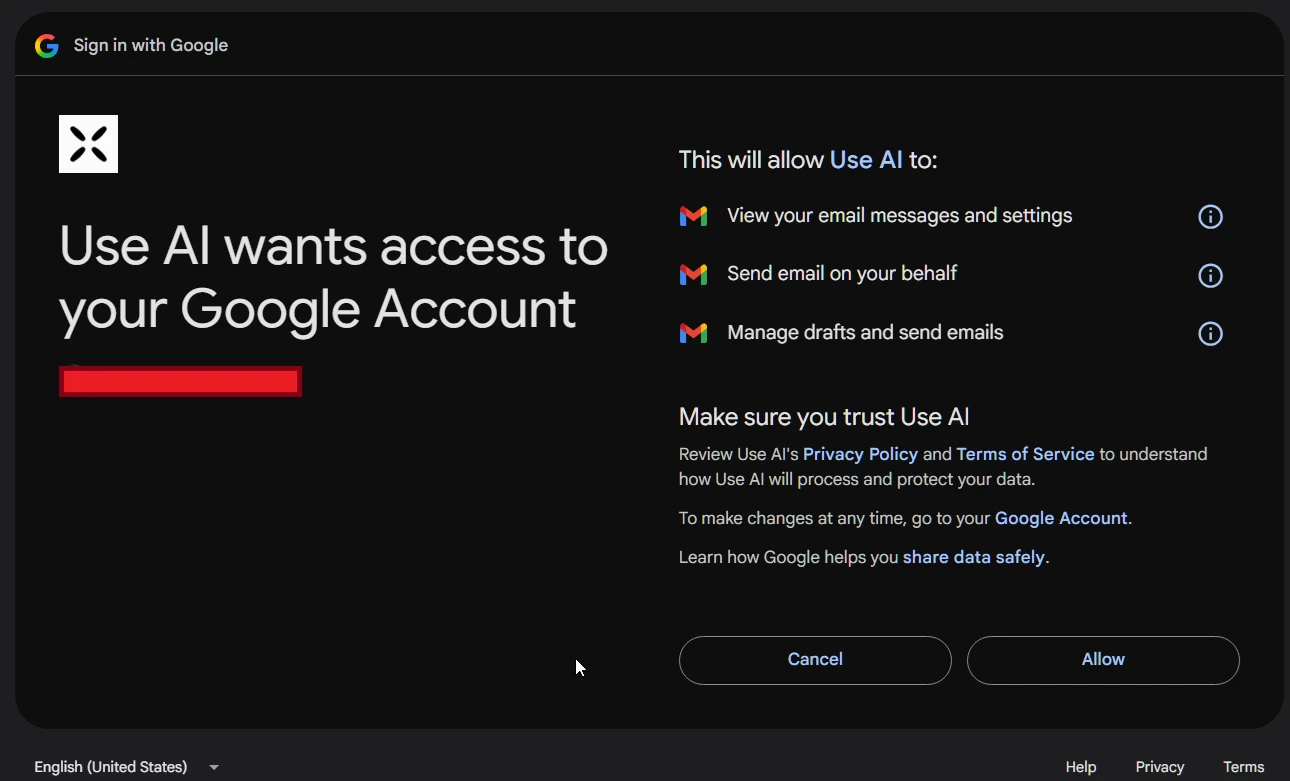
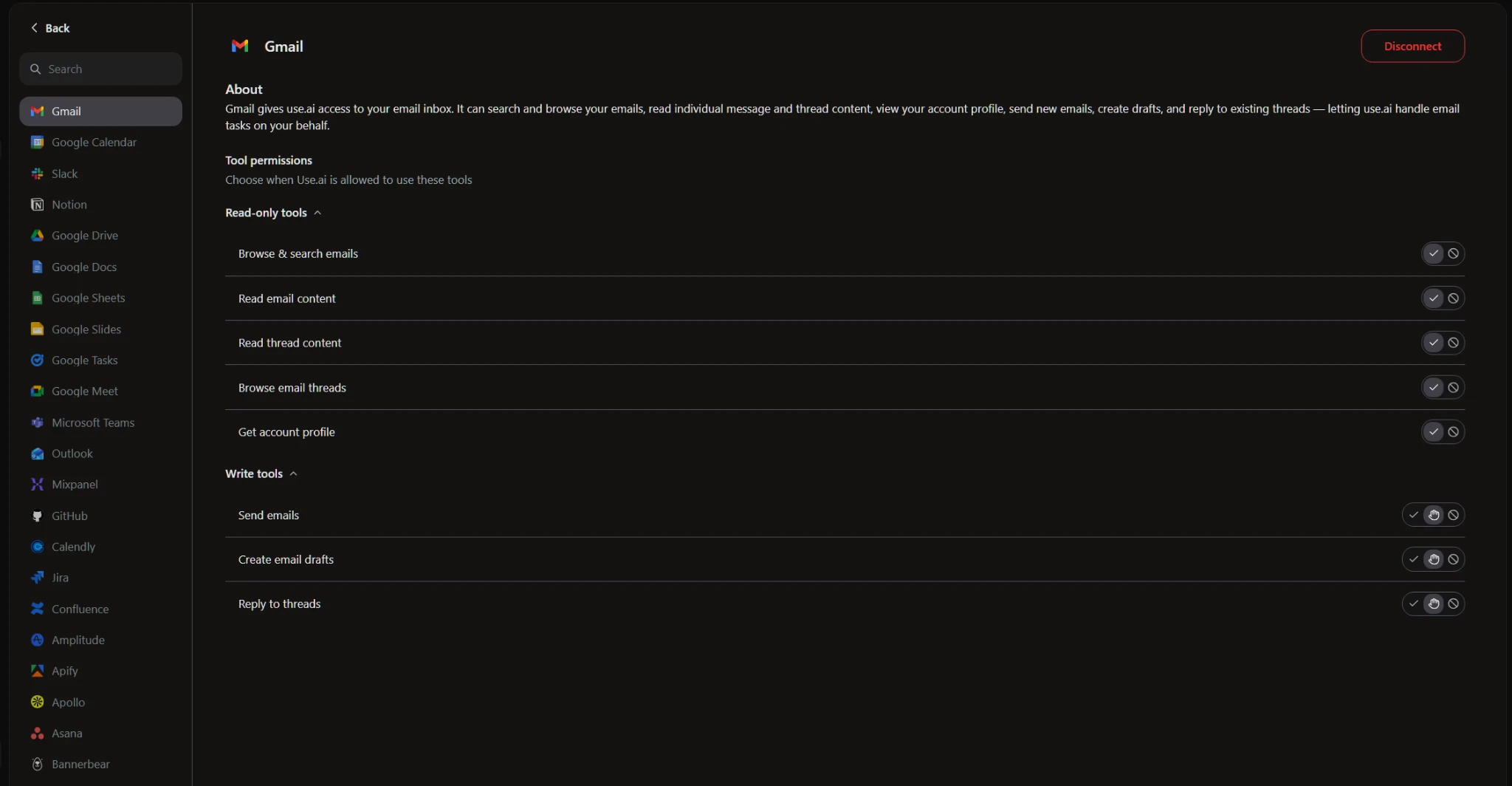
The Apps page lists more than 100 connectors grouped by category. They range from communication and productivity tools such as Gmail, Slack, Notion and Google Drive to developer, marketing, sales, finance and automation services such as GitHub, Mailchimp, PayPal and Zapier. Paid plans also include projects with knowledge bases, a file library, AI agents and tools for creating documents, PDFs, slides and sheets.
How far a plan goes
The daily allowance and what happens at the limit
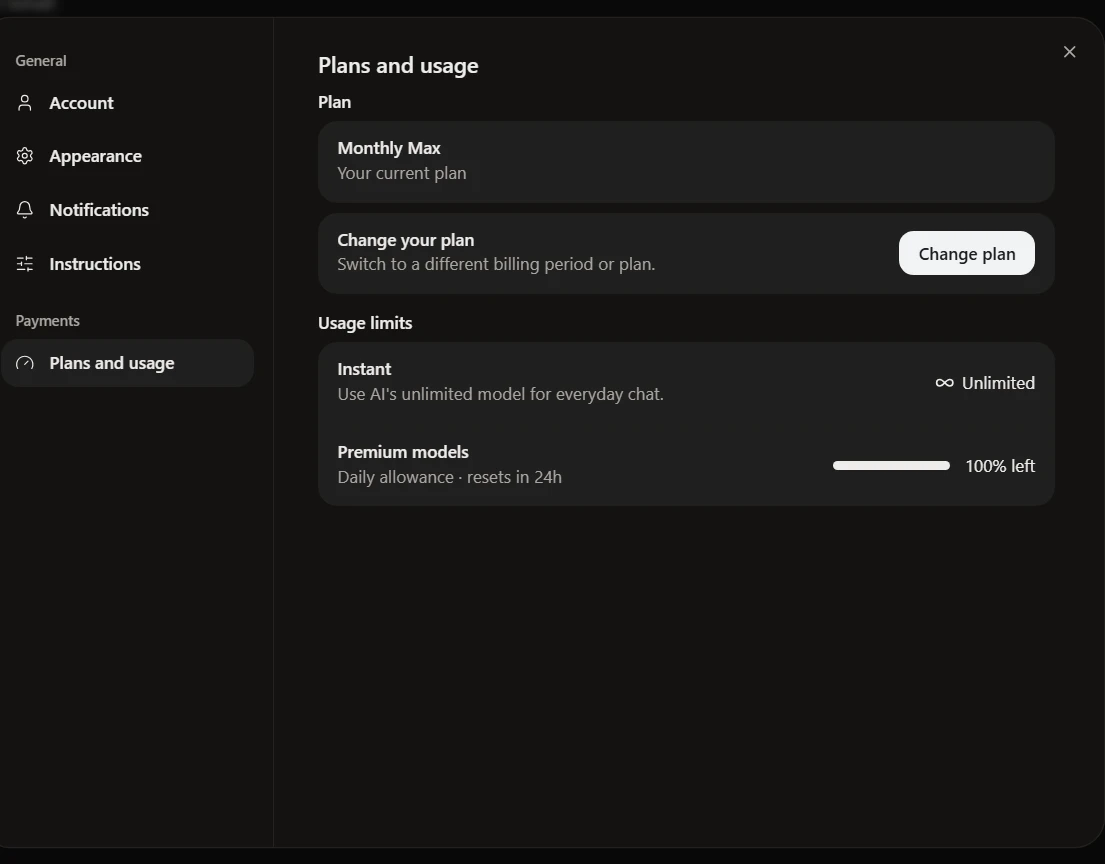
Each paid plan comes with a monthly allowance for premium models, but Use AI releases it as a daily share. Its help center says this keeps one busy stretch from draining the whole month. The Plans and usage screen on our Max account showed Instant as unlimited and premium models at 100% left, with the daily allowance resetting in 24 hours.
When the day’s share runs out, the reply in progress finishes on the premium model and the chat moves to Instant with a notice. The allowance returns the next day, but you have to select a premium model again. The Free plan’s limit is described as dynamic and is not disclosed.
Pro and Max side by side
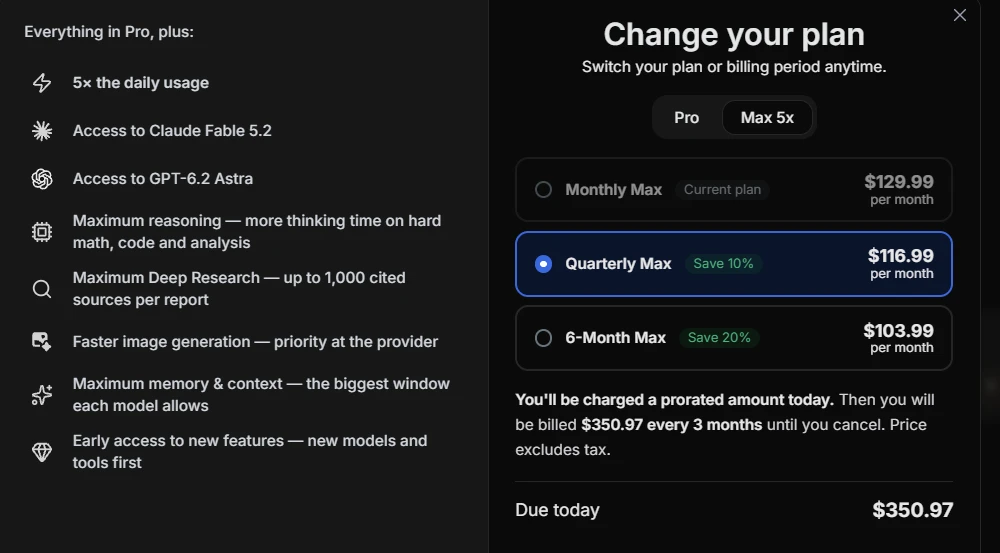
Max gives five times Pro’s premium allowance and adds the two Max-only models. It also runs models at maximum reasoning effort, where Pro runs at high and Free at low, and offers the largest memory and context window each model allows, faster image generation and early access to new features. Faster images rely on Use AI asking the provider for priority, which the pricing page says is not guaranteed.
Use AI publishes estimates of how many messages each plan buys. A sample, per day:
|
Model |
Pro |
Max |
| Claude Opus 5.5 | about 31 | about 158 |
| Claude Sonnet 5.5 | about 63 | about 317 |
| GPT-6.2 Sol | about 63 | about 317 |
| GPT-5.5 | about 22 | about 111 |
| Gemini 3.8 Flash | about 169 | about 846 |
| DeepSeek V4 Pro | about 134 | about 673 |
| GLM 5.3 Flash | about 1,111 | about 5,555 |
| Claude Fable 5.2 | Max only | about 79 |
| GPT-6.2 Astra | Max only | about 79 |
For images, Pro ranges from about 14 a day on either GPT Image 2.5 model to about 44 on Krea 2 Medium Turbo, and Max from about 70 to 222. Nano Banana 2.1 sits at about 18 a day on Pro and 90 on Max.
These are Use AI’s estimates for standard-quality output. Longer conversations, attachments, higher reasoning effort and web search all use more, so read them as a ceiling.
What it costs
|
Plan |
Monthly |
Quarterly |
6 months |
| Free | $0 | Not offered | Not offered |
| Pro | $29.99 a month | 19.99amonth(59.97 every 3 months) | $17.99 a month |
| Max | $129.99 a month | 116.99amonth(350.97 every 3 months) | $103.99 a month |
Prices are from the plan screen in our account and exclude tax. Pro’s quarterly and six-month rates work out to about 33% and 40% below its monthly price, while Max’s are 10% and 20% lower. Six months of Pro comes to $107.94 and six months of Max to $623.94. The pricing page notes that prices may vary by country and current promotions.
New users can start with a seven-day trial of the full Pro plan for $1, which then continues as a monthly subscription at the regular price shown at checkout. Subscriptions can be cancelled at any time from use.ai/subscription/cancel, or in Apple’s settings for iOS subscriptions, and access continues to the end of the paid period. Refund requests go to help@use.ai and are reviewed under the terms. Apple handles refunds for subscriptions bought in the iOS app.
What users say
On Trustpilot, Use AI had a 4.0 rating from 52,287 reviews on November 21, 2026, most of them labeled as invited. On Reviews.io, it had 4.8 from 1,540 reviews, with 98% of reviewers recommending it. The two scores come from different pools collected in different ways, and the larger Trustpilot sample is the more cautious guide.
Praise on both sites centers on having several models in one place. One reviewer said switching between models “feels way less annoying here,” and another said they could “move from translation to research to writing without friction.” On Trustpilot, a five-star reviewer said the tool saved hours of re-entering text, and another found it easy to access.
Other reviewers note that the number of models takes time to learn and that answer quality varies from one model to the next.
Our verdict
Use AI makes the most sense for people who work across several AI models in a week and would rather manage one login and one subscription. On Use AI’s own estimates, Pro covers daily use of most models, with Instant for unlimited quick questions. Max is for heavy users and anyone who needs Fable 5.2 or GPT-6.2 Astra.
The allowances are estimates that shrink with long chats and attachments, the Free plan’s cap is not disclosed, two models sit behind the most expensive plan, and Use AI resells access to models it does not build. Before choosing a plan, check the daily figures for the two or three models you use most.
0 comments
No comments yet. Start a thoughtful conversation.