
Last week, Apple rolled out the second developer betas of iOS 27.3 and other software releases of version 27.3. This time, Safari will get two major enhancements.
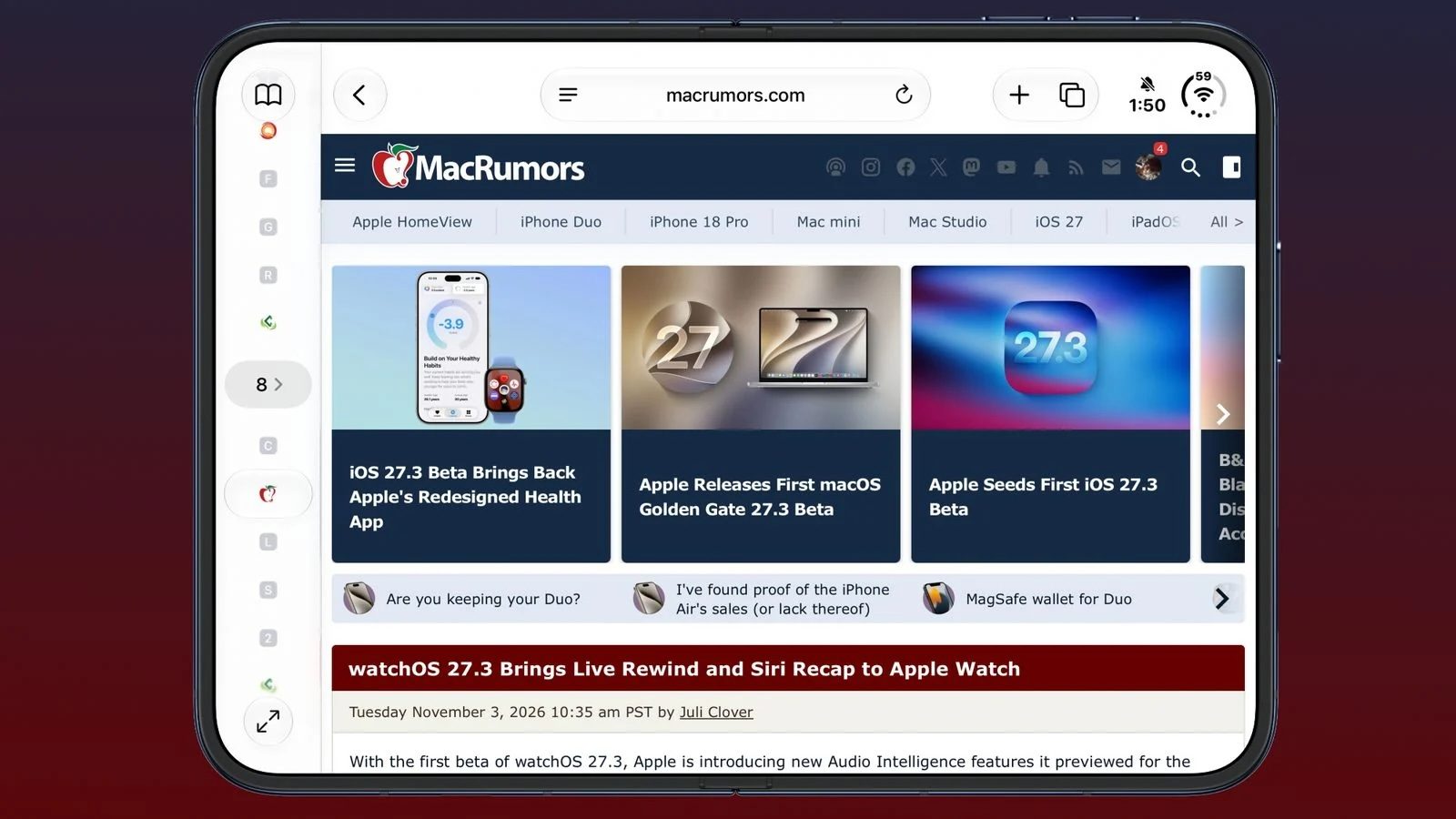
First, Safari on iOS 27.3, iPadOS 27.3, and macOS 27.3 will bring a new option for how tabs will be arranged. Currently, the two tab layouts available in Safari are: Separate Tab Bar and Compact Tab Bar. Soon, in version 27.3, Safari will add a new Vertical Tabs layout as a third option, where open tabs will be located on the left side of the display.
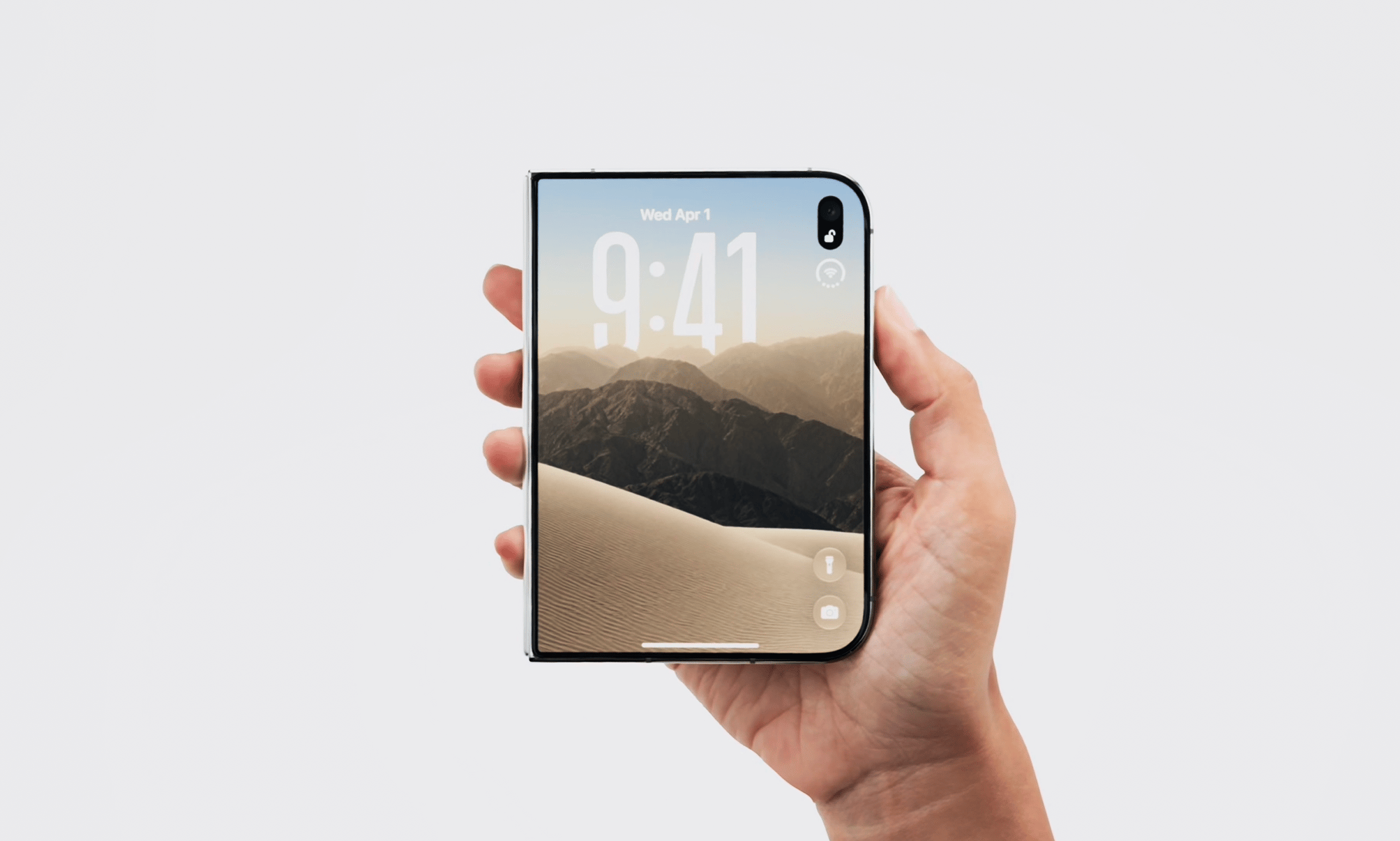
This design change will certainly pair well with the iPhone Duo’s larger display since it will be much easier for your thumbs to reach when holding the Duo with both hands. After all, the Dock is located on the right side of the home screen for similar reachability. (It would be nice to have the ability to move the dock to either the left or right side on an iPad, though.) As mentioned before, this change will also be available to iOS, iPadOS, and macOS, and this will still be beneficial since you will have a bit of extra vertical height when viewing content such as reading a post like this one here.
While it will show the icons by default, users could still opt to show the website titles as well. However, I’d just leave the tabs to show the icons only so I could see more of the web content, especially when viewing on a smaller display like an iPhone 18 Pro. Additionally, Vertical Tabs will work with both Topics and Tab Groups, which were announced earlier this year, for dynamic organization thanks to Apple Intelligence.
Secondly, for websites that do not have a native dark mode, Safari will soon bring Adaptive Dark Mode, and what this does is try to “mimic” a Dark Mode experience as much as possible while still appearing readable to the user. This would include: darkening the background color and inverting the content visually, including the text, logos, and graphics. This won’t apply to websites that already either have a native dark mode or a dark design, and Safari will still give you the extra flexibility on enabling this option for all sites or toggling on each site individually in Settings.
All in all, this will make Safari an even better experience for everyday users. Will you be trying out these new features coming to Safari in version 27.3? Sound off in the comments below. Make sure you bookmark this site so you can stay up to date with the latest Apple stories and deals.
0 comments
No comments yet. Start a thoughtful conversation.