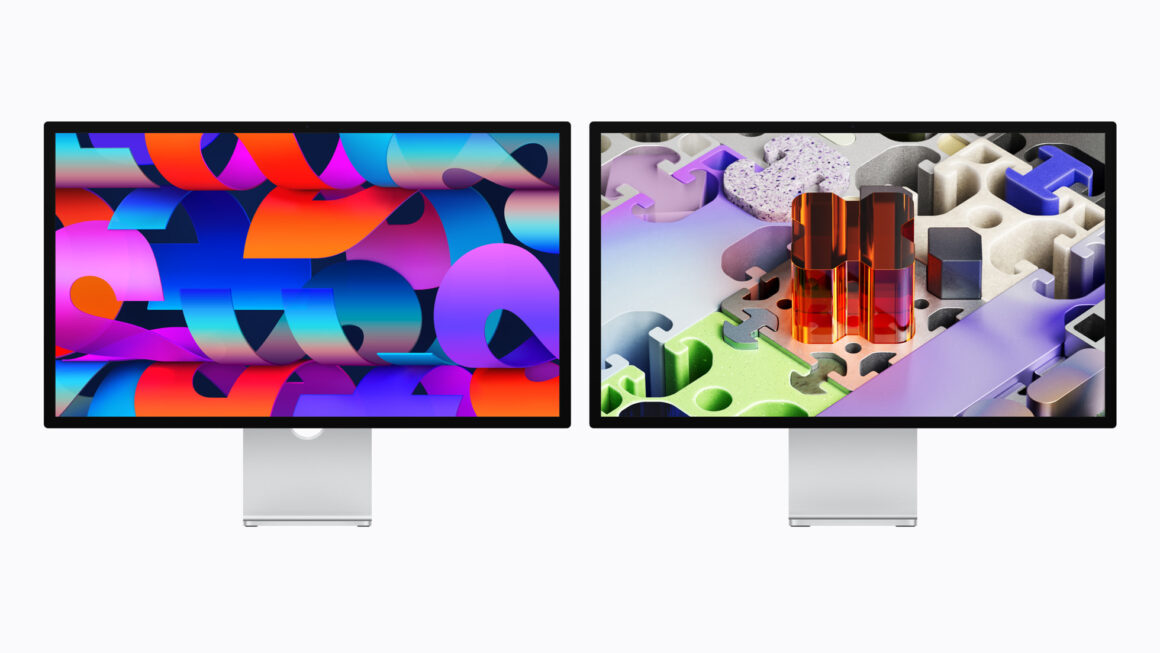
Apple announced not just one, but two new Studio Display models: the upgraded Studio Display and the all-new Studio Display XDR. With Thunderbolt 5 support, both of these monitors are ideal companions for your Mac. If you’re planning on buying either of these models, you may want to check which Mac or iPad you have, especially if you want to take full advantage of the Studio Display XDR’s features.
Mac compatibility
According to Apple, both the Studio Display and the Studio Display XDR are compatible with only Macs with Apple silicon running macOS Tahoe 26.3.1 or later. This means both of these models dropped Intel Macs for good as Apple is moving away from Intel, and we can expect the next version, macOS 27, to support compatibility with Intel Macs.
These are the Macs that will be compatible with both of the latest Studio Display models:
- iMac (M1 and later)
- MacBook Air (M1 and later)
- MacBook Pro (M1 and later)
- Mac mini (M1 and later)
- Mac Studio (M1 Max and later)
- Mac Pro (M2 Ultra)
iPad compatibility
Additionally, iPad Air and iPad Pro models can connect to either of the Studio Display models for extended display support. These are the iPads that will be compatible with both of the latest Studio Display models. You’ll need to update to iPadOS 26.3.1 or later.
- iPad Air (M1, M2, M3, M4)
- iPad Pro (2018, 2020, M1, M2, M4, and M5)
120Hz support
For the Studio Display XDR specifically, if you want that buttery-smooth 120Hz refresh rate, keep in mind that these Macs with the following chips will not be able to support that refresh as they’ll be capped at 60Hz:
- M1, M1 Pro, M1 Max, M1 Ultra
- M2
- M3
However, Apple says that you will be able to continue to take advantage of other features the Studio Display XDR provides, such as HDR video. Additionally, only the iPad Pro (M5) can take full advantage of 120Hz support. All the other compatible iPad models are capped at 60Hz.
Conclusion
The Studio Display gets even better than before, and whether you have either a MacBook or a “headless” Mac such as the Mac mini, there’s no better companion than the Studio Display. If you have a compatible Mac and want that complete integration, then the Studio Display is for you.